
Intro to NeXus

NeXus is a GPU-accelerated particle and simulation system that works seamlessly within X-Particles. Powered by Vulkan, it offloads heavy simulation work to the GPU, delivering real-time feedback on scenes that would otherwise take minutes to calculate on the CPU.
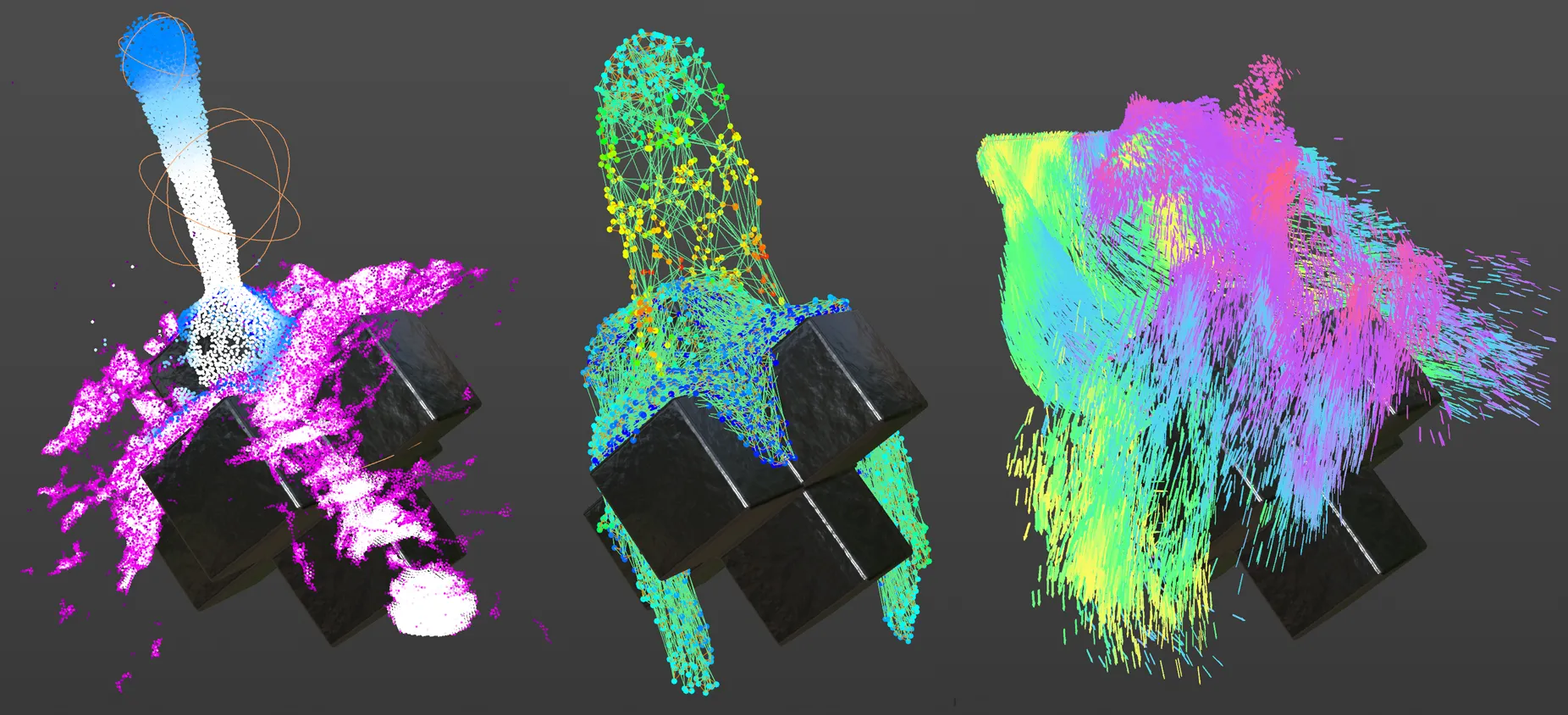
Three identical set-ups, each using an xpEmitter with a collision object below, demonstrating three distinct simulation styles. Left: nxFluid dynamic solver. Centre: nxConstraints dynamic solver. Right: NeXus Modifiers.
What NeXus can do
Section titled “What NeXus can do”NeXus extends X-Particles with GPU-powered solvers and modifiers. Its tools are found within the X-Particles menu and the xpSystem object.
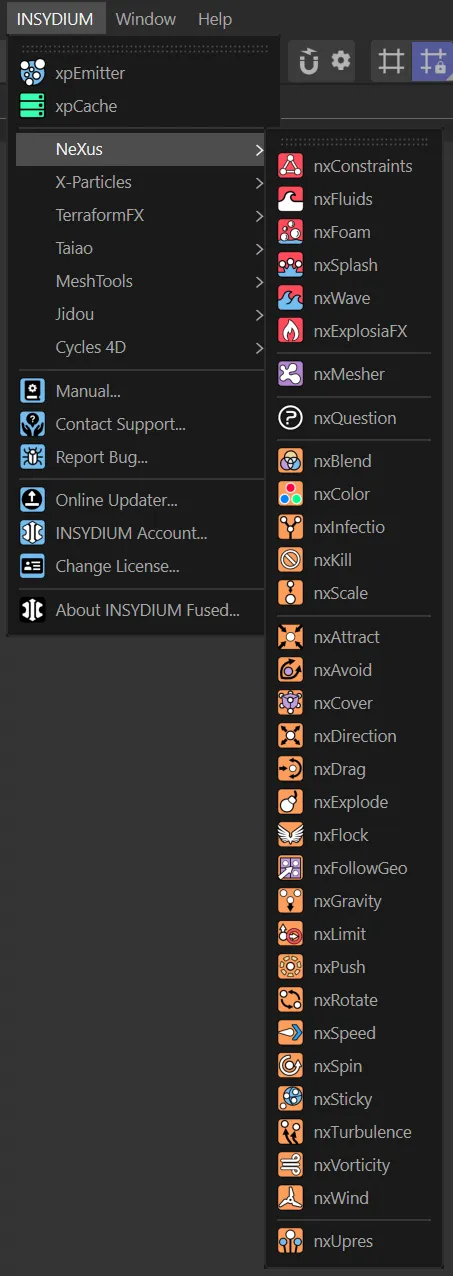
The NeXus menu in the Cinema 4D UI.
- Fluids (nxFluids): viscous liquids, ink drops and large-scale fluid simulations
- Granular materials: sand, gravel and powder with realistic inter-particle friction
- Constraints (nxConstraints): GPU-accelerated particle connections with springs, attraction and repulsion forces, viscosity and surface tension
- Foam & waves: ocean foam and wave simulations via nxFoam and nxWave
- Modifiers: a full library of GPU modifiers including attract, avoid, flock, turbulence and more
- Mixed scenes: NeXus and standard X-Particles tools can be combined; each calculates on its respective processor
Getting started
Section titled “Getting started”Create an xpEmitter and add a NeXus modifier or dynamic solver as a child object. Once X-Particles detects a NeXus modifier or solver, the xpEmitter icon automatically changes from blue to orange, signalling that GPU processing is active. No manual setup required.
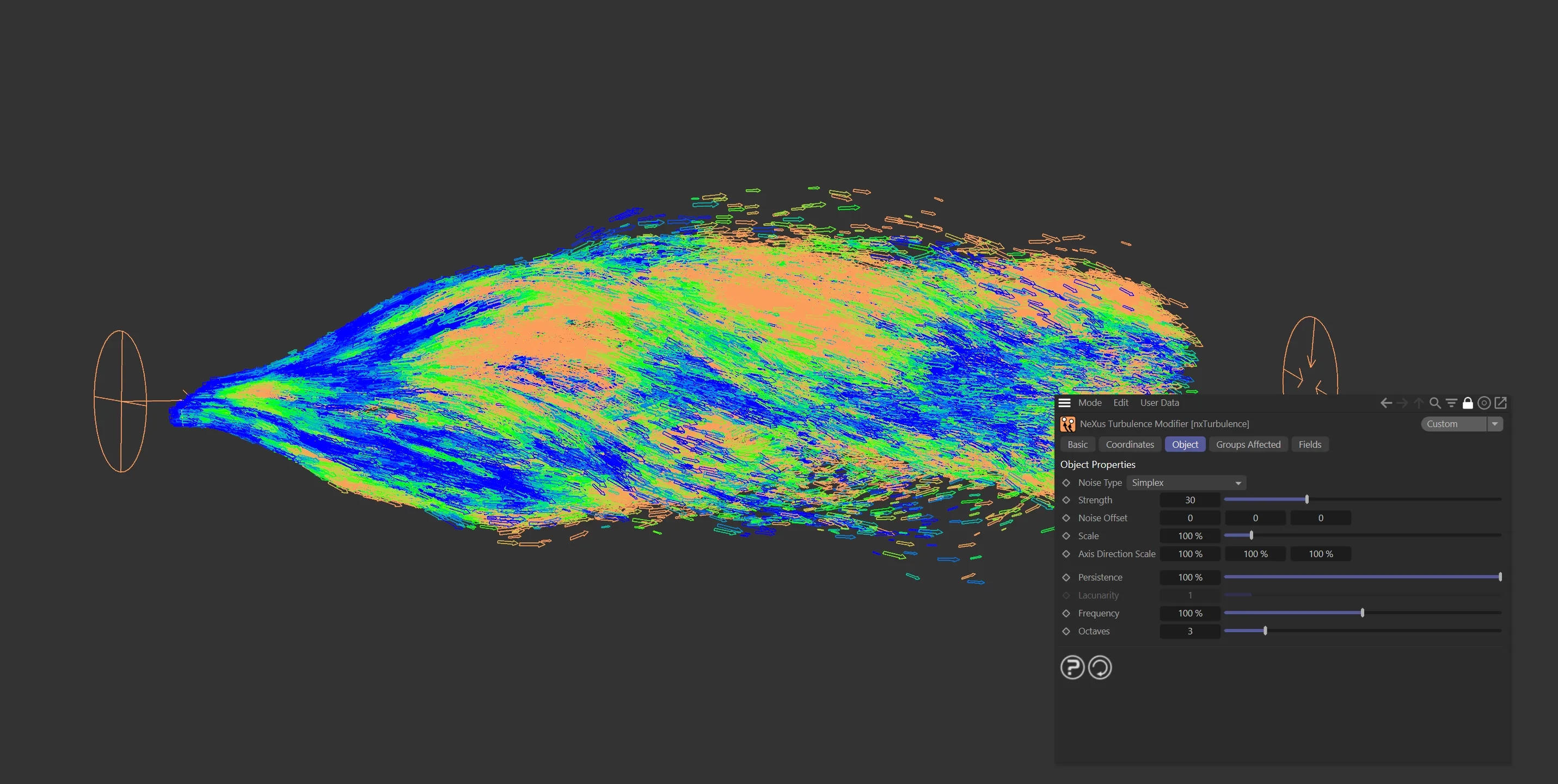
Particle movement and direction controlled by the nxTurbulence modifier with Noise Type set to Simplex.
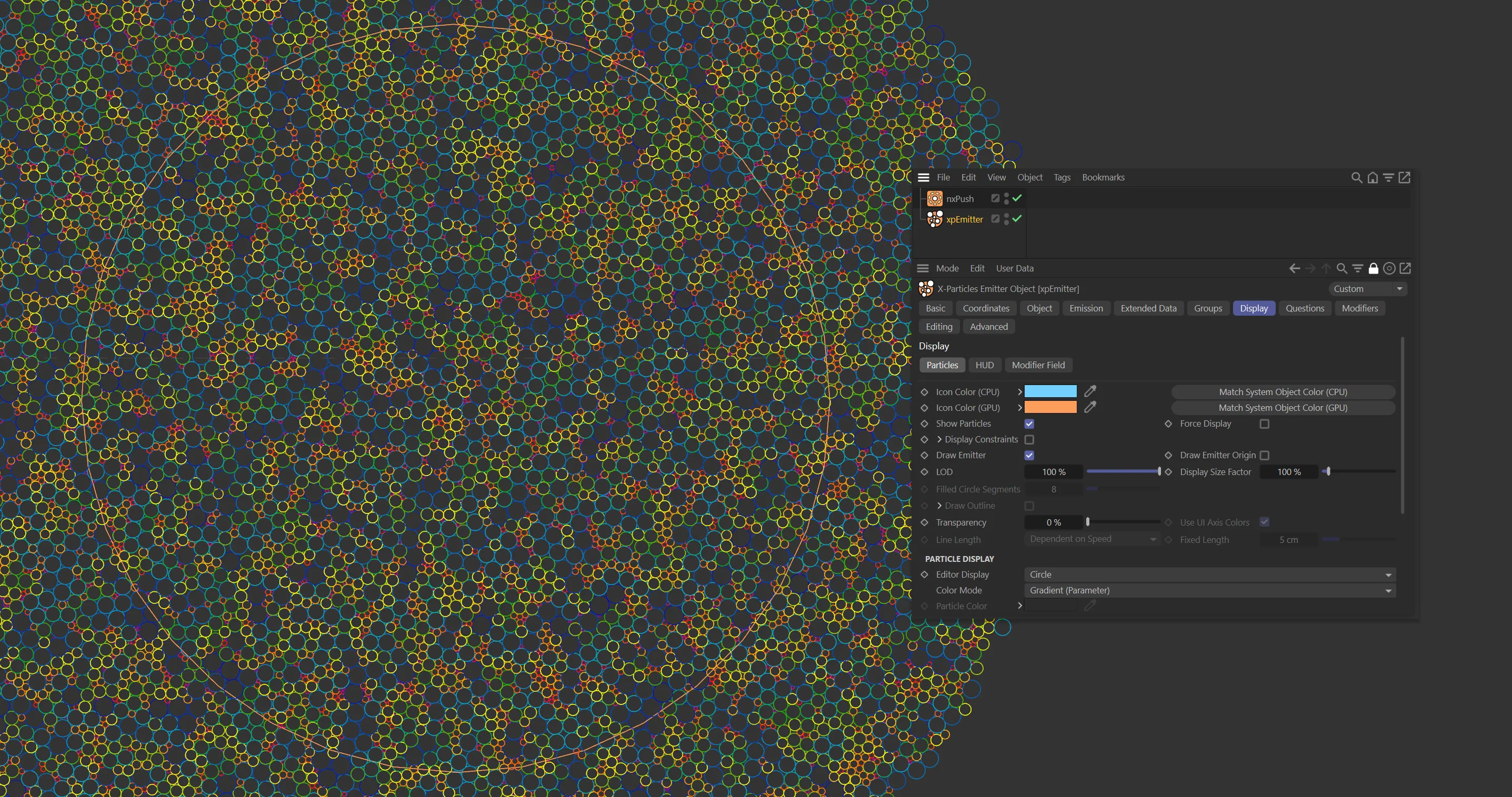
After adding nxPush, the xpEmitter icon turns orange in the Object Manager to confirm GPU processing is active.
Mixing NeXus and X-Particles
Section titled “Mixing NeXus and X-Particles”Only NeXus modifiers and solvers run on the GPU, but you can freely mix them with standard X-Particles tools in the same scene. NeXus elements calculate on the GPU while regular X-Particles elements calculate on the CPU.
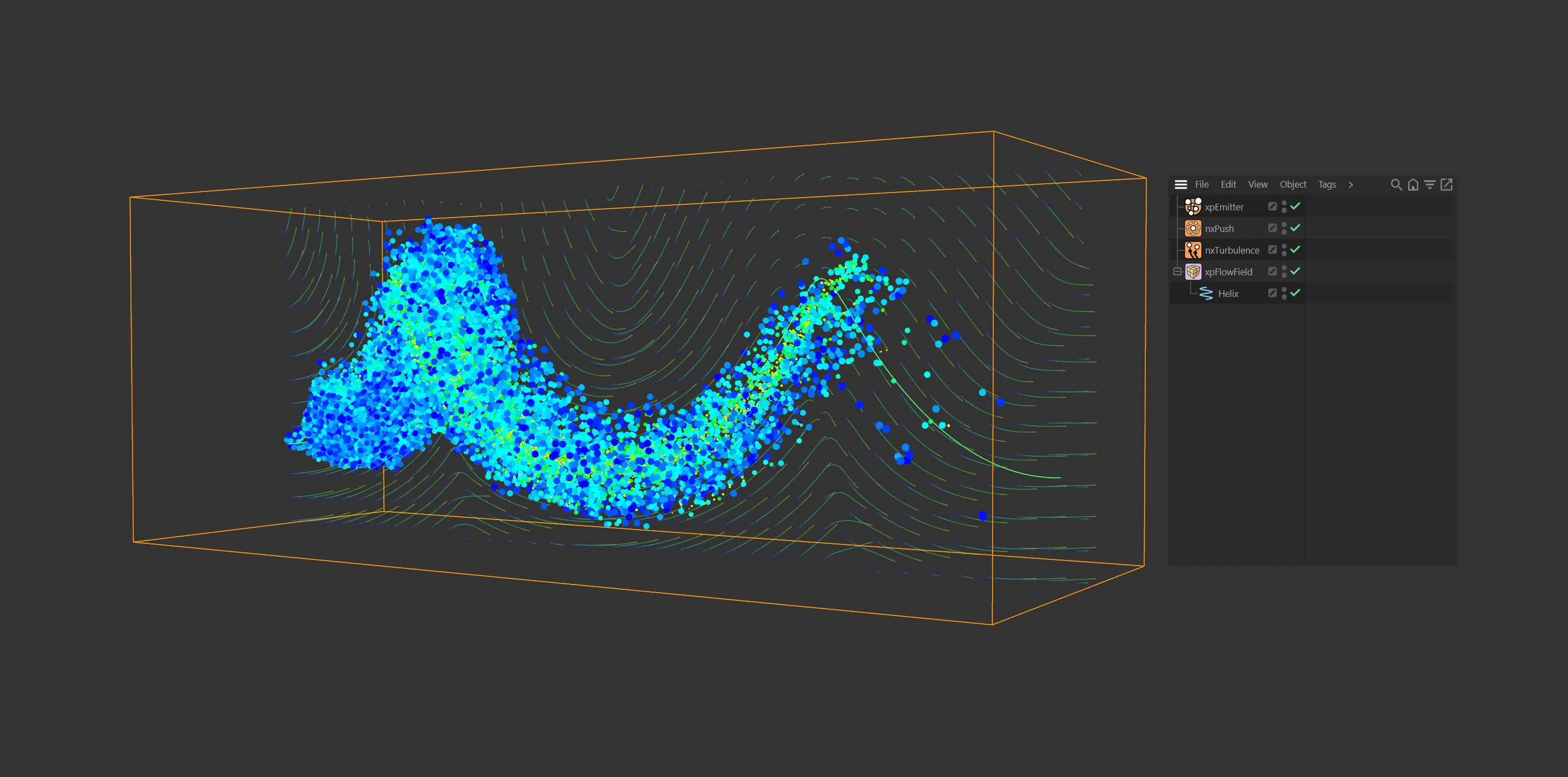
A NeXus GPU set-up integrating with an xpFlowField.
Performance
Section titled “Performance”The speed advantages of NeXus are most apparent in scenes requiring millions of particle calculations (fluid simulations are the clearest example), but modifiers like nxBlend and nxPush also deliver significant speed gains over their CPU equivalents.

An nxPush modifier used to create a circle-packing effect with large numbers of particles.
If you are running multiple GPUs, you can choose which one NeXus uses via the Cinema 4D Preferences settings. See Preferences for details.
In this documentation
Section titled “In this documentation”| Section | Description |
|---|---|
| nxConstraints | GPU-accelerated particle connections: springs, forces, viscosity and surface tension |
| nxExplosiaFX | GPU-driven volumetric fire and smoke simulation |
| nxFluids | Particle-based fluid simulation with PBD, SPH and FLIP/APIC solvers |
| nxFoam | Ocean foam simulation |
| nxSplash | Splash effects generated from fluid collisions |
| nxWave | Wave dynamics |
| nxMesher | Converts particle fluid simulations into polygonal meshes |
| nxQuestion | Scripted logic, actions, loops and branching conditions |
| Modifiers | Full reference for all NeXus GPU modifiers |
| nxFalloff | Standalone GPU falloff object for use with modifiers |
| Mapping | Data mapping between NeXus and X-Particles channels |
| Preferences | GPU selection and performance settings |
Copyright © 2026 INSYDIUM LTD. All rights reserved.