

tfNoise: New Noise types
The tfNoise operator has been enhanced with new noise types provided by the new noise generator.
The new INSYDIUM noise generator now provides interesting alternative noise types in the tfNoise operator.
The new noise generator is accessed by setting the Mode parameter to Advanced.
Noise type
Section titled “Noise type”Fractal noises are basic noises that are sampled multiple times (octaves) with varying scale (Lacunarity) and gain (Persistence).
While sampling, the sampled values are accumulated to form the final resulting noise value.
Depending on the fractal type, this happens in different ways.
A very simple fractal noise.
In the Fractal Type mode of Billow, this looks surprisingly suitable for rock walls.
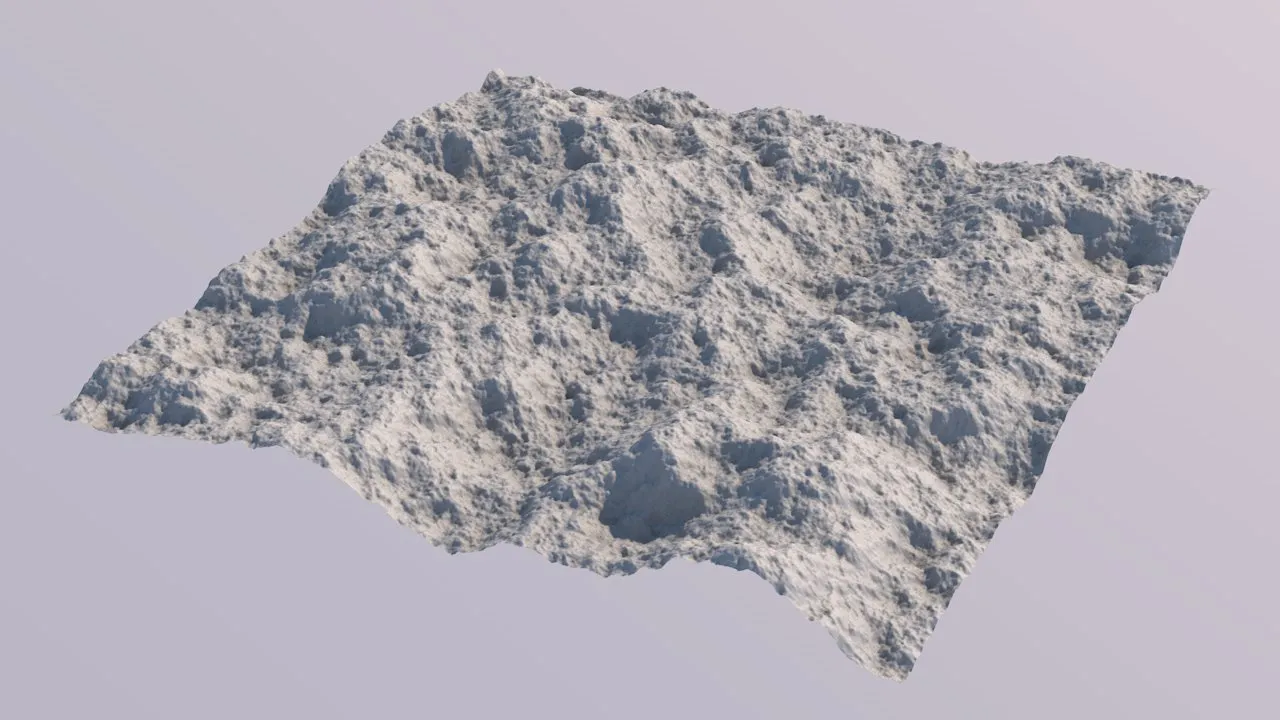
Noise Type of Value set.
Perlin
Section titled “Perlin”An absolute fractal noise staple since 1983, by Ken Perlin.
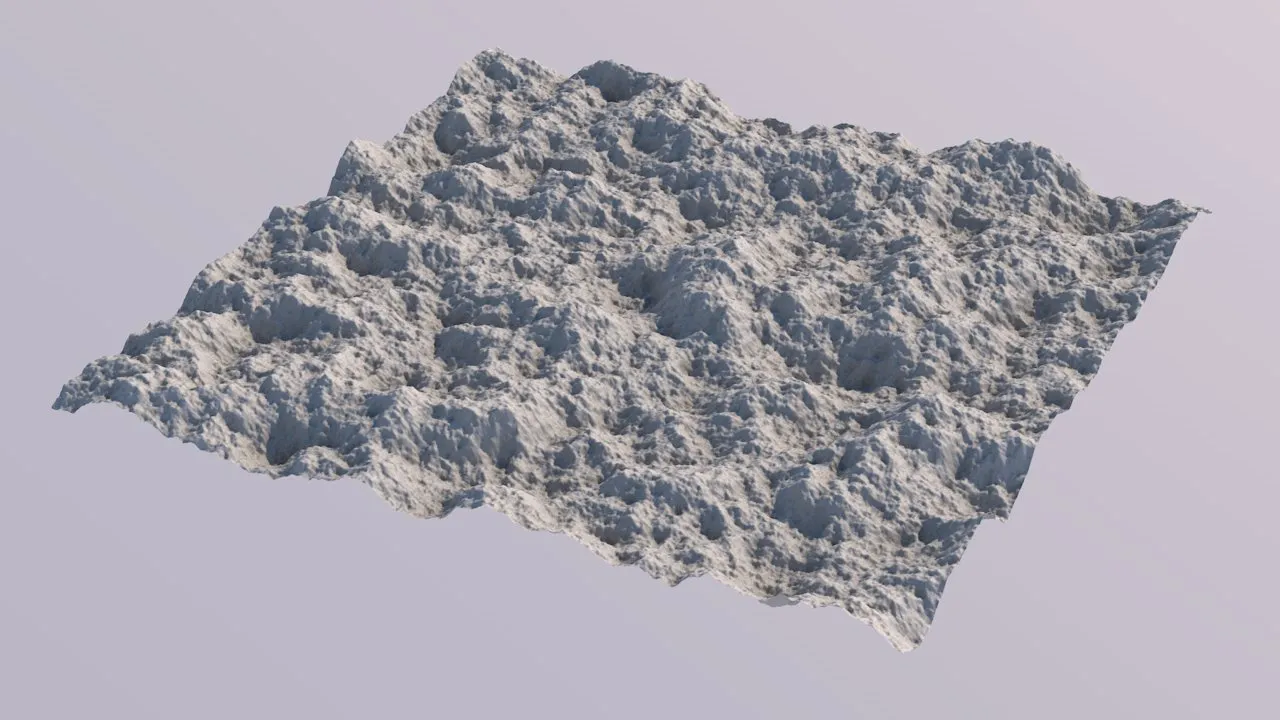
Noise Type of Perlin set.
Simplex
Section titled “Simplex”A noise algorithm from 2001, by Ken Perlin.
It has less uniformity than the classic Perlin Noise, as well as fewer directional artifacts.
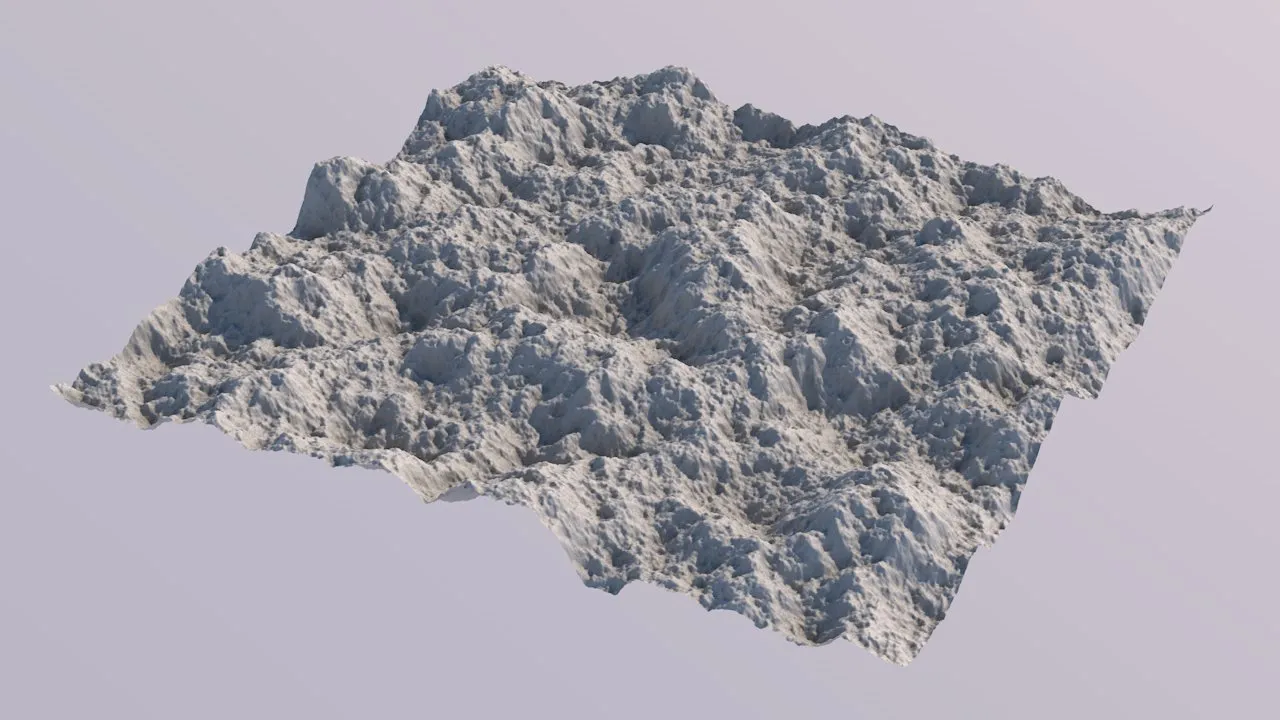
Simplex.
A fast noise algorithm that has similarities with Value, but uses cubic interpolation between more points.
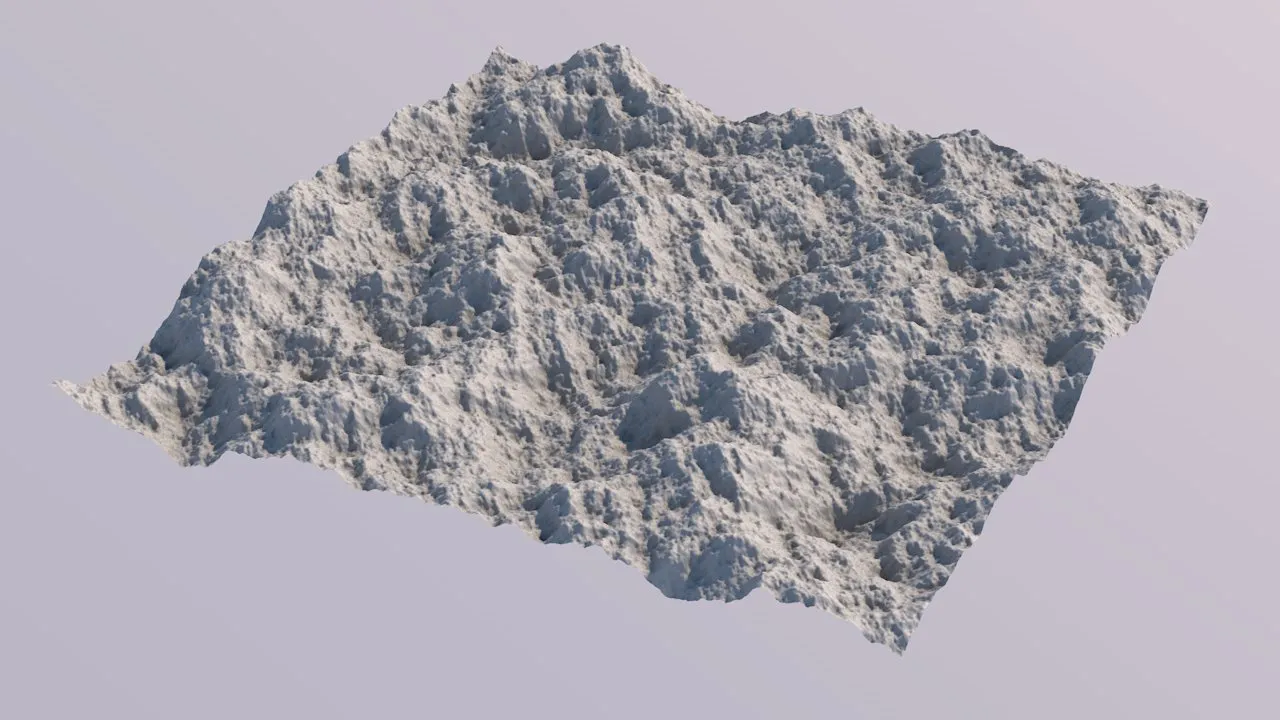
Cubic.
Gabor noise is a bit slower than the other noise types, but offers special parameters that can be used to heavily alter the look.
It is based on distributing random Gabor kernels in the 2D texture space and then interpolating between them.
With this type, different looks are possible, ranging from your everyday noise, to rocks or water structures, with variable direction (anisotropy).
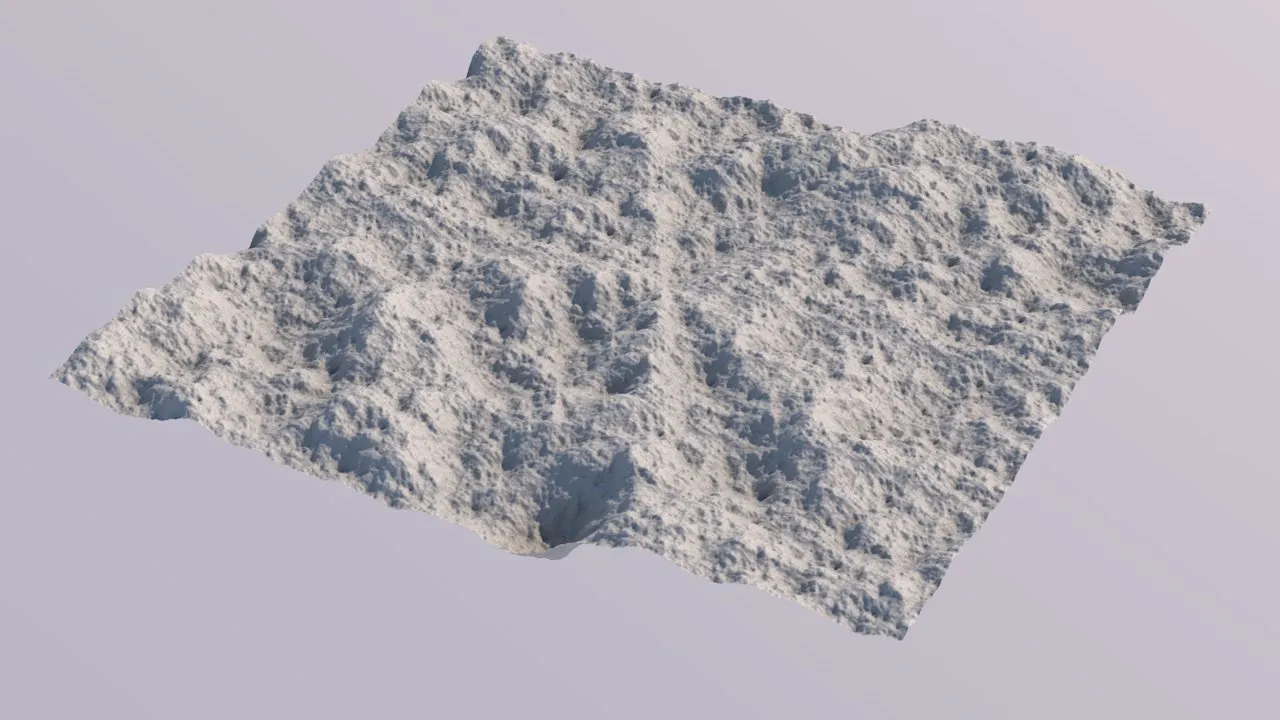
Gabor.
Cellular
Section titled “Cellular”This is our implementation of a Voronoi diagram.
Very suitable for rocks, dunes or mountain distribution.
Even though a Cellular noise by itself might not look overly realistic, it is often a fantastic base for more complex terrain setups.
Our Cellular noise offers more parameters than Cinema 4D’s own Voronoi noises.
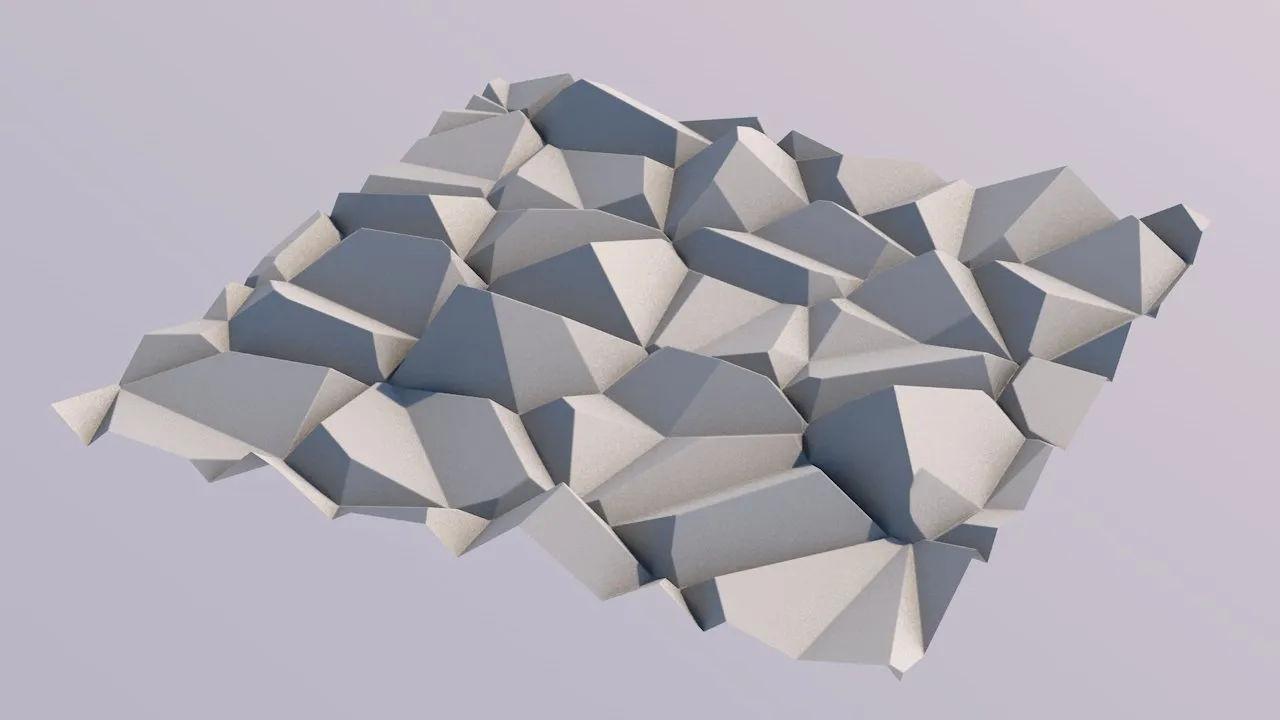
Cellular.
Cellular type additional parameter settings
Section titled “Cellular type additional parameter settings”Lacunarity
Section titled “Lacunarity”The Lacunarity parameters controls the relative scaling of noise octaves during fractal sampling.
In terraforming practice, a “Rockiness” parameter.
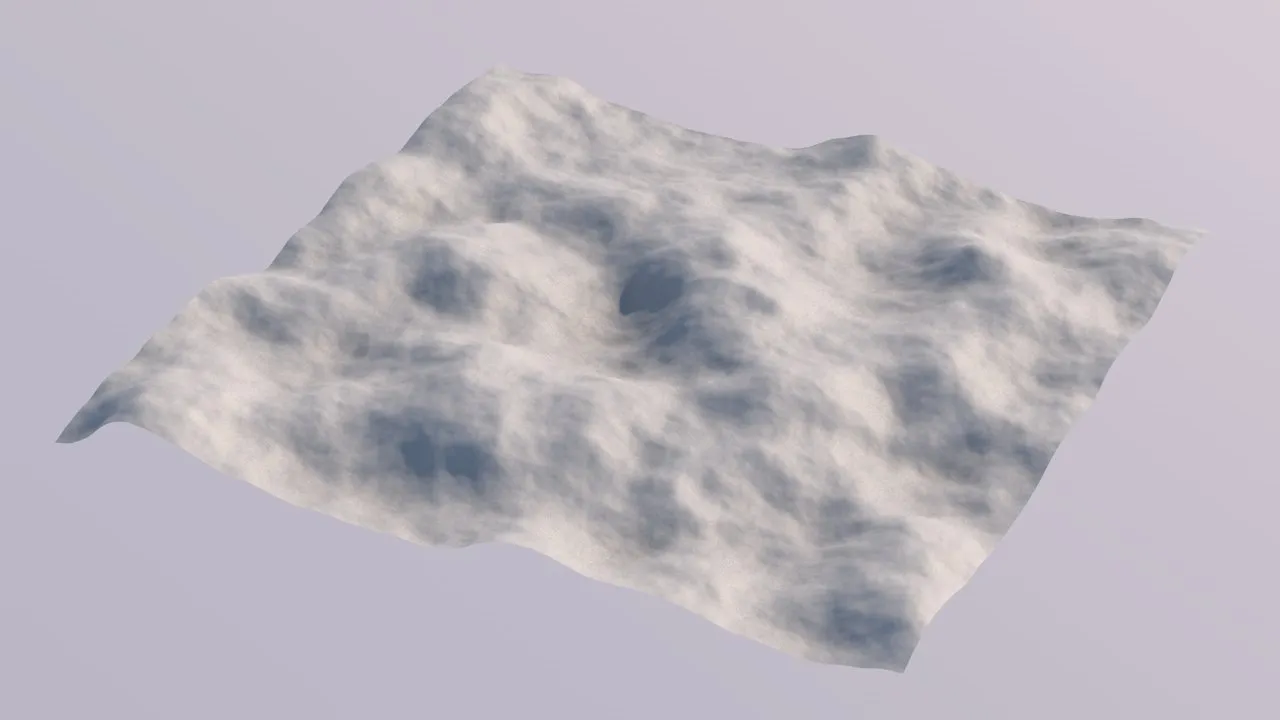
Lacunarity = 1.5 (Lacunarity values lower than 2.0 result in quite smooth terrains).
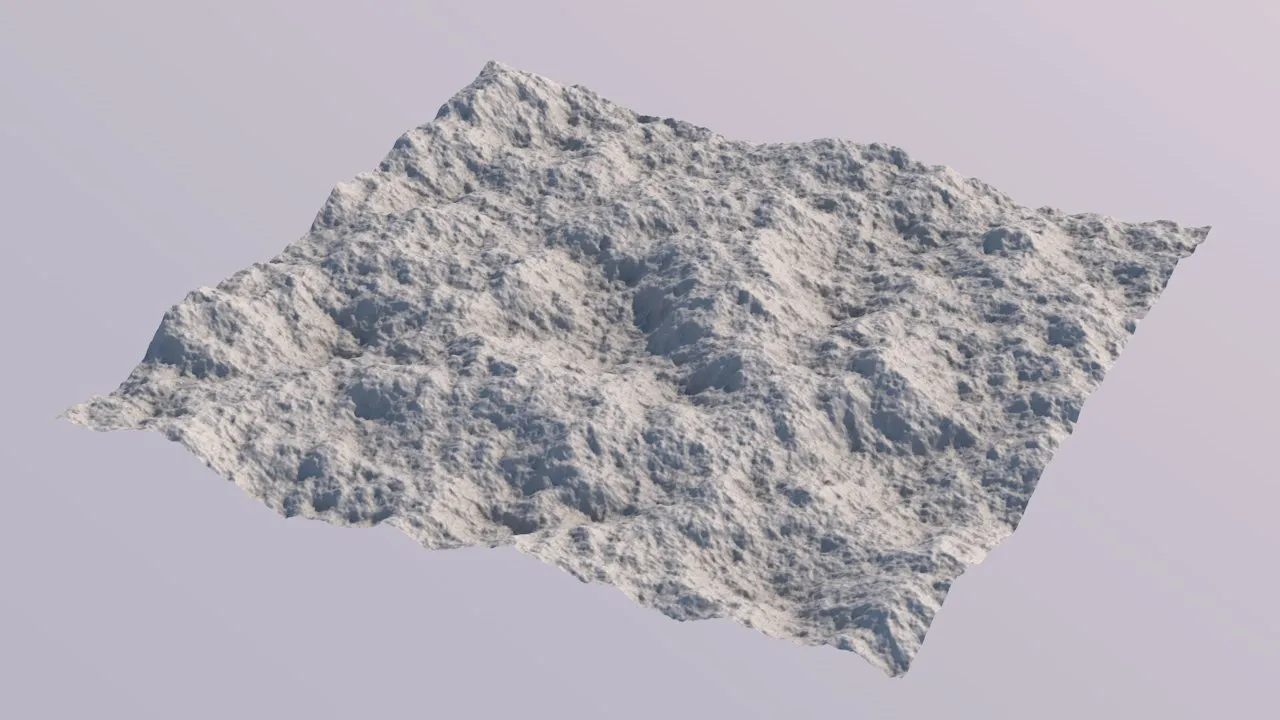
Lacunarity = 2.0 (the commonly used standard Lacunarity value).
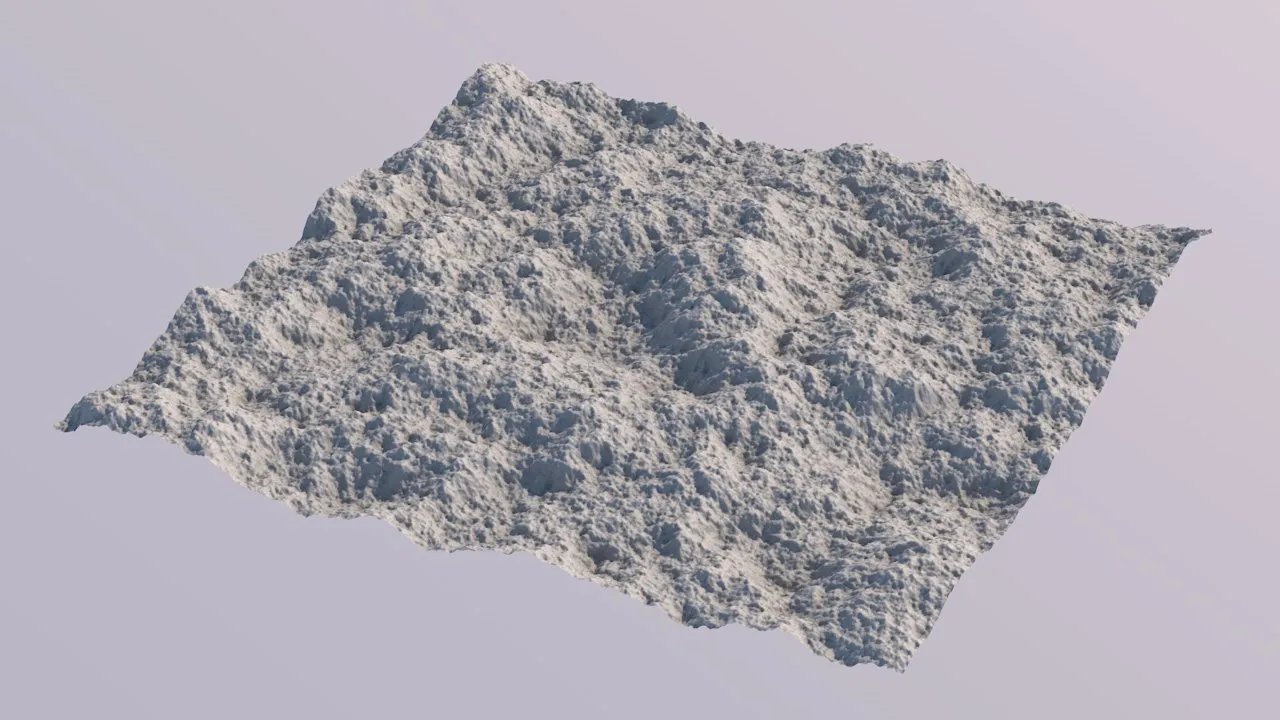
Lacunarity = 2.2 (the higher the Lacunarity value, the smaller the fractal octaves’ scale gets).
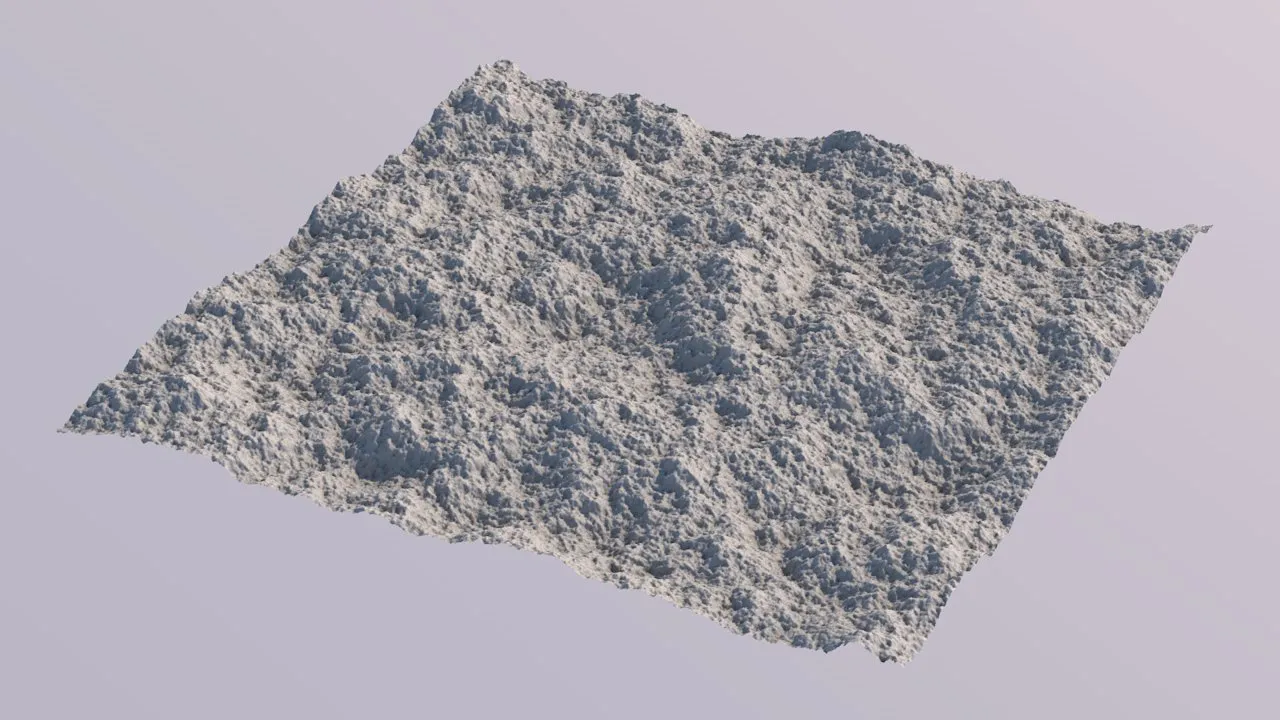
Lacunarity = 2.5
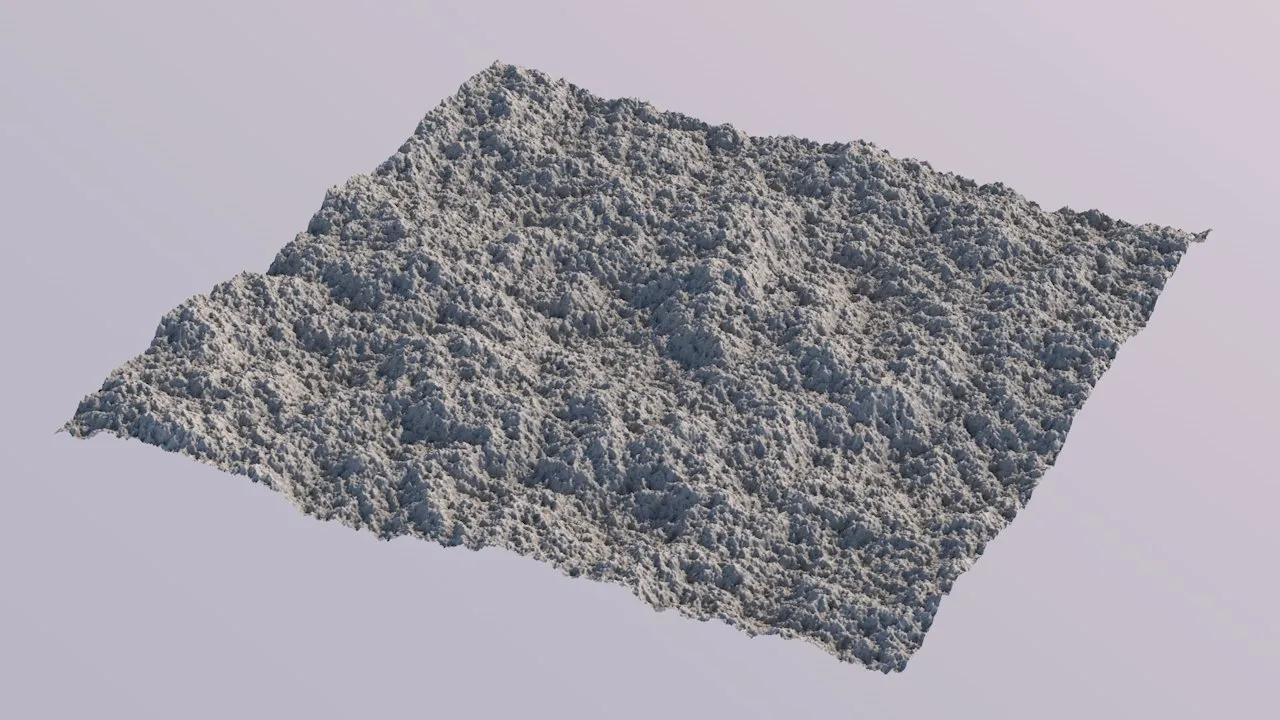
Lacunarity = 3.0 (with even higher high settings, > 3.0, results might start looking unappealing).
Persistence
Section titled “Persistence”The Persistence parameters control the relative amplitude of noise octaves during fractal sampling, effectively controlling the visibility of the fractal.
In terraforming practice, a “Roughness” parameter.
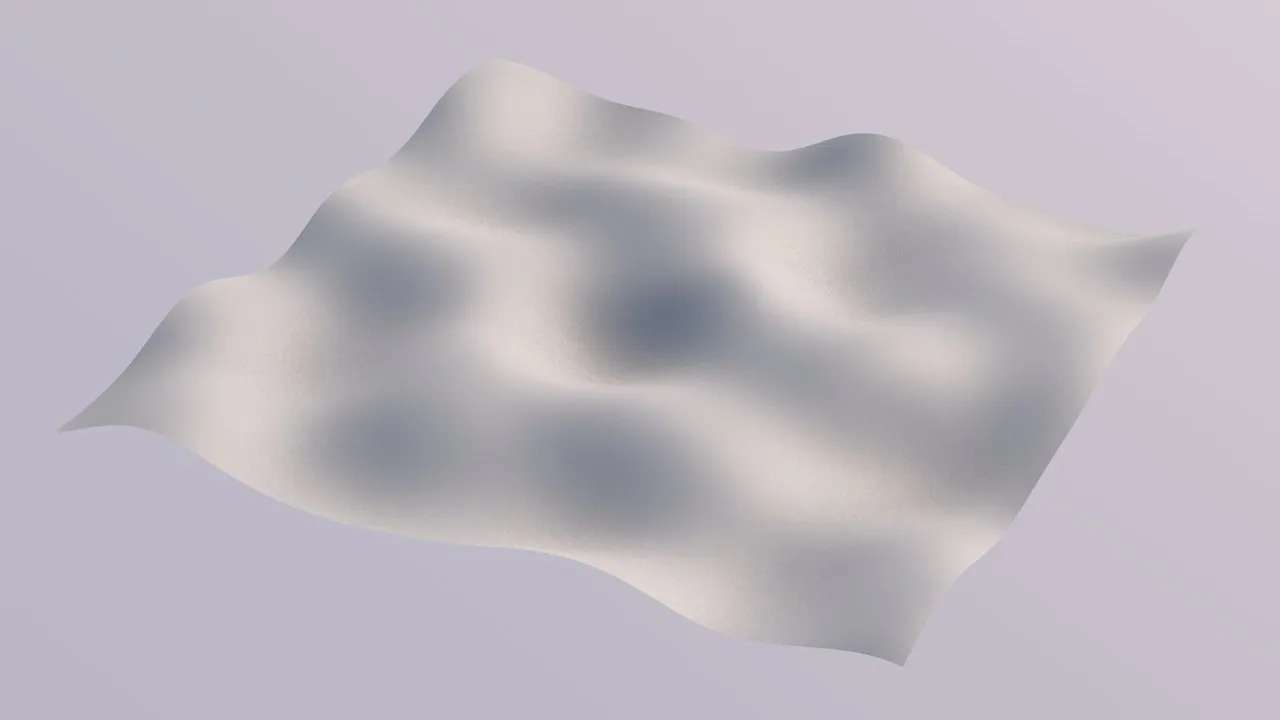
Persistence = 0% (a Persistence of 0.0 results in a perfectly smooth single noise, as if there was no fractal sampling happening).
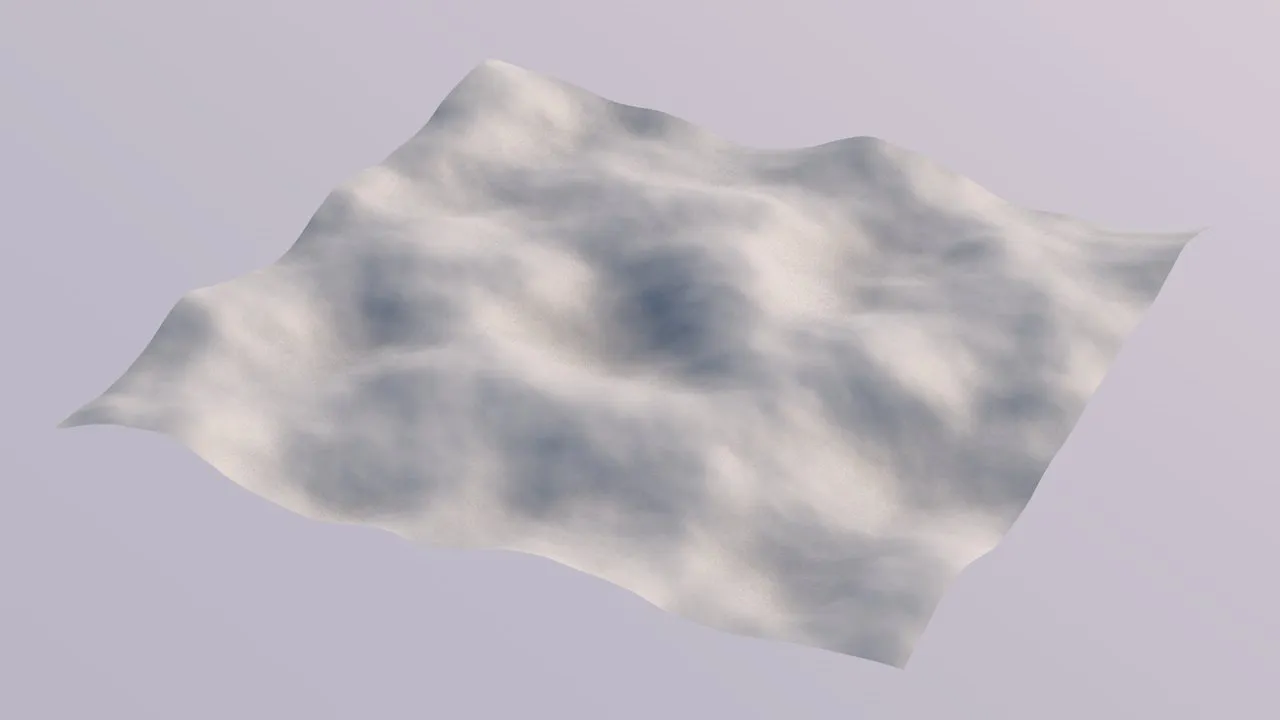
Persistence = 20% (with larger values, the effect of the fractal sampling becomes visible).
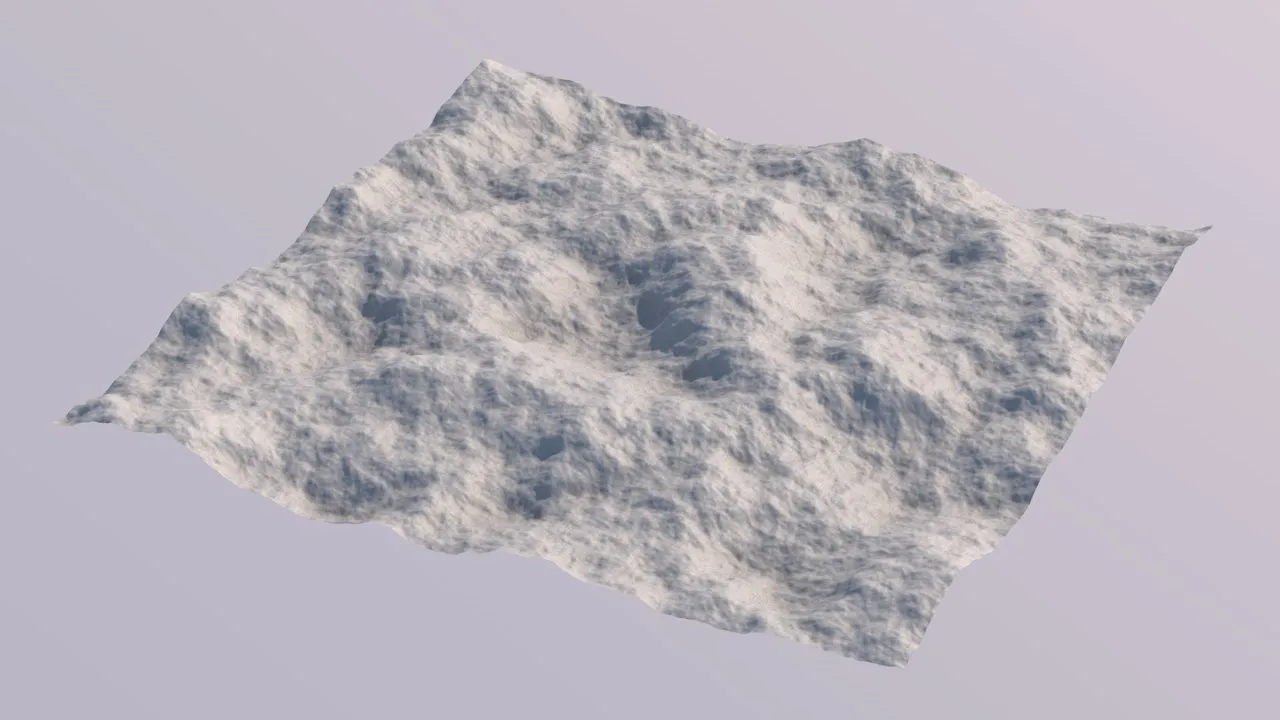
Persistence = 40% (further increasing values result in a more pronounced fractal effect).
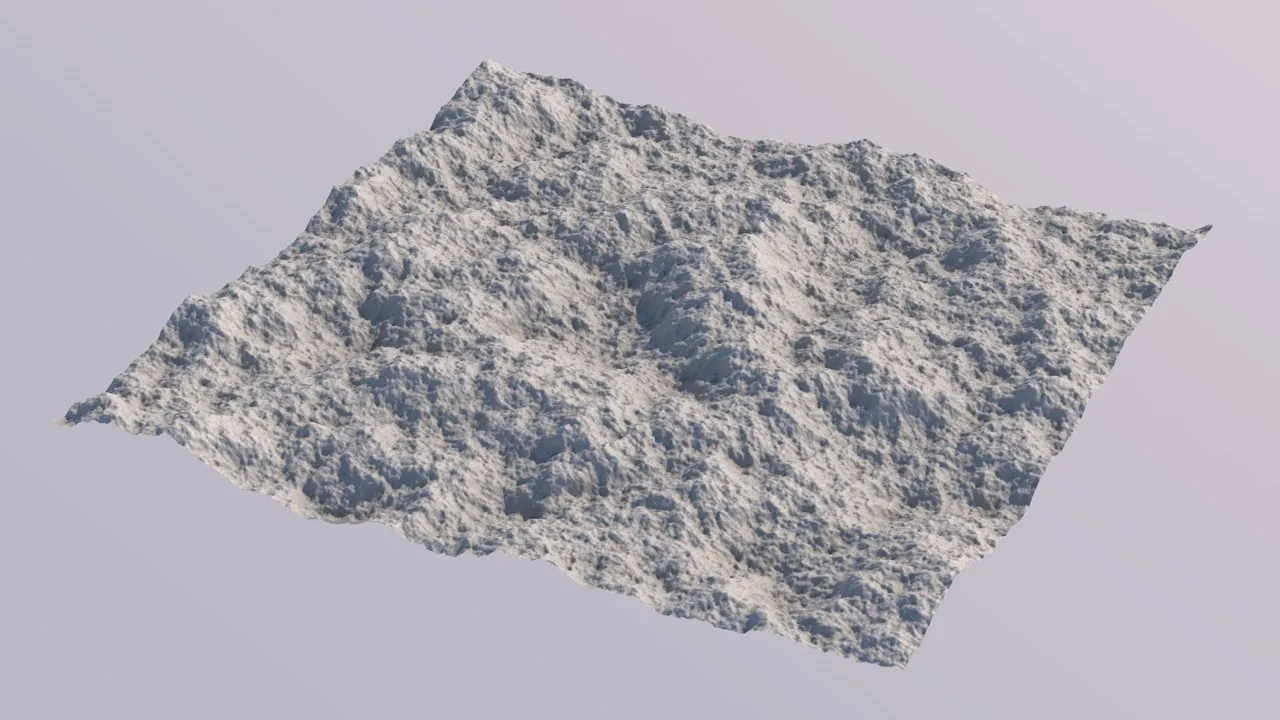
Persistence = 50% (this is the commonly used standard Persistence value).
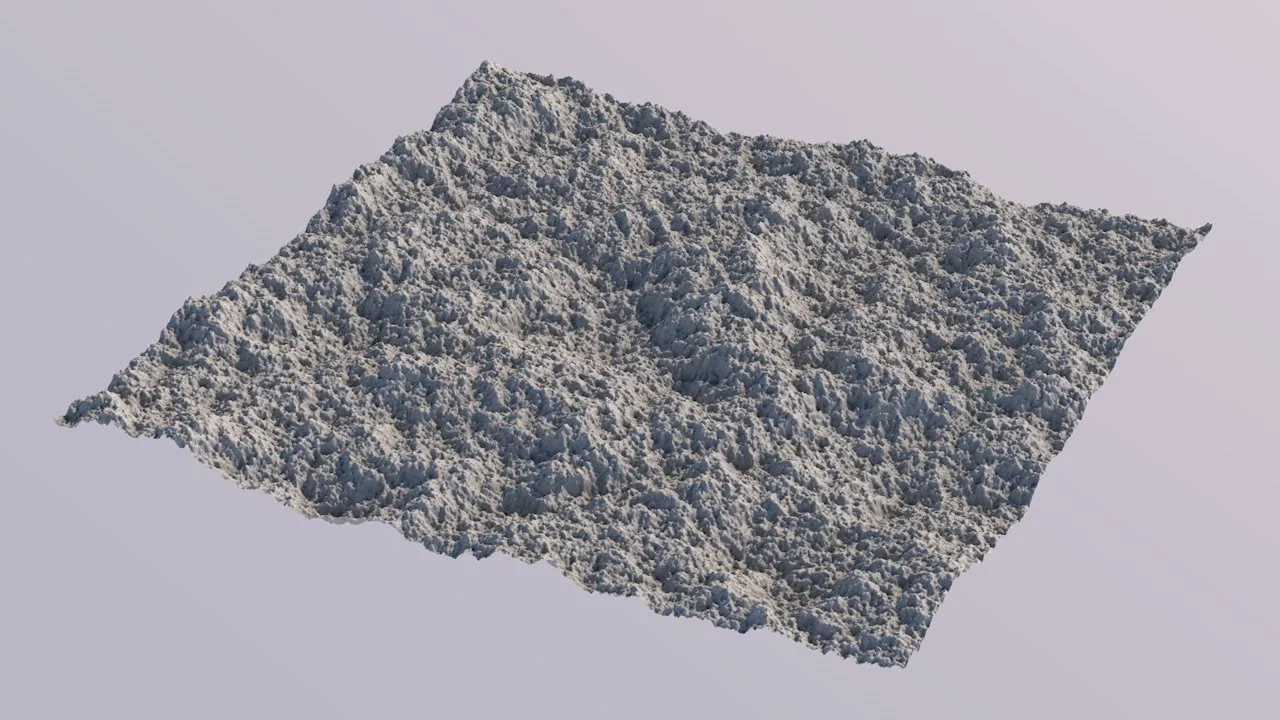
Persistence = 60% (values > 50% will tend to look very detailed, but also more noisy).
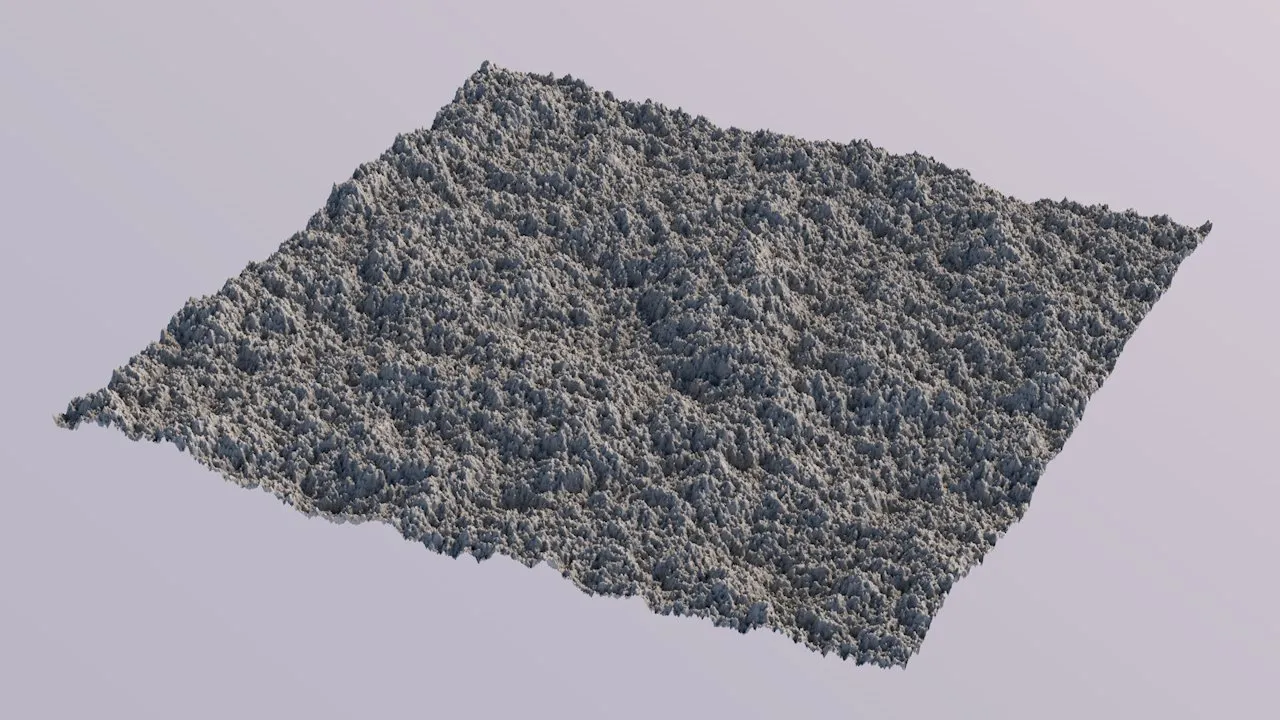
Persistence = 70% (…until the results are barely usable).
Distance Function
Section titled “Distance Function”Only becomes available when the Noise Type is set to Cellular.
In cellular/Voronoi noise, cells are formed by computing each grid point’s distance to a set of random reference (or seed) points.
The Distance Function defines how this distance is computed and it is the main parameter to change the “style” of the resulting Voronoi diagram.
The following example images use the Return Type of Distance2Div, to visualize the shape of the Voronoi cells more clearly.
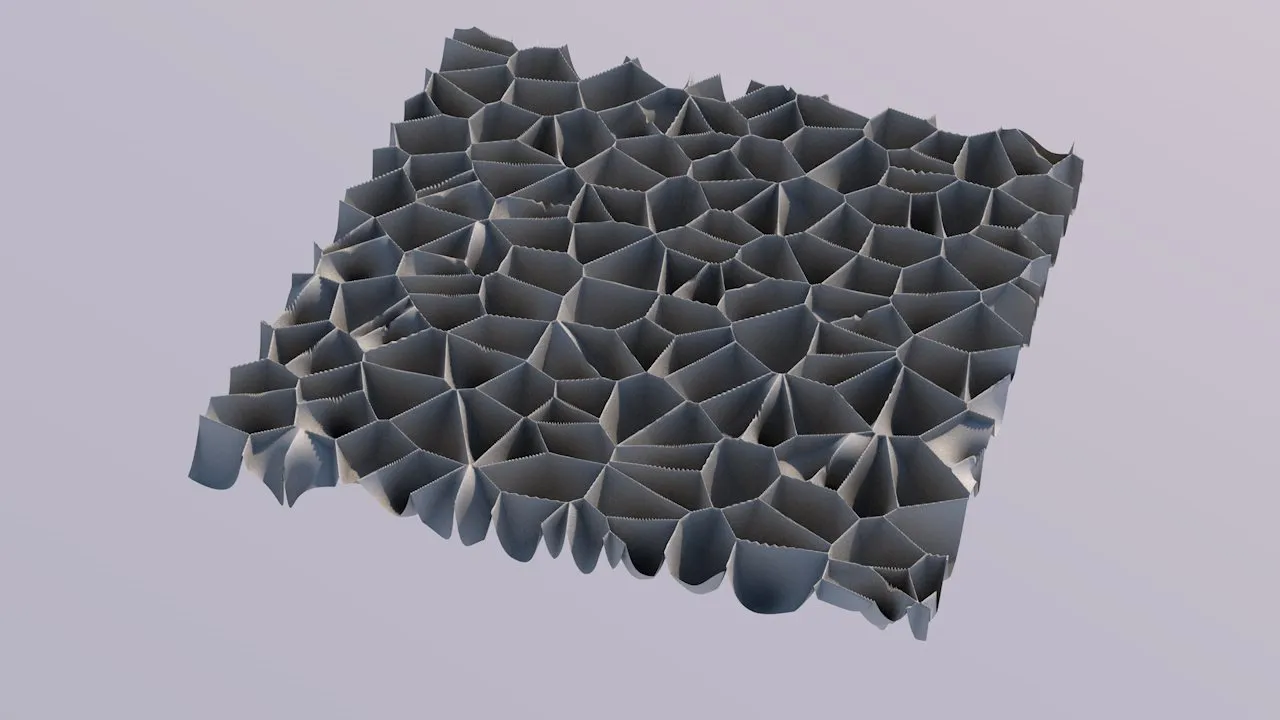
Euclidean (simply uses the Euclidean distance, and yields the classis Voronoi look).
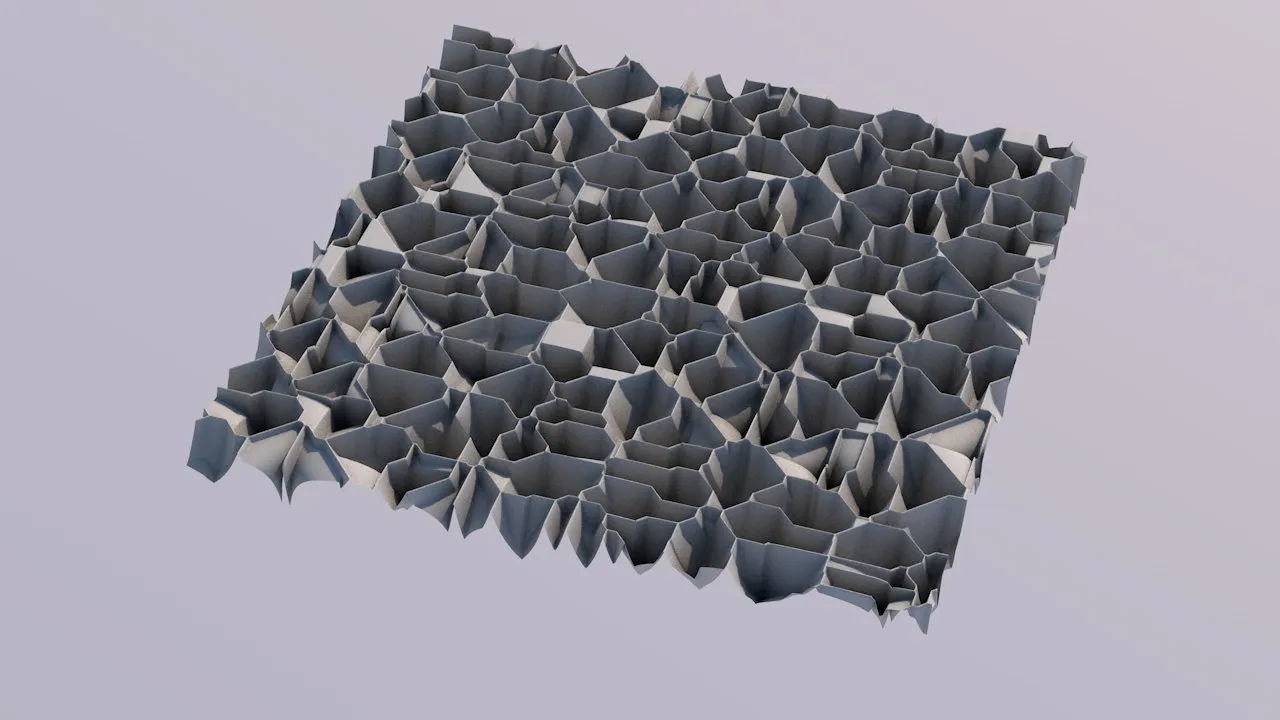
Manhattan (this uses the sum of the absolute distances along X, Y and Z. It yields a distinct result that looks “technical”, and less natural).
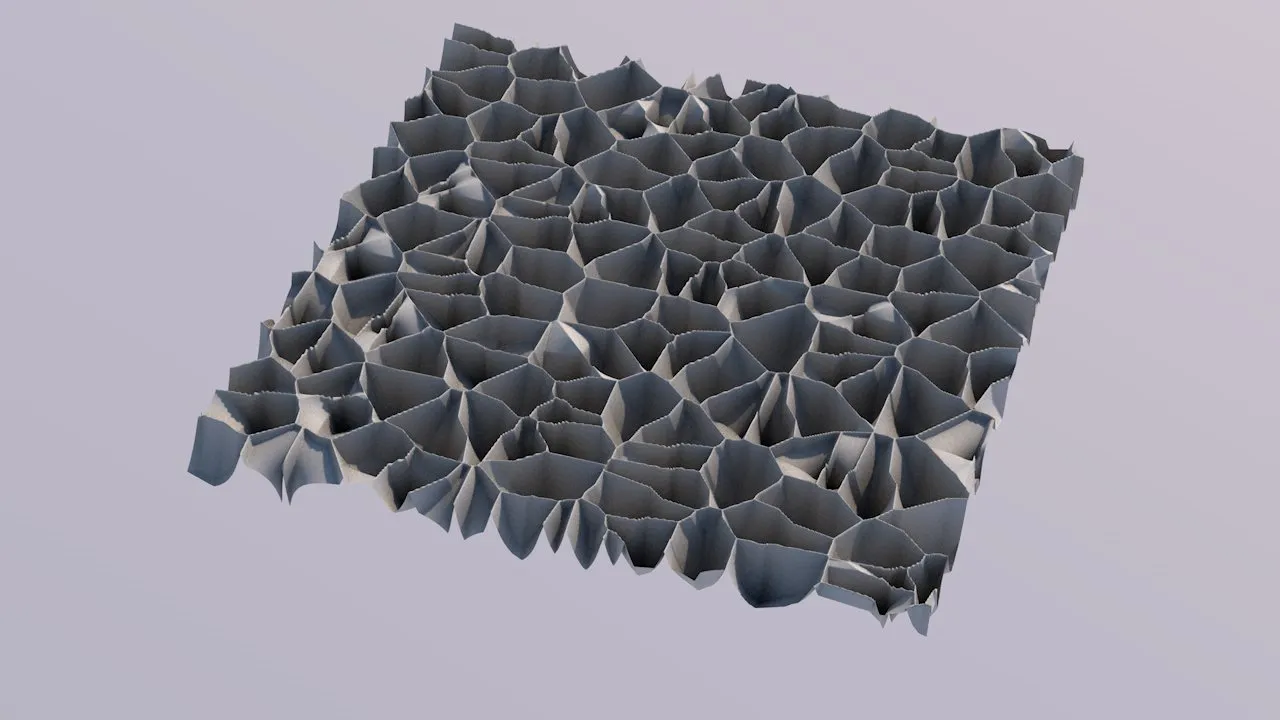
Natural (this does the same as Manhattan, but adds the squared Euclidean distance to the mix.
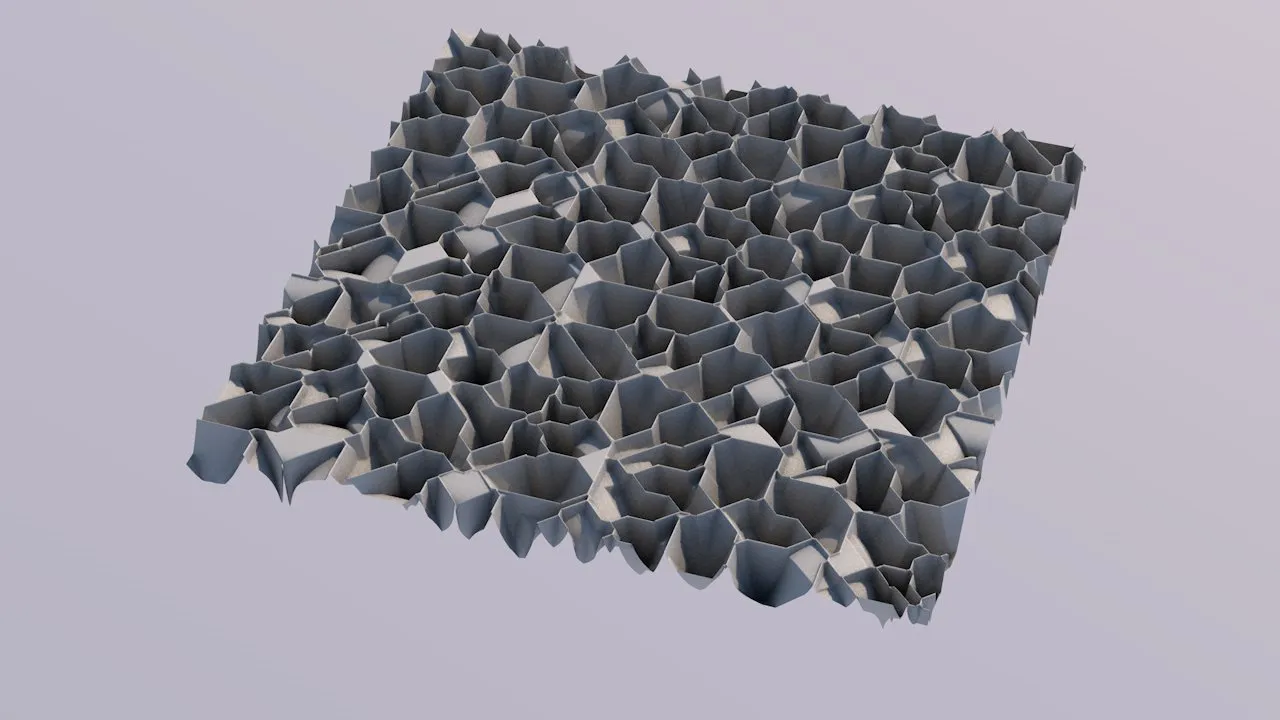
Chebyshev (this uses only the largest of the absolute distances along X, Y and Z. It yields results that look similar to Manhattan, but with a greater tendency for diagonal cells).
Return Type
Section titled “Return Type”Only becomes available when the Noise Type is set to Cellular.
This parameter controls how the value inside a Voronoi cell is computed.
For a texture, that would be the cell’s color.
For terrains, it’s the altitude inside a cell.
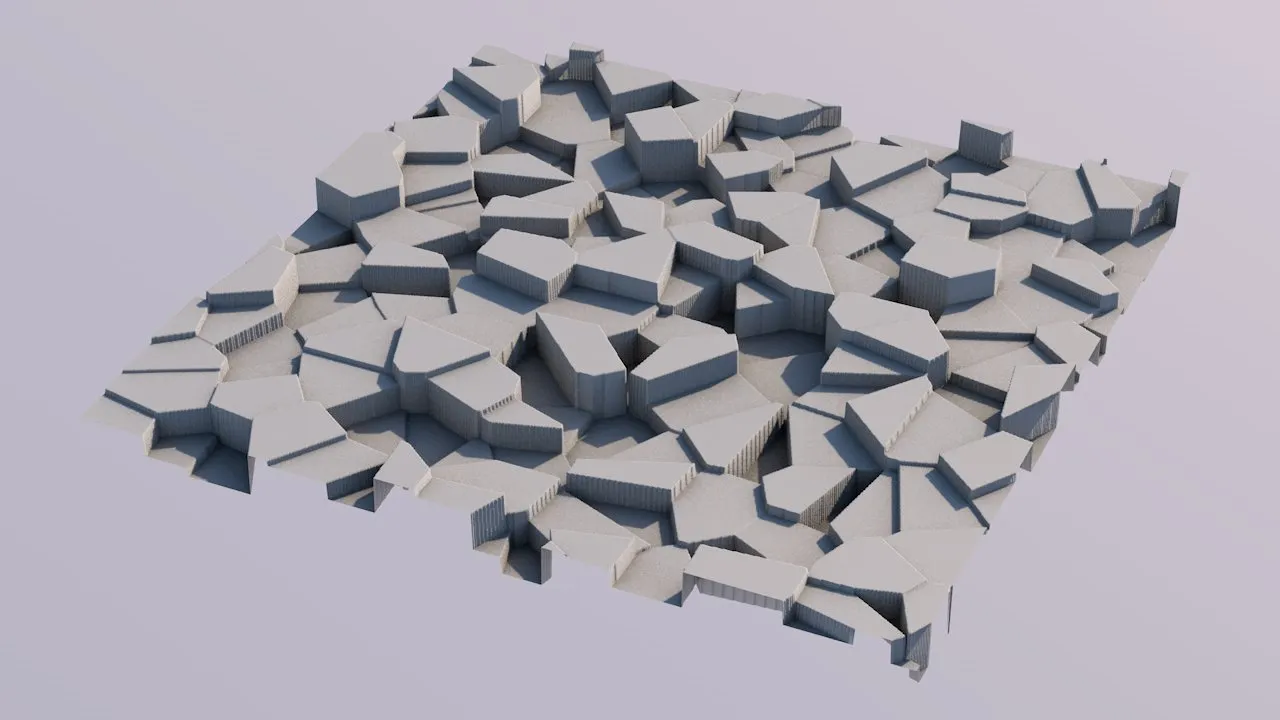
Cell Value uses a single pseudo-random value for a cell. For terraforming, this will lead to plateaus with sharp edges.
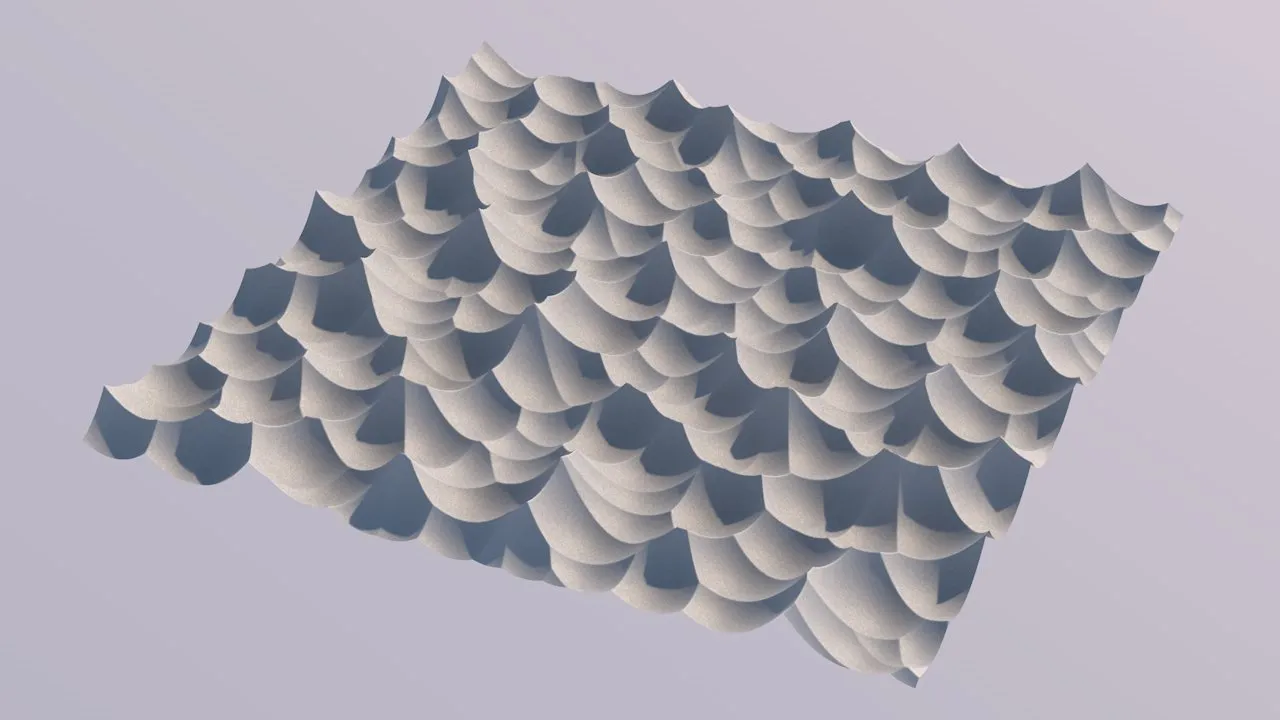
Distance uses the distance of the grid point to the cell’s seed point. Yields jagged, cleft, results.
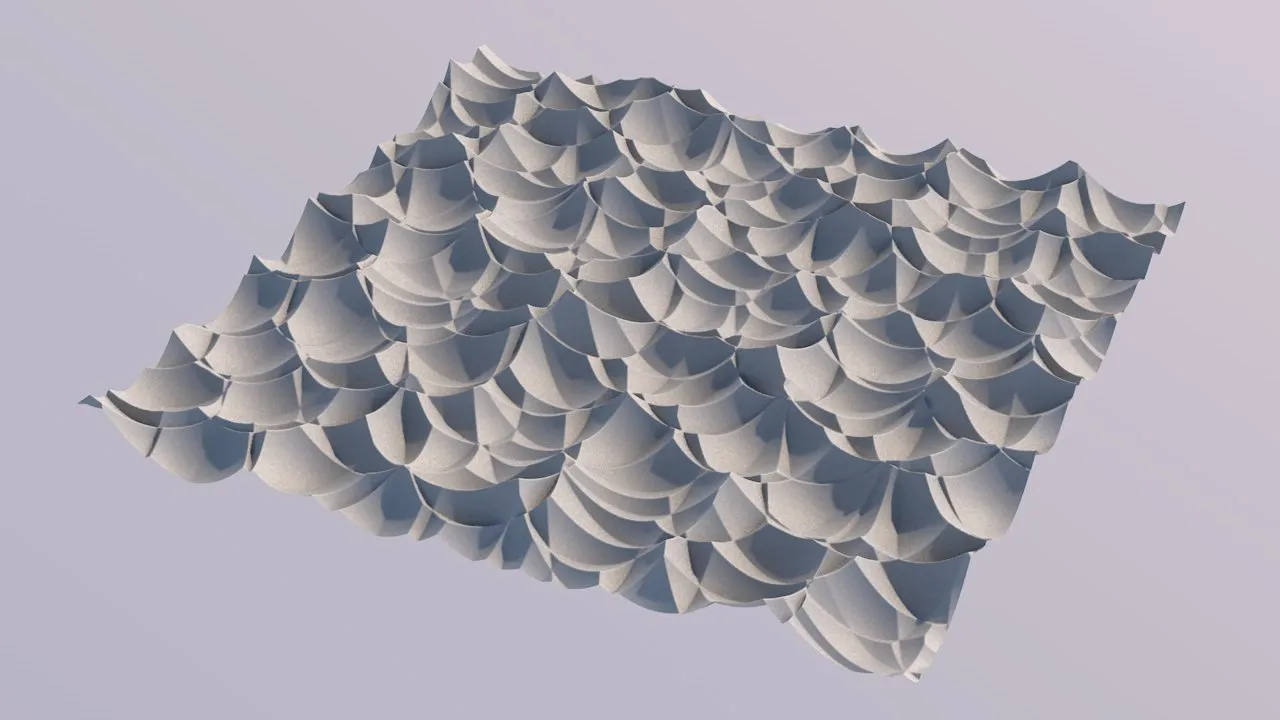
Distance2 uses the distance of the grid point to the two nearest cells’ seed points. Yields even more jagged results that are not particularly realistic.
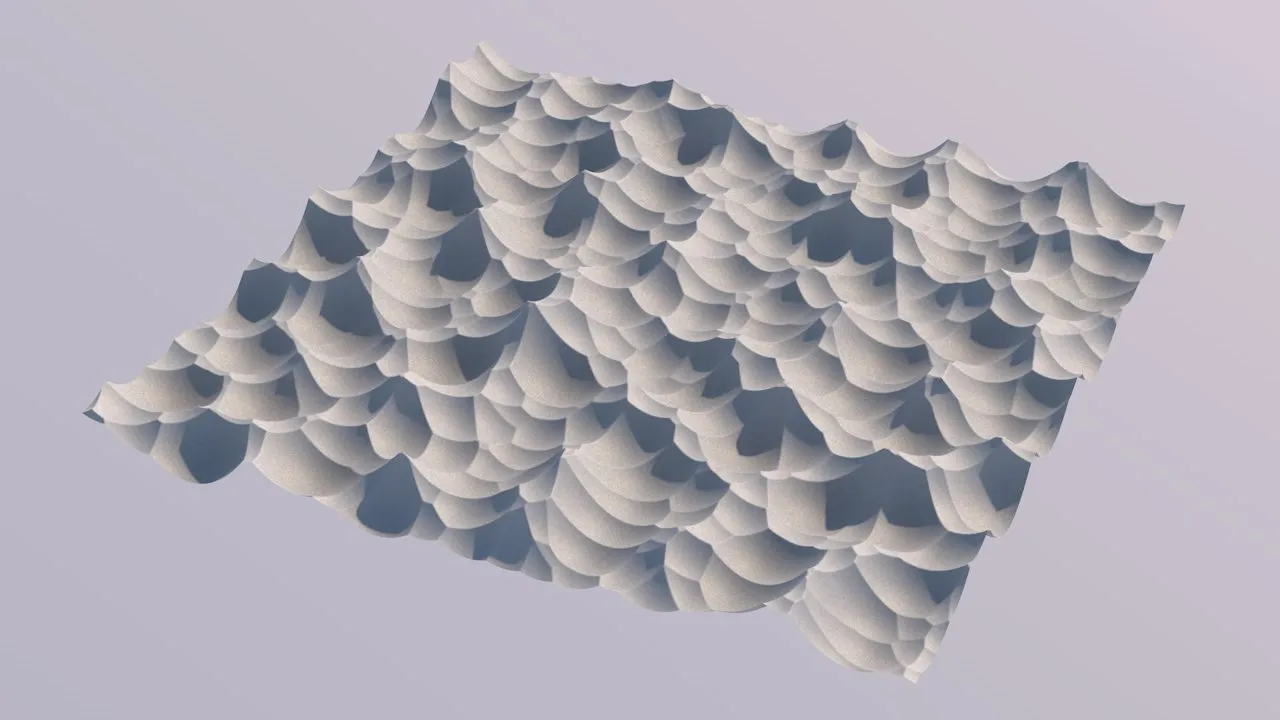
Distance2Add is a variation of Distance2. Yields nice mountain ranges that can look great when combined with more detail noise and some erosion.
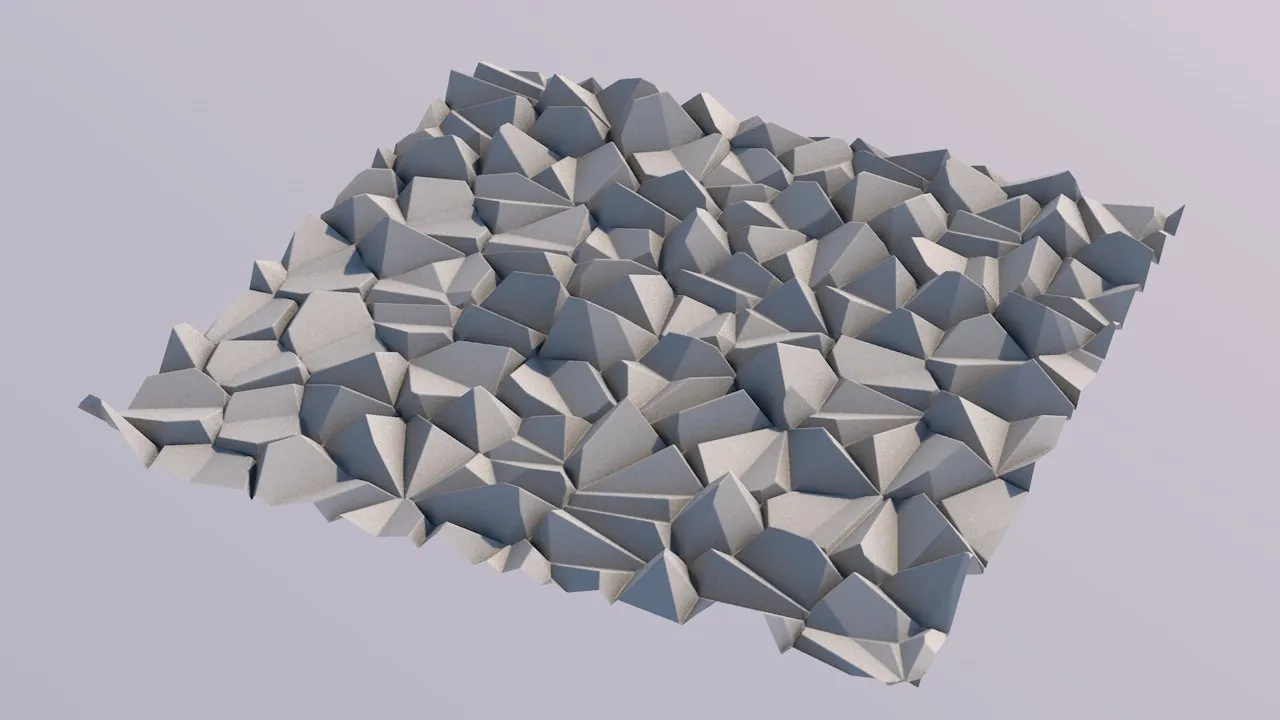
Distance2Sub also a variation of Distance2. Yields cool rocks and stones, and it also suitable as a base for more detail noise and erosion.
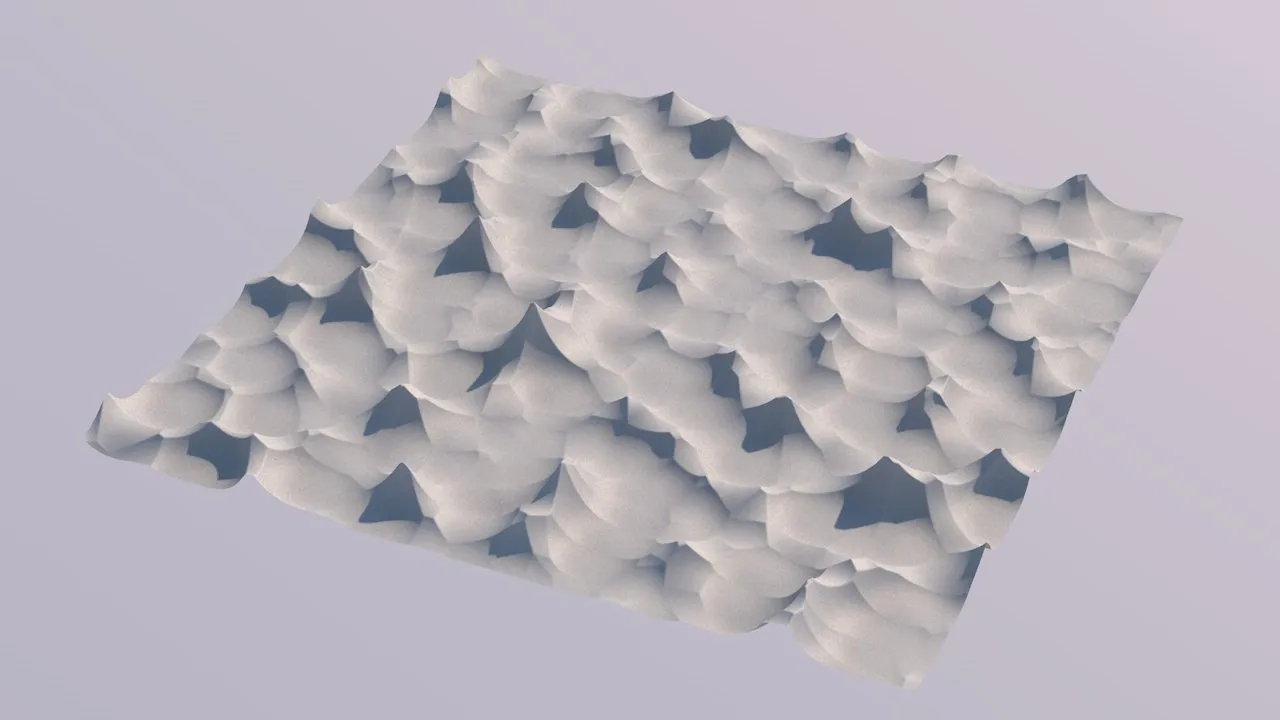
Distance2Mul, again a variation of Distance2. Results are different from, but not totally unlike Distance.
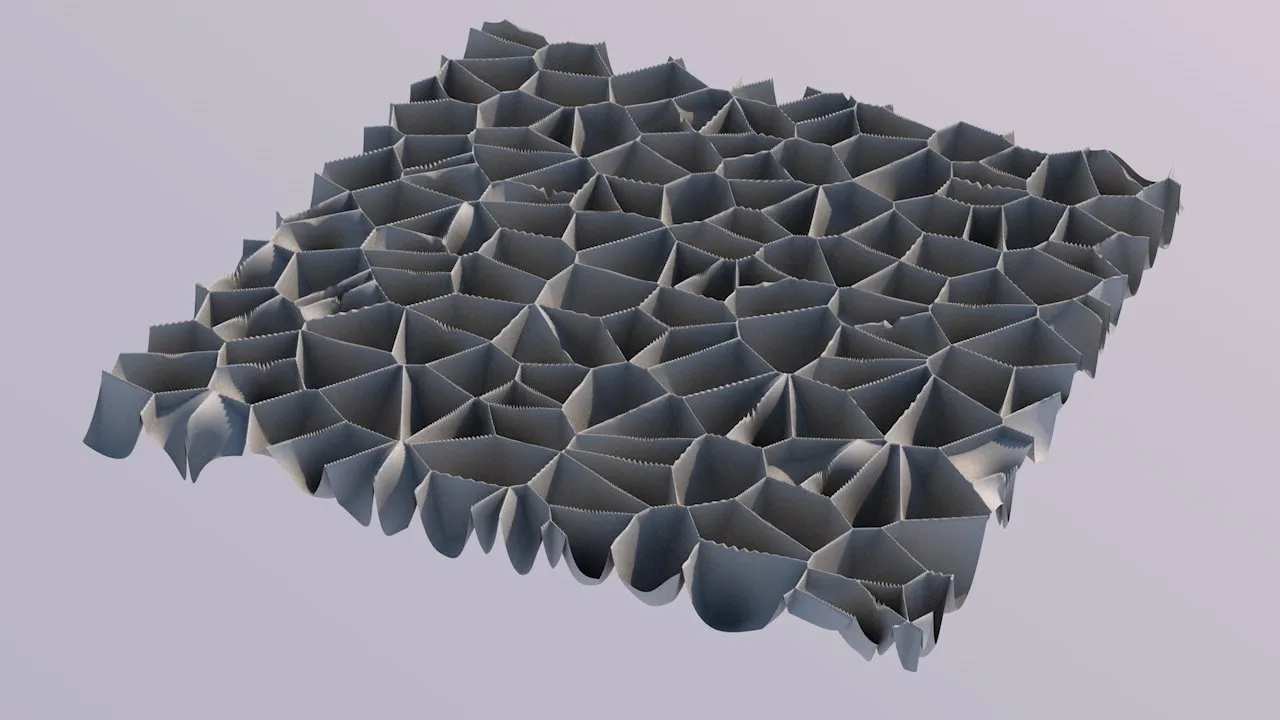
Distance2Div another variation of Distance2. Yields these sharp cells with thin inbetween membranes. Probably not very suitable for terrain generation.
Jitter
Section titled “Jitter”Only becomes available when the Noise Type is set to Cellular.
Cellular/Voronoi patterns are computed from a set of random reference (or seed) points.
The Jitter parameter affects the positioning of these points.
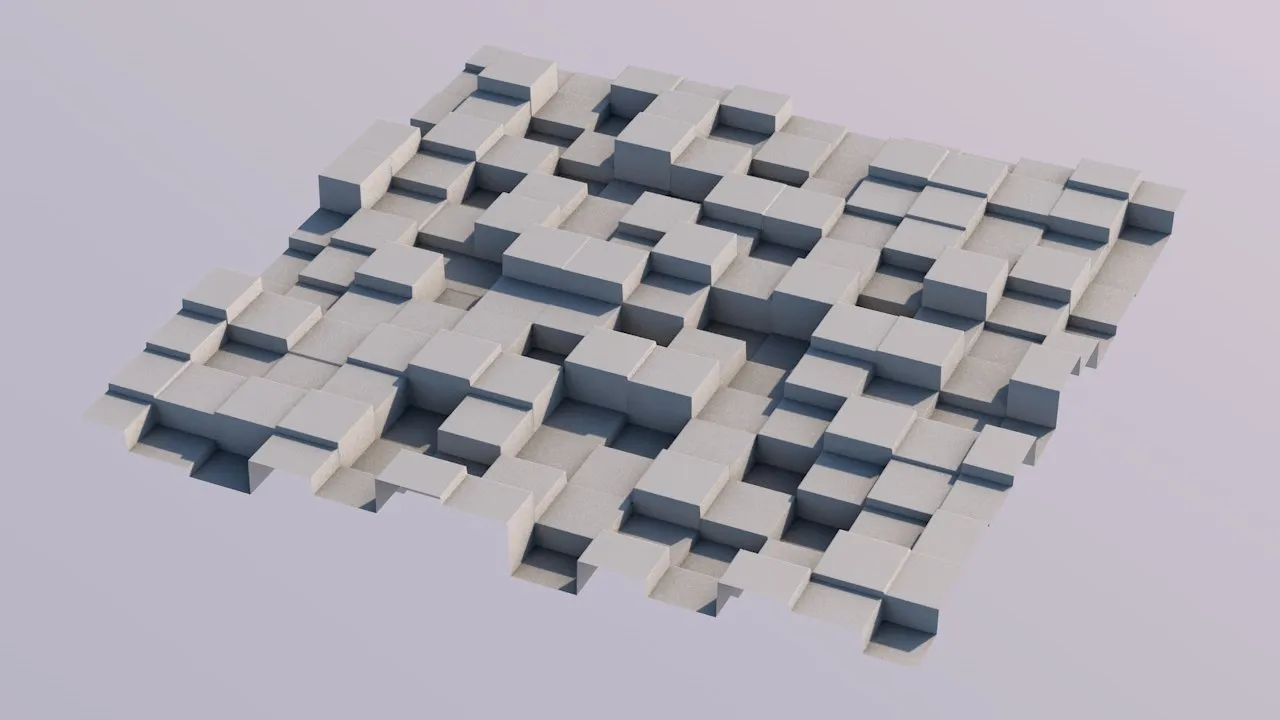
Jitter = 0 (zero) % - the Voronoi seed points are arranged in a regular grid.
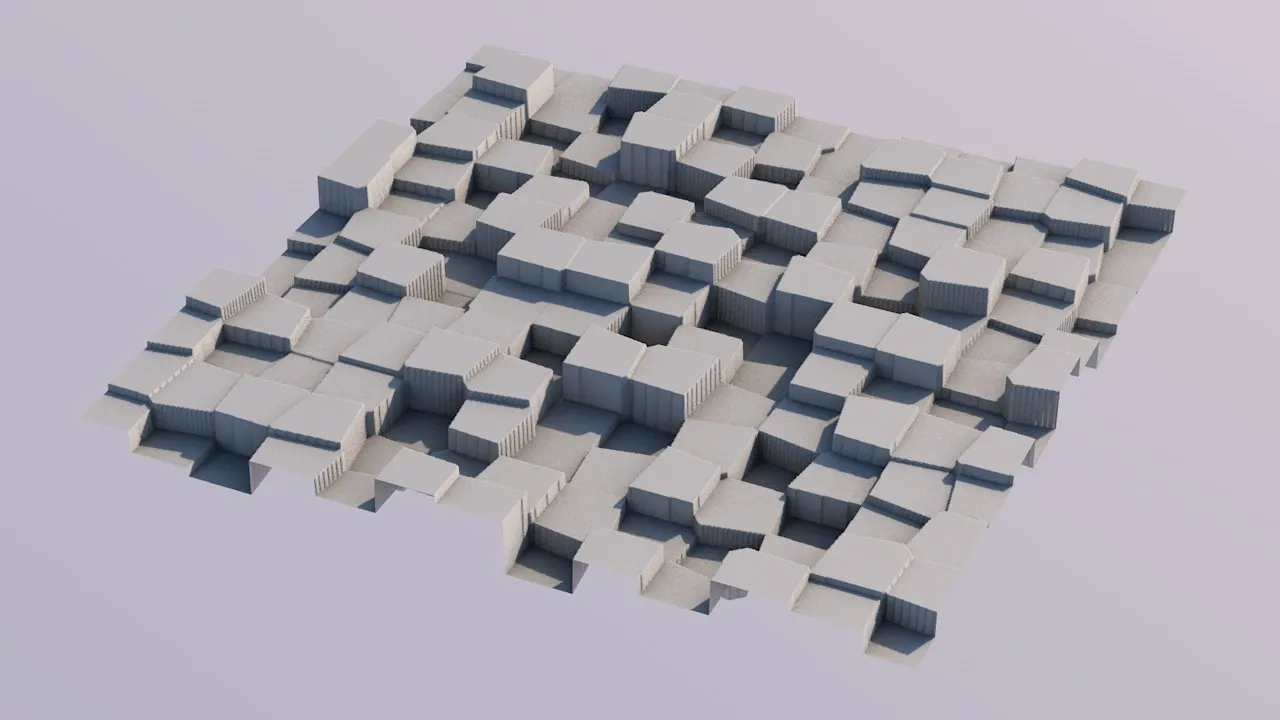
Jitter = 10% (slight irregularities can be observed.
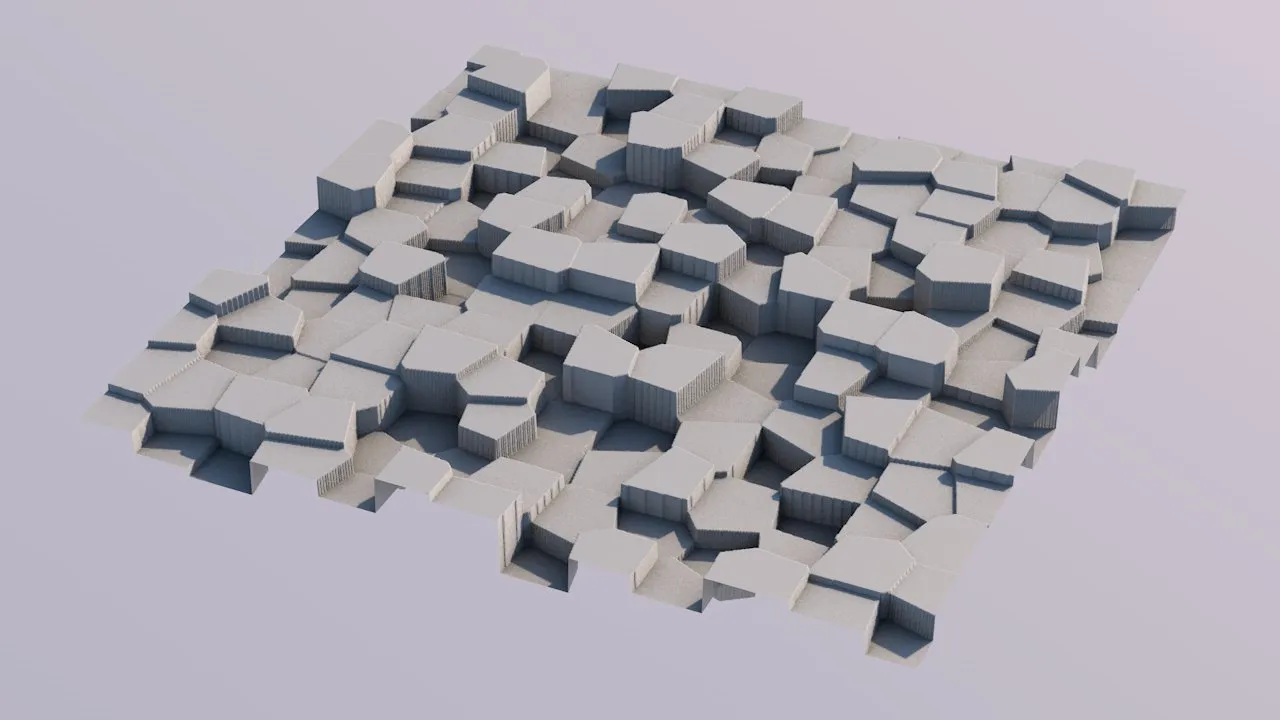
Jitter = 20% (even more irregular).
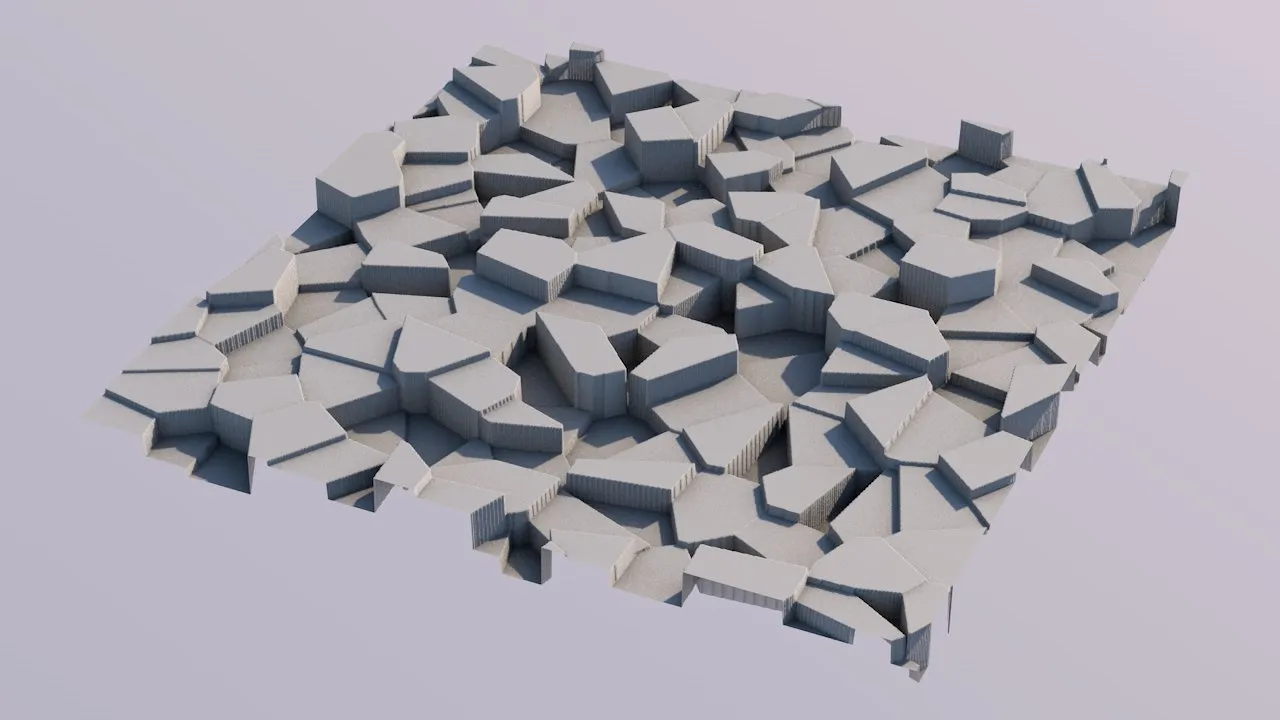
Jitter = 50% (pretty irregular).
Noises are only half the fun until you distort them.
For the legacy noise types, there is the Distort attribute group in tfNoise.
The new noise types use gradient perturbation to achieve a pleasing distortion (or warping) effect.
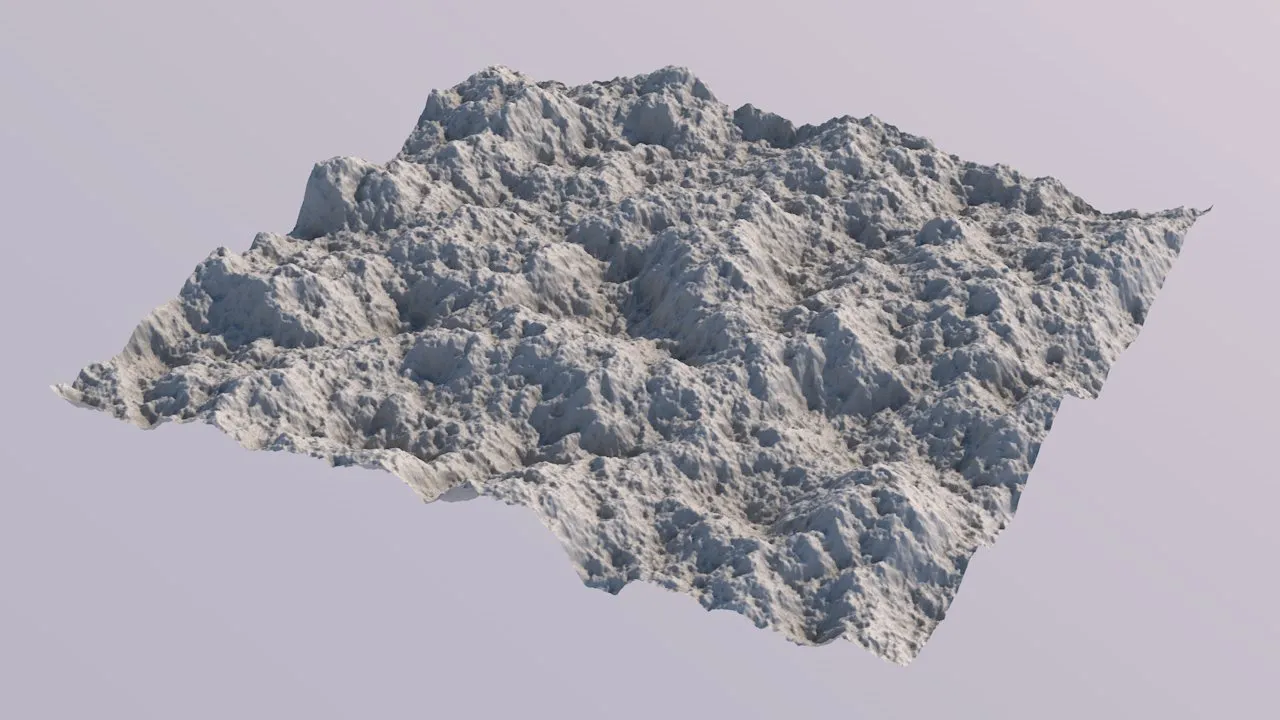
Amplitude = 0.0 (the original noise, without any warping applied).
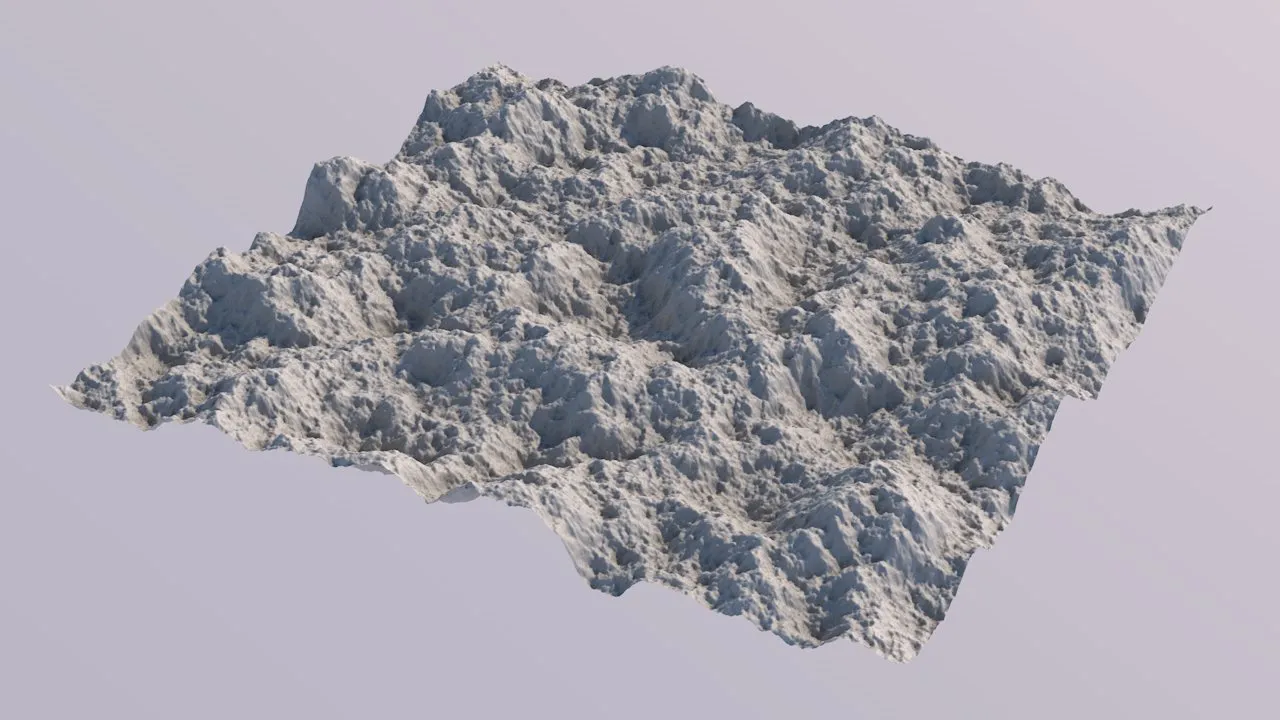
Amplitude = 5.0 (slight warping makes for a less uniform look).
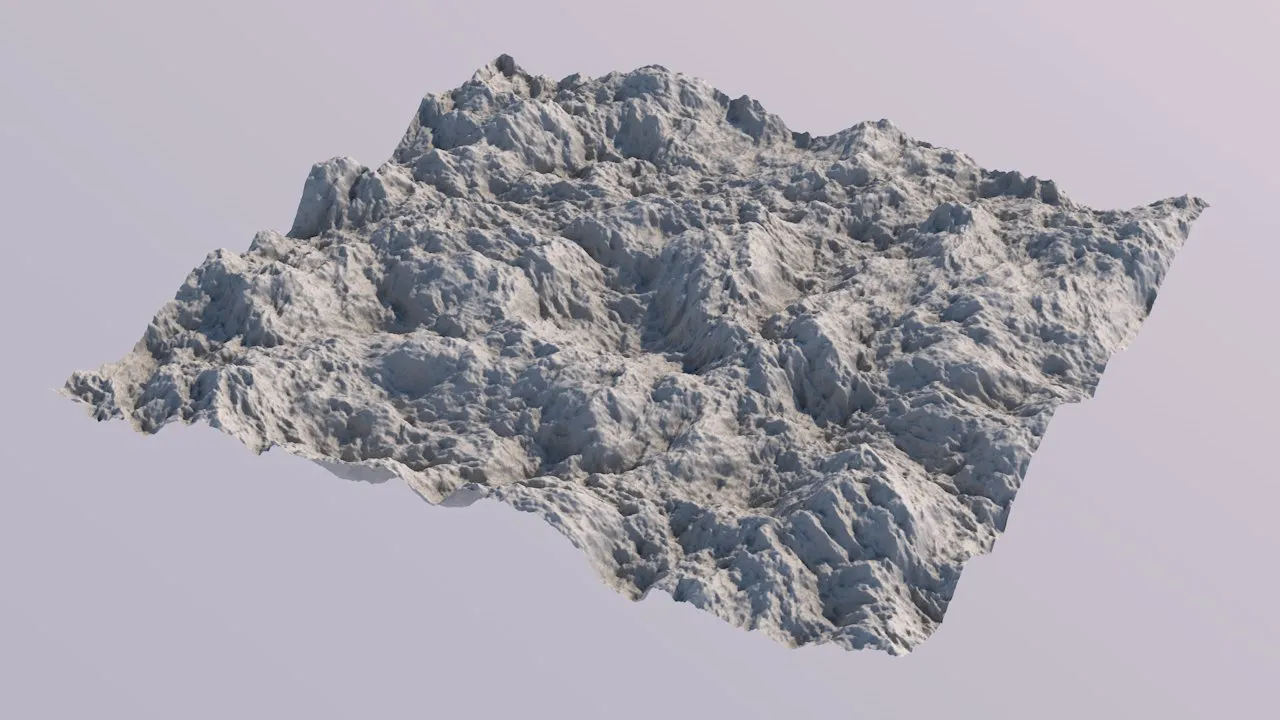
Amplitude = 30.0 (stronger warping creates a more individual look).
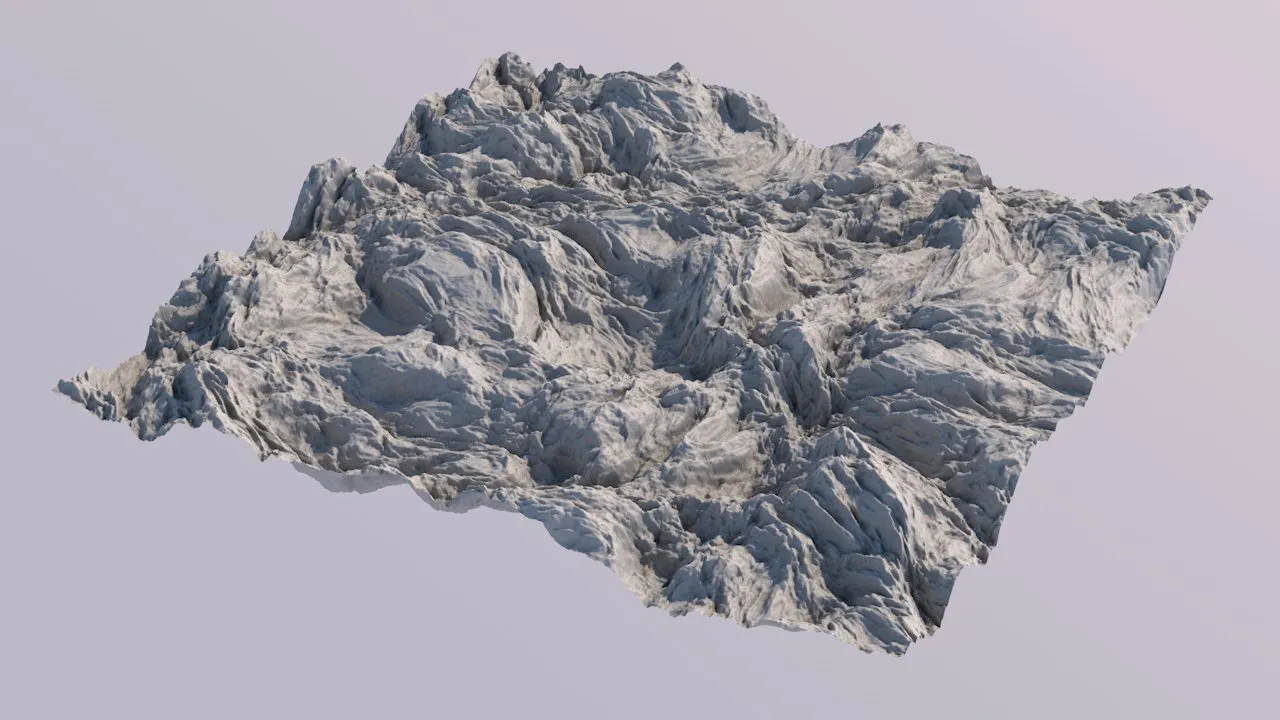
Amplitude = 60.0 (really strong warping can create fantastic irregular rock structures, or the impression of geologic displacement).
Gabor type additional parameter settings
Section titled “Gabor type additional parameter settings”Envelope scale
Section titled “Envelope scale”Controls the scale of the distributed Gabor kernels.
Anisotropy
Section titled “Anisotropy”Larger values bring out the directionality of Gabor noise, while lower values make it look more like a “standard” noise.
Orientation
Section titled “Orientation”Controls the direction of the anisotropic Gabor kernels.
Density
Section titled “Density”Controls the number of distributed Gabor kernels per square unit.
Some selected examples for different Gabor noise parameters (with the old parameter settings).
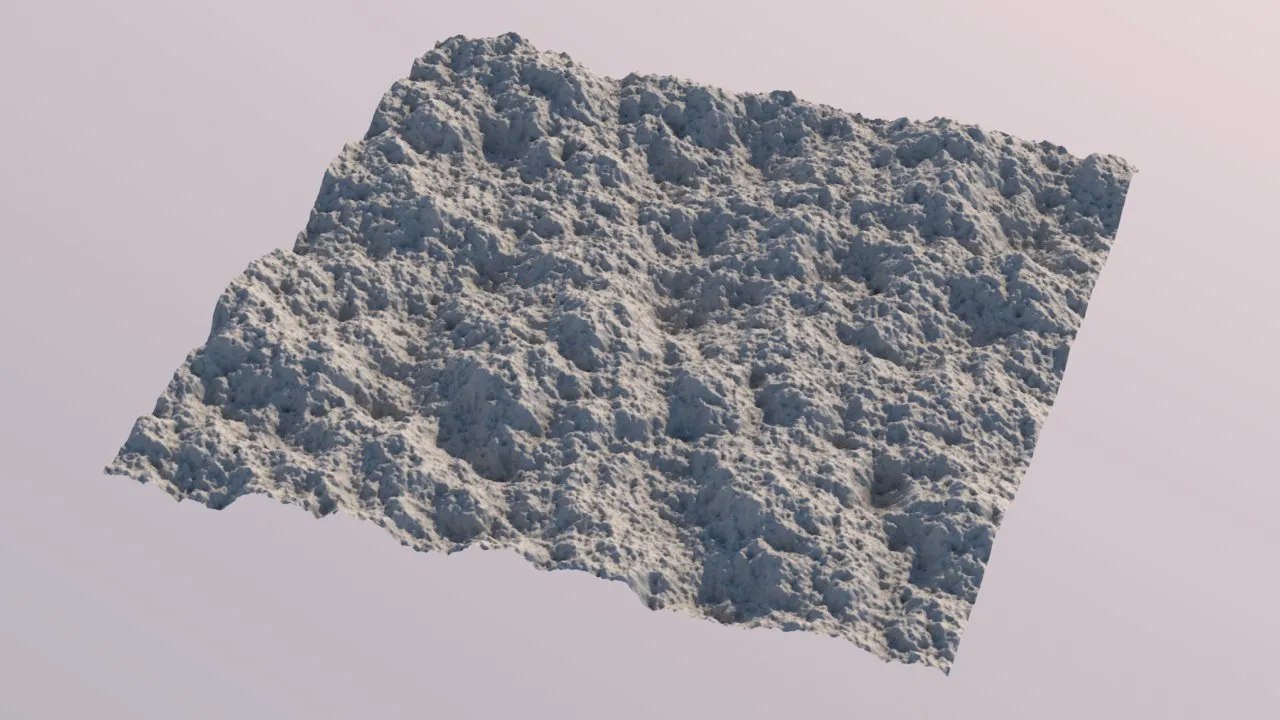
Envelope Scale = 8.0, Anisotropy = 2.0, Orientation = 4.0, Density = 64.
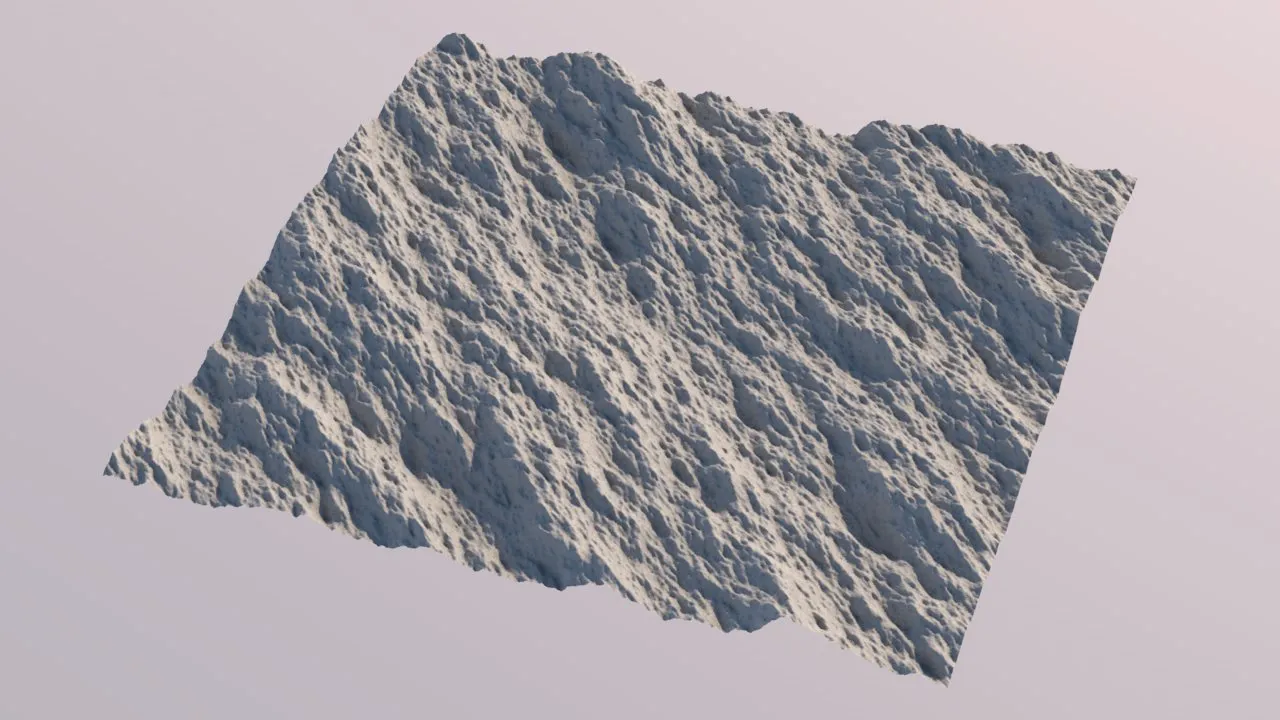
Envelope Scale = 2.0, Anisotropy = 2.0, Orientation = 4.0, Density = 64 - with these parameter values, Gabor’s directionality becomes apparent, giving a kind of rock structure.
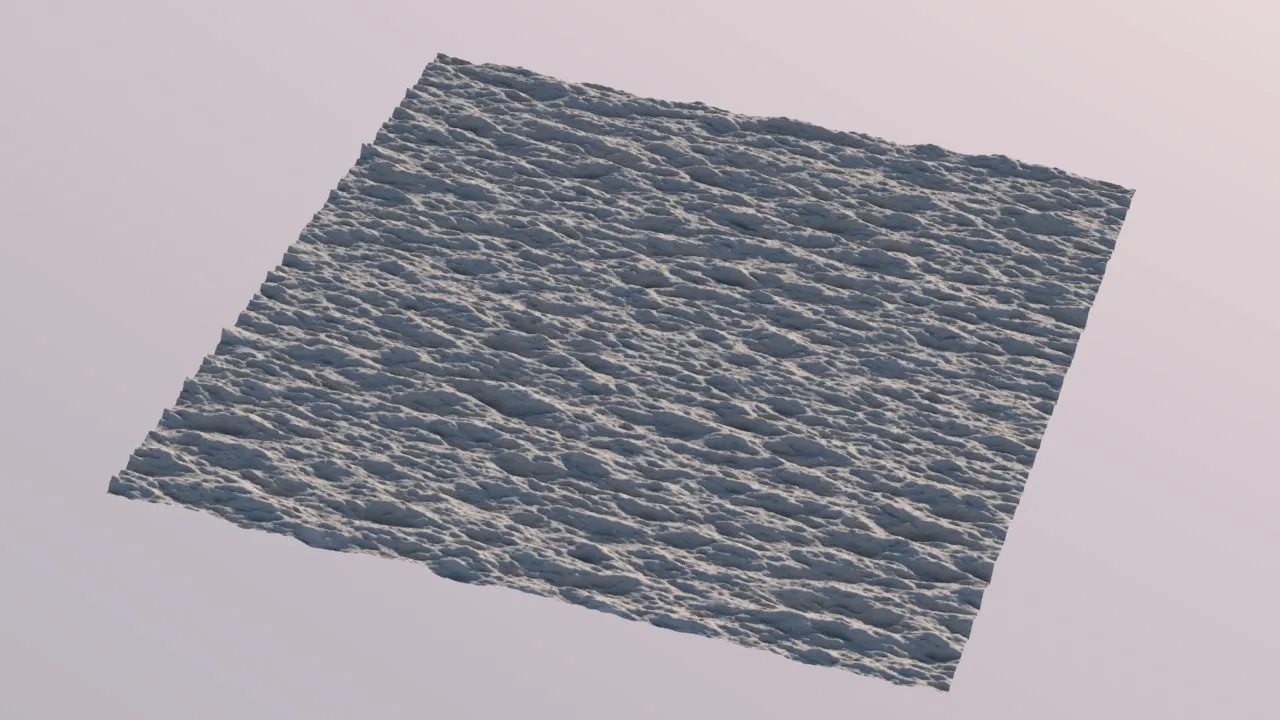
Envelope Scale = 16.0, Anisotropy = 16.0, Orientation = 2.0, Density = 64 - these parameter values create something that more resembles water waves. Also notice how a different Orientation value changed the direction.
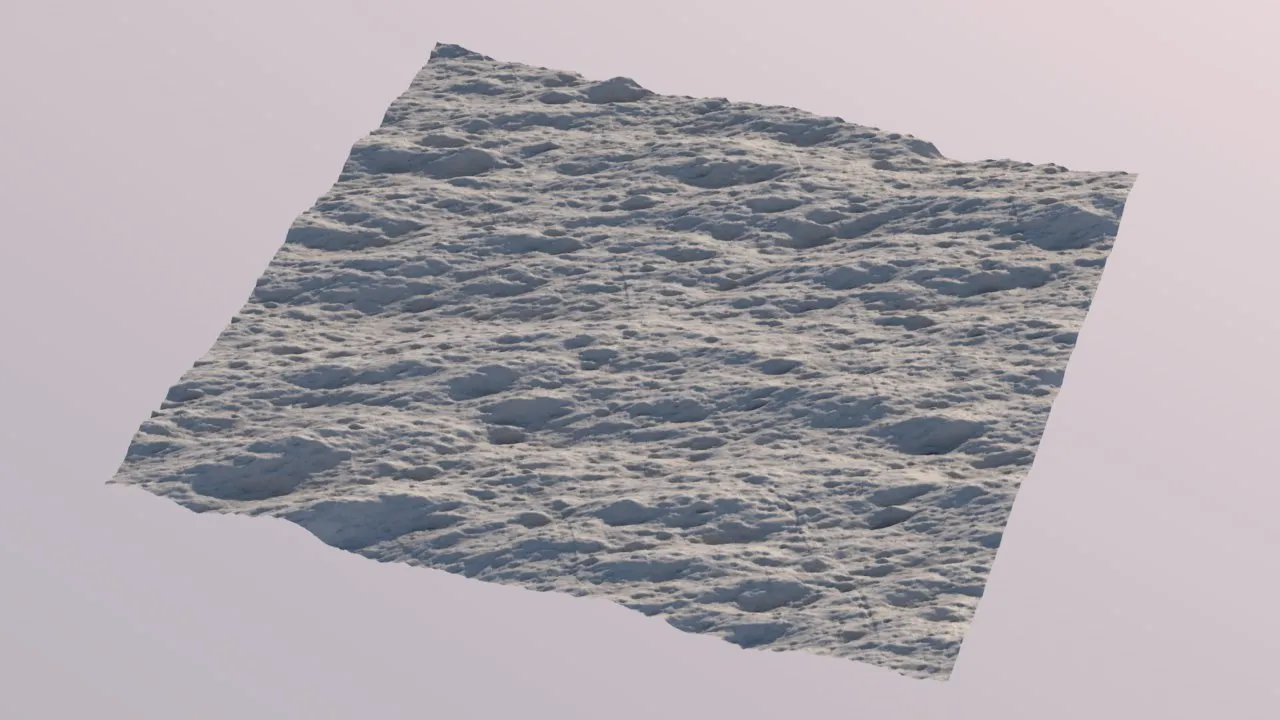
Envelope Scale = 3.0, Anisotropy = 3.0, Orientation = 1.5, Density = 8 - stretched hills, or another rock structure.
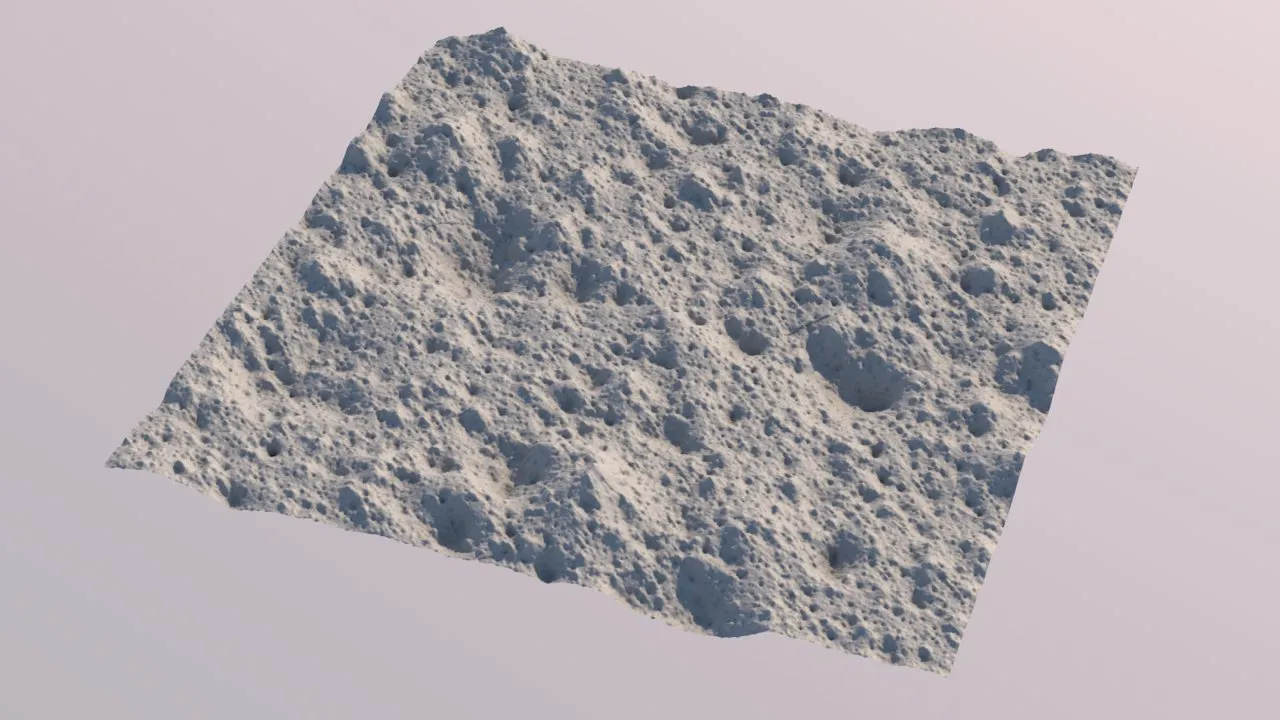
Envelope Scale = 8.0, Anisotropy = 3.0, Orientation = 4.0, Density = 1 - these parameter values are almost default, however, the Density has been reduced to just 1. This created distinct bumps and dents, resulting in something that looks a bit like a moon surface.
The higher the Density, the more the Gabor noise will merge into a continuous, smooth surface.
The lower the Density, the more the noise will fall apart and form interesting, unusual patterns.
Having a lower Density will also make Gabor noise compute notably faster.
Some additional examples of what the new noises can look like are below.
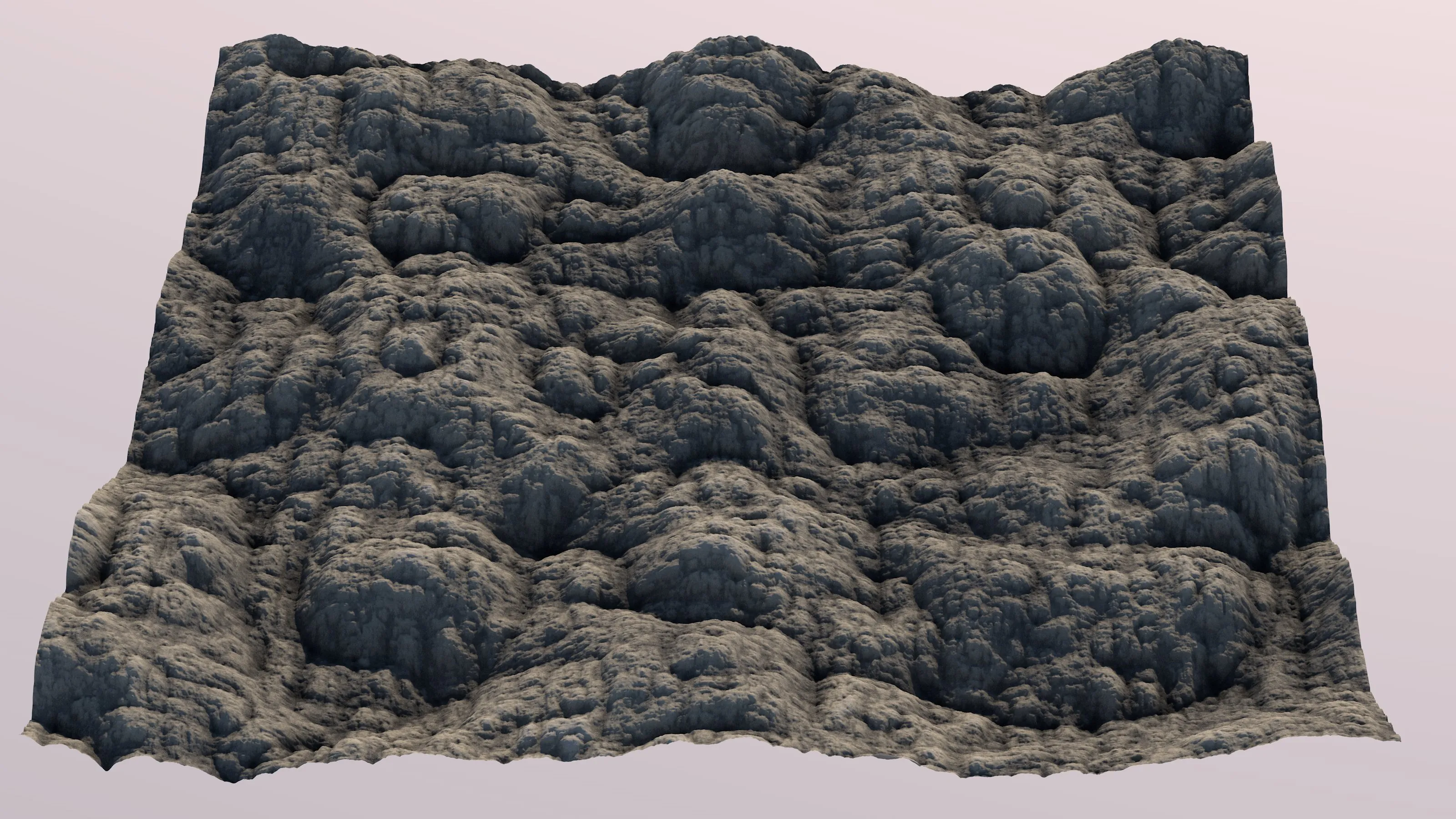
Value noise, Billow fractal, warped
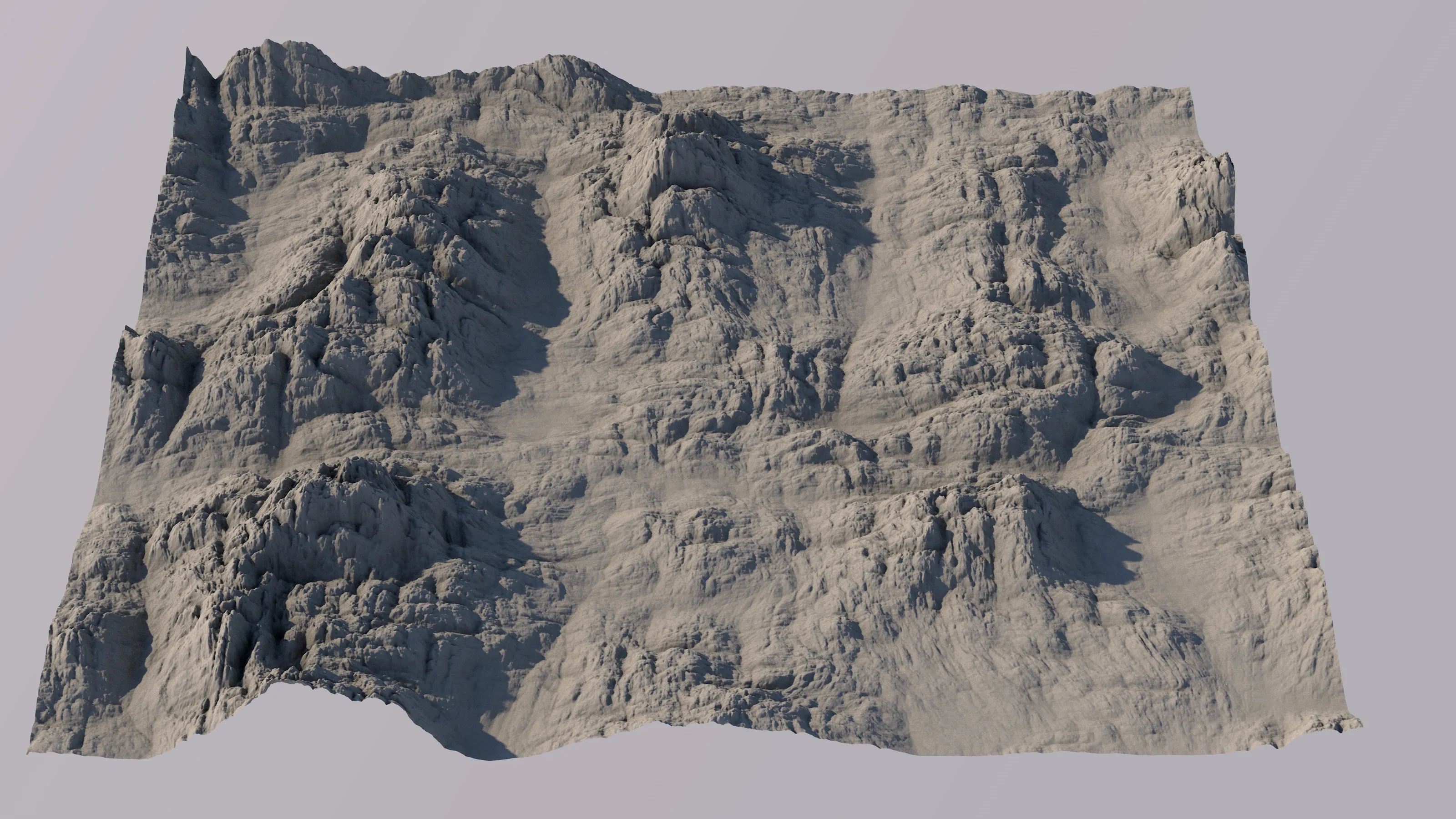
Value noise, Billow fractal, glaciated with tfCurve
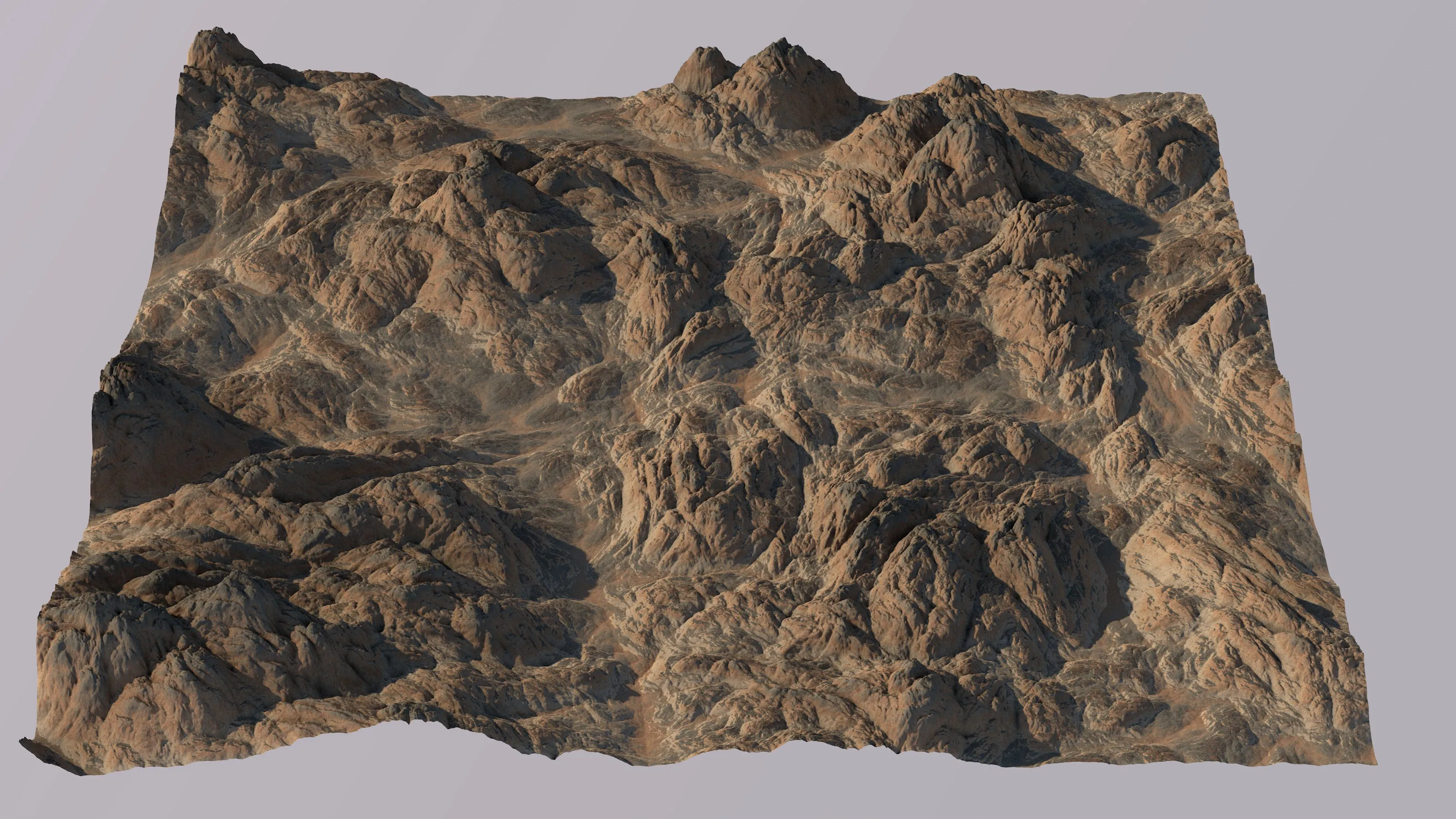
Simplex noise, Billow fractal, warped.
Macro noises
Section titled “Macro noises”These new noise types in the tfNoise operator are actually combinations of several different noises (generated by the new noise generator) that are blended and masked together.
They generate complex and eclectic patterns.
Macro noises adhere to the same rules as the old noise types, regarding the operator’s matrix, and the seed, scale and offset attributes, et cetera..
Additionally, tfNoise now offers a Operator Output map called Biome Mask.
It is only available if a macro noise type is selected.
Biome masks are rather creative data, and can look very different for different macro noise types.
Macro noise types
Section titled “Macro noise types”Available macro noise types are seen in the images below.
Mixed (Macro)
Section titled “Mixed (Macro)”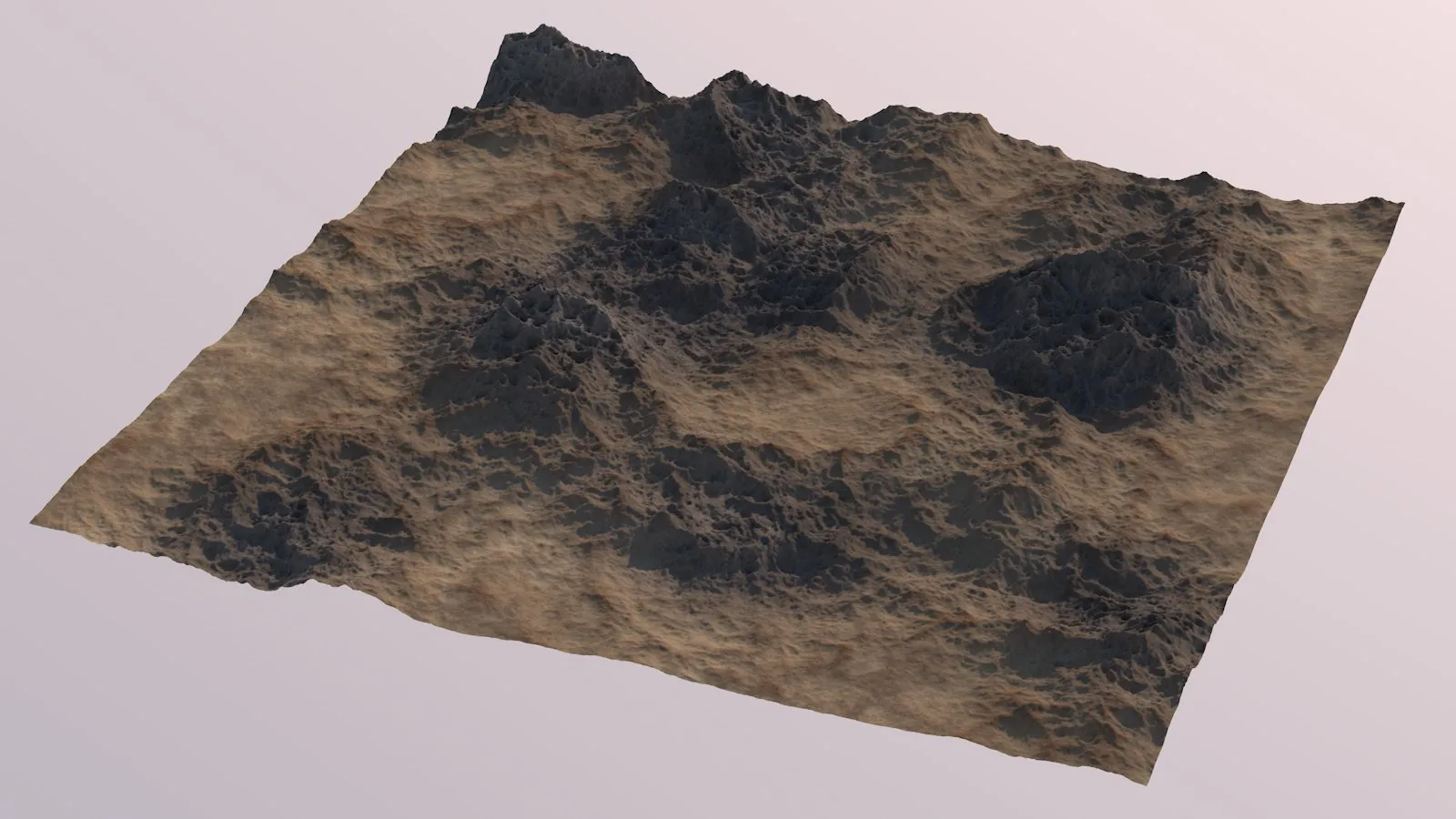
A mixture of plain areas and mountains. In this rendering, the new Biome Mask operator output was used to apply a different texture to the mountainous areas.
Prairie (Macro)
Section titled “Prairie (Macro)”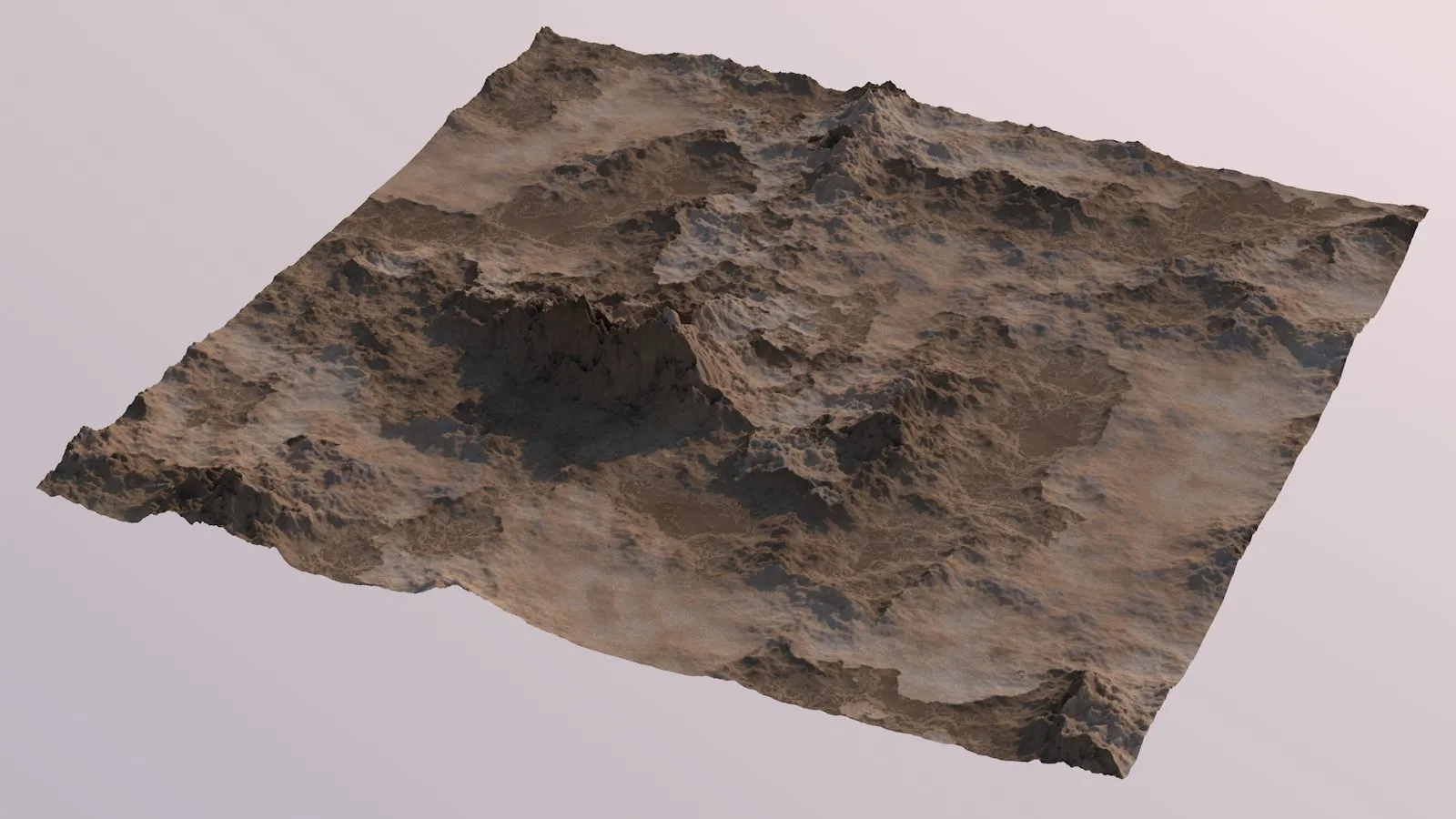
The new Biome Mask operator output was used to apply a different texture to some areas. A mixture of plain areas and rock formations.
Copyright © 2026 INSYDIUM LTD. All rights reserved.