

tfQuantize
This filter creates steps in your terrain.
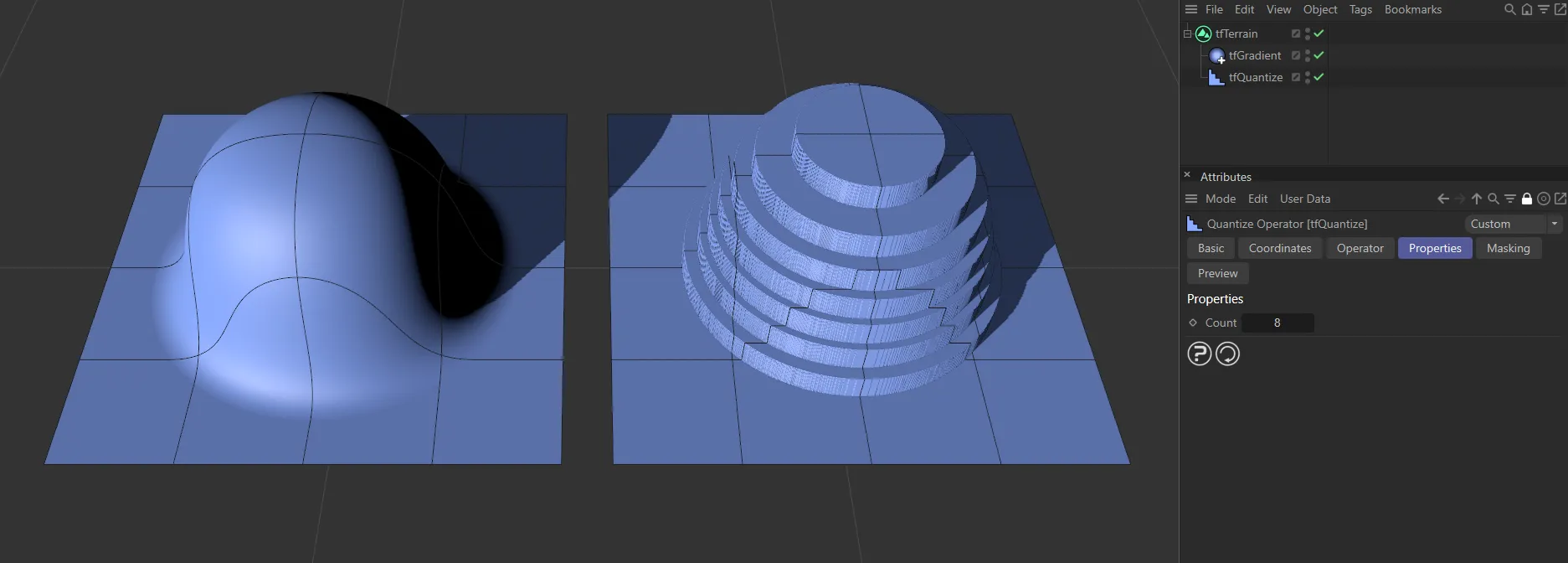
The gradient terrain on the left has the tfQuantize filter applied, with a Count value of 8 giving 8 steps.
Properties
Section titled “Properties”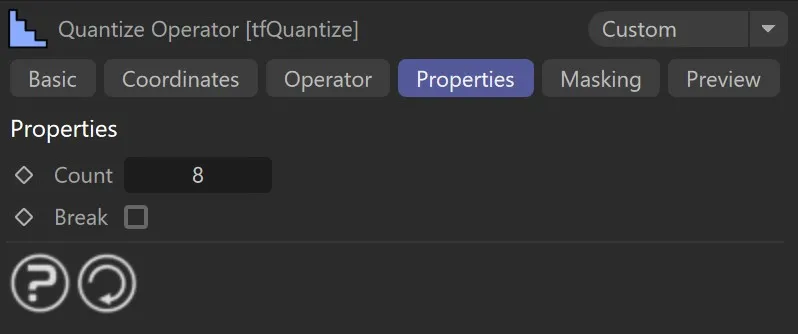
The tfQuantize, Properties menu settings.
Defines how many steps the terrain should be quantized in.
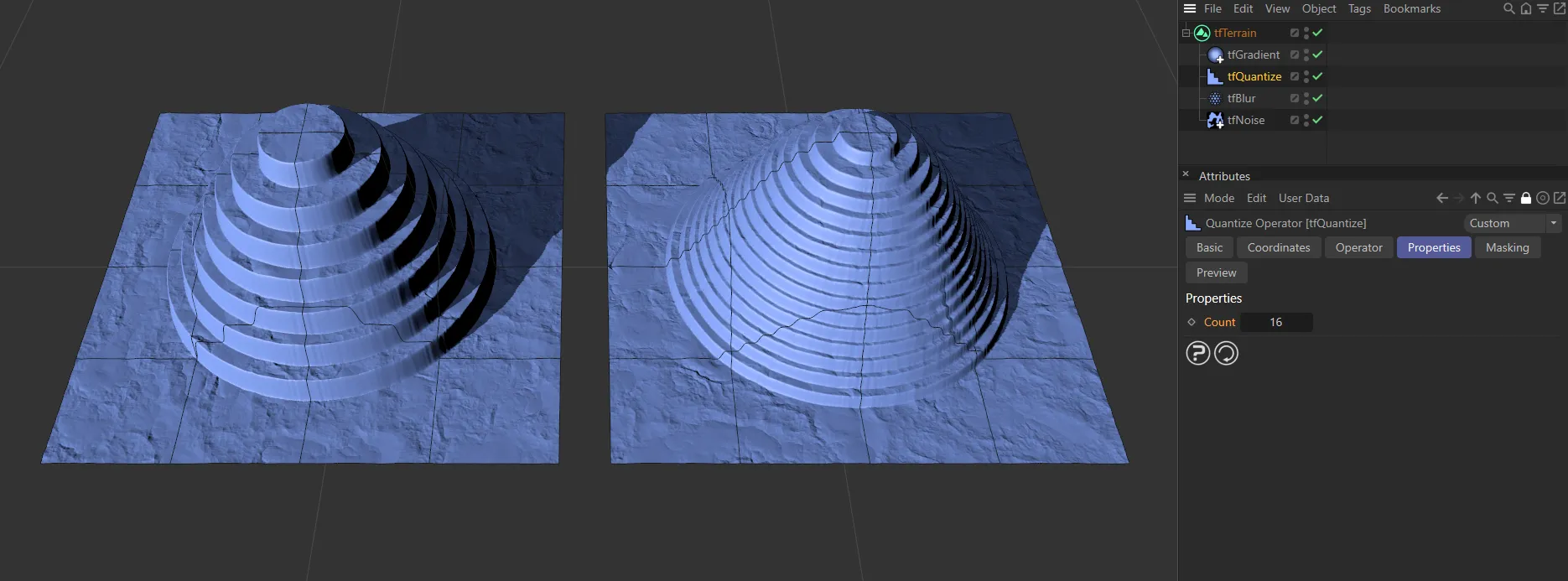
Here, the Count is set at 8 on the left and 16 on the right.
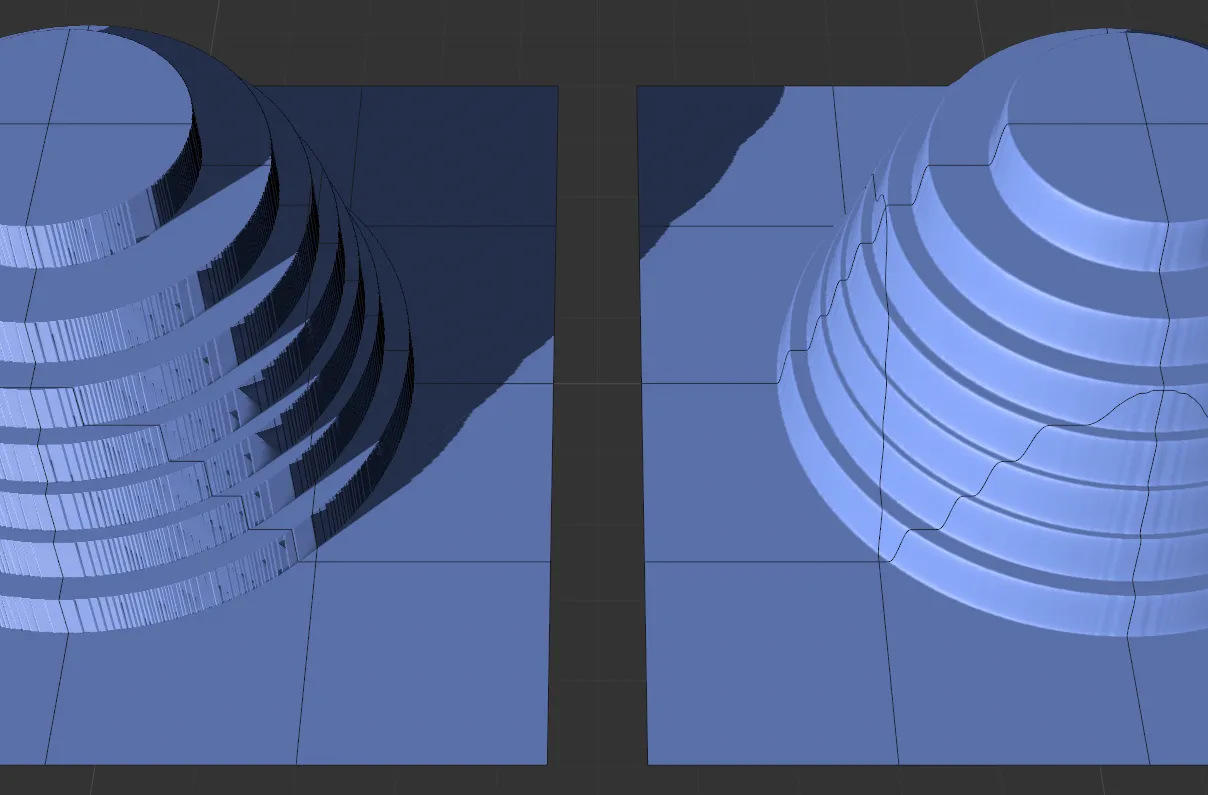
The right-hand terrain also has a tfBlur filter added, as opposed to the terrain on the left, which only has the tfQuantize enabled.
Enabling this will break off some material from the top of the terraces, making them look more natural.
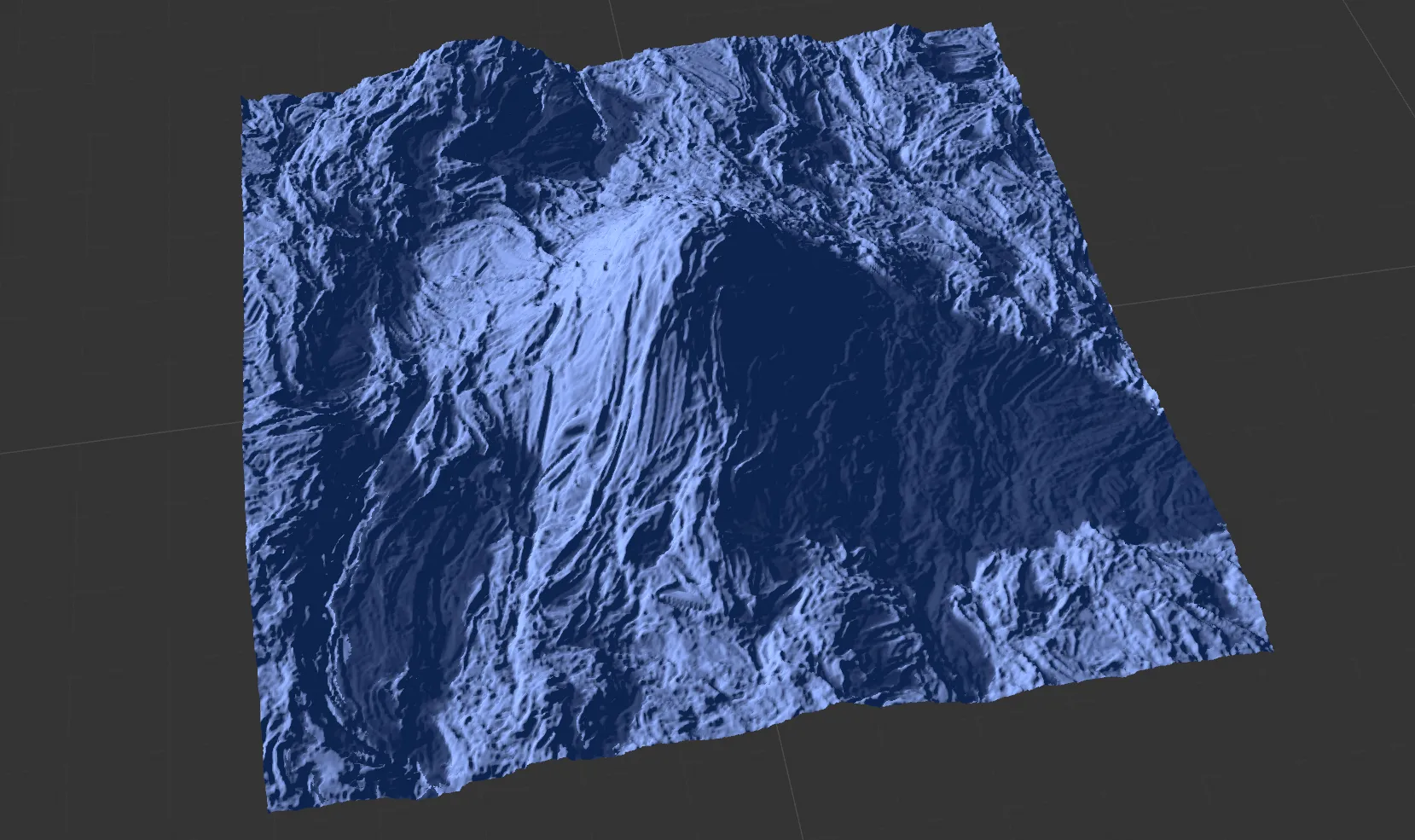
tfQuantize disabled. The unchanged terrain.
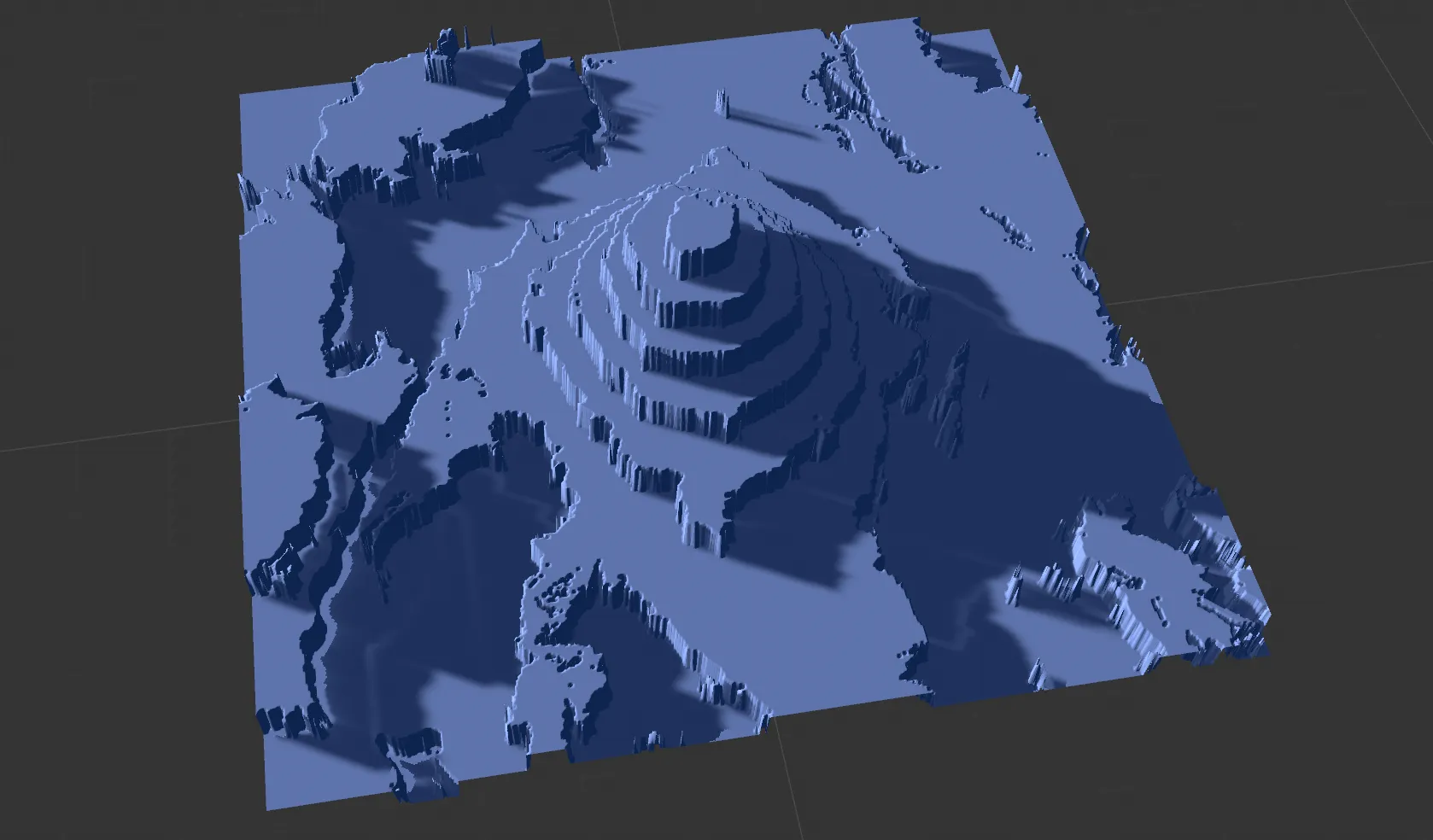
tfQuantize enabled. The quantized terraces, known from earlier releases.
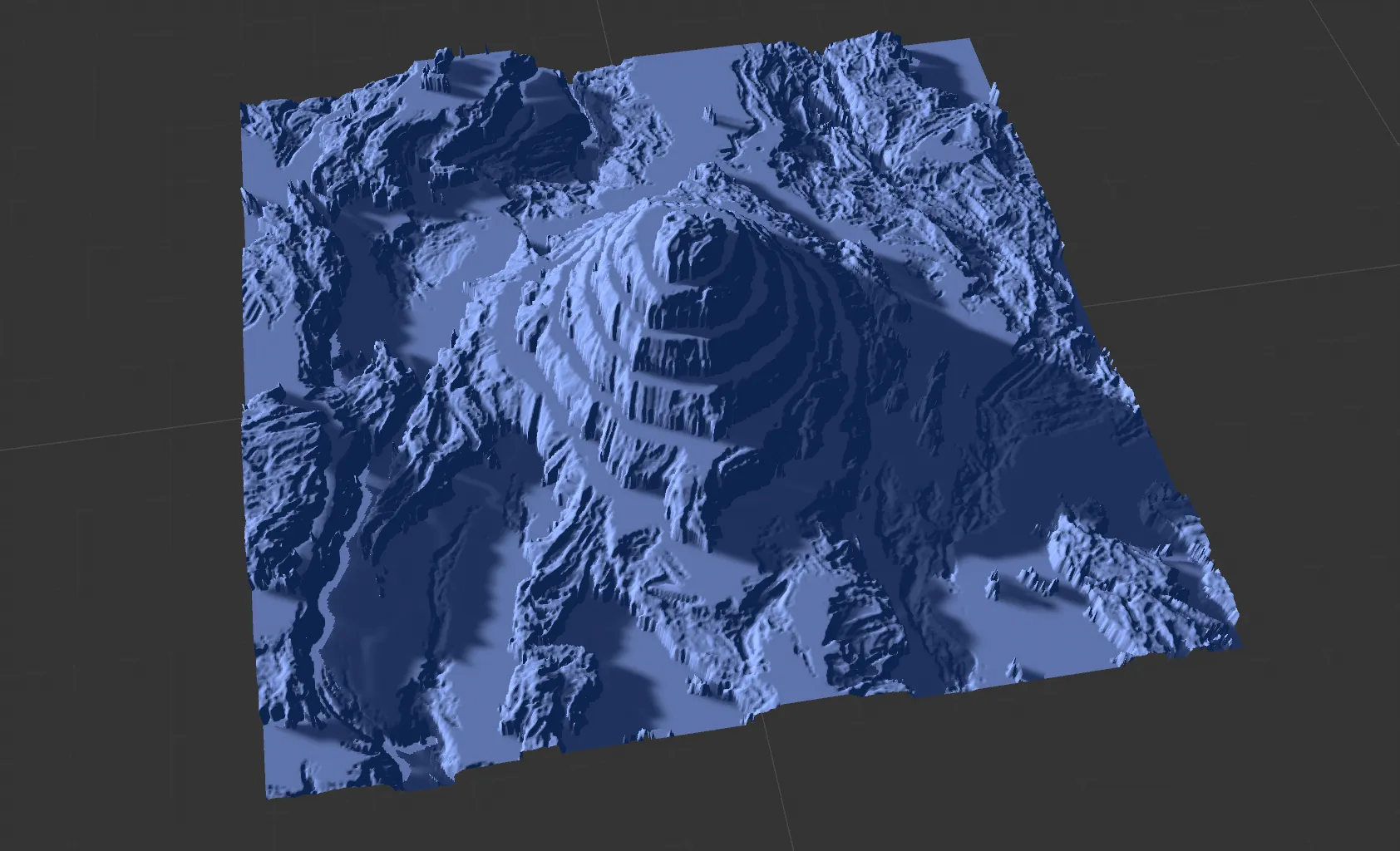
tfQuantize enabled and Break enabled with more natural looking terraces.
Copyright © 2026 INSYDIUM LTD. All rights reserved.