

Preferences
The NeXus preferences can be customized from within the Cinema 4D Preferences menu, accessed from the Edit tab (or by clicking Ctrl + E).
Click on INSYDIUM to reveal the general INSYDIUM preferences.
The last options are for the GPU.
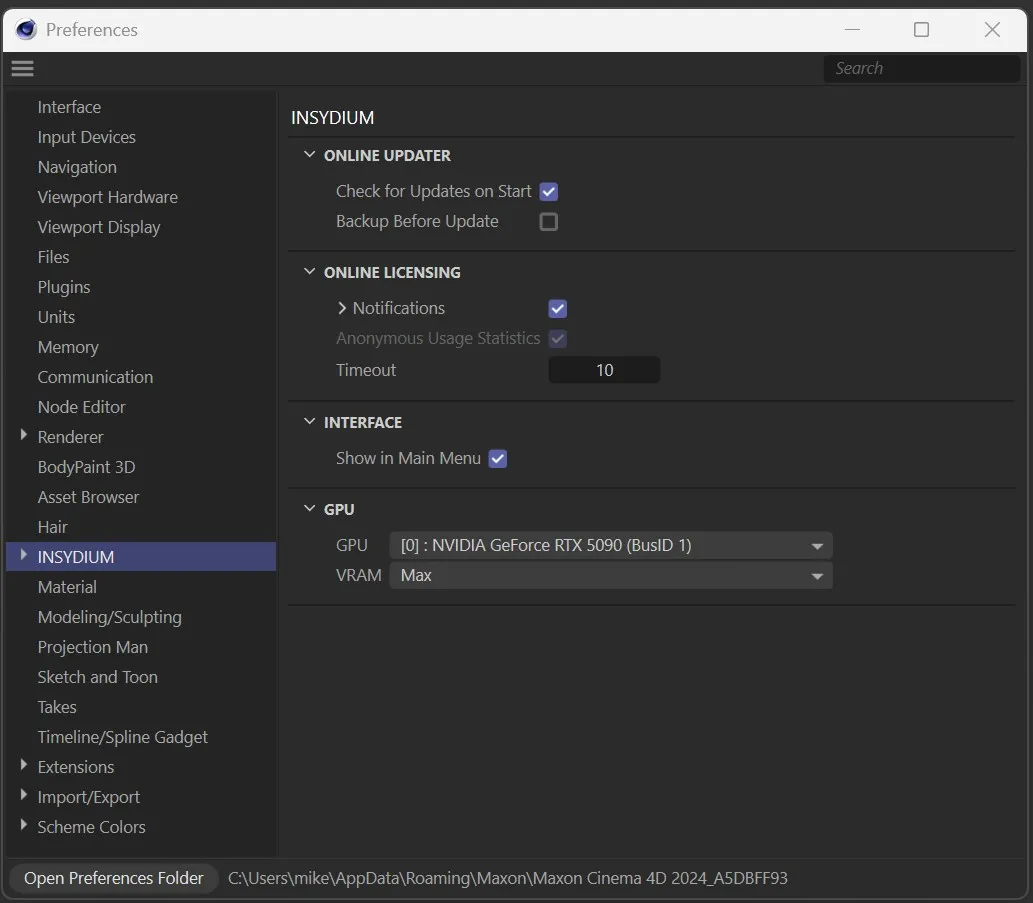
The Preferences menu in the Cinema 4D Edit tab/Preferences.
If your machine has multiple GPUs, you are able to choose which should be used for NeXus simulations.
Simply open the dropdown and select the desired GPU.
Controls how NeXus allocates GPU memory for simulations.
Set as Max, by default.
The other options are Balanced and Custom.
NeXus uses the maximum available VRAM on the selected GPU.
Balanced
Section titled “Balanced”NeXus uses a moderate portion of VRAM, leaving more available for other GPU tasks such as rendering and viewport display.
Custom
Section titled “Custom”Allows manual control over VRAM allocation.
Copyright © 2026 INSYDIUM LTD. All Rights Reserved.