

xpPython
With the xpPython modifier, you can arrange for Python code to be executed when a particle is within the modifier’s field of effect.
You have access to the particle data, which enables you to change the data in any way you like.
Object Properties
Section titled “Object Properties”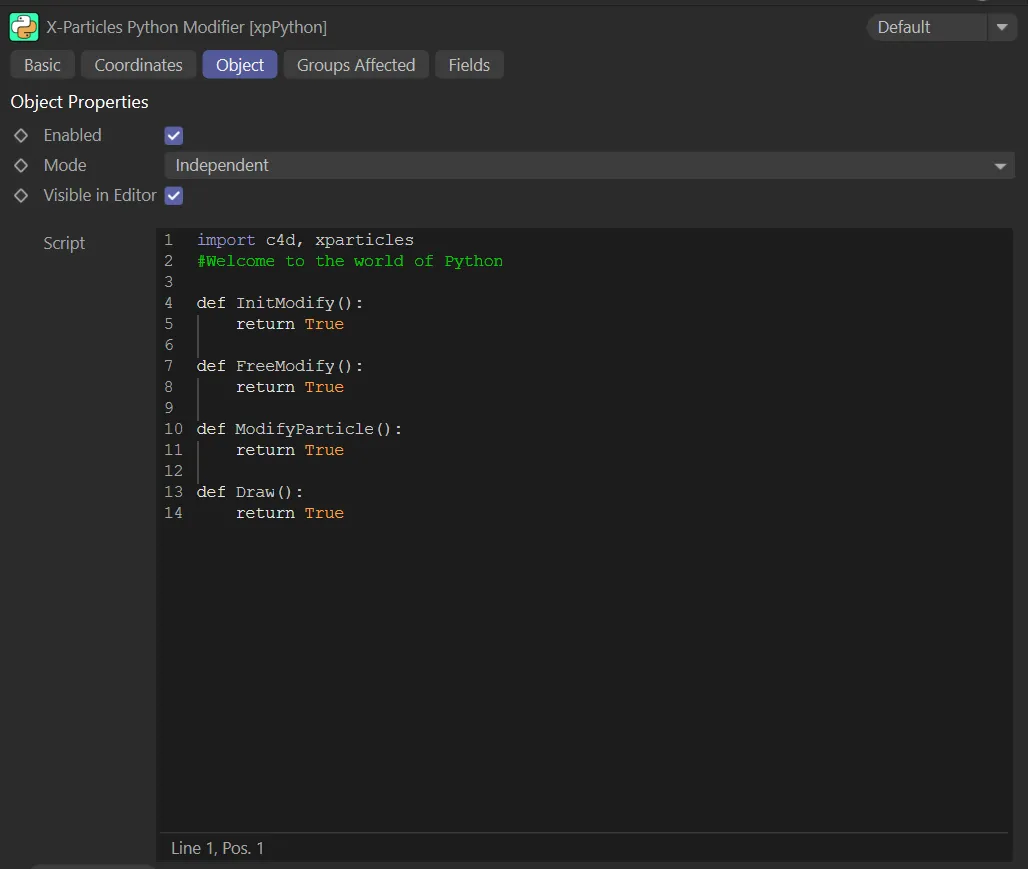
xpPython Object tab menu.
Enabled
Section titled “Enabled”Checking this box enables the xpPython modifier.
Set at Independent by default.
You can change this to Action-Controlled.
Independent Mode
Section titled “Independent Mode”In this mode, particles will be affected if they come into the field of effect of the modifier.
Action-Controlled Mode
Section titled “Action-Controlled Mode”When in the Action-Controlled Mode setting, the modifier will only act on a particle when told to do so by an action.
Visible in Editor
Section titled “Visible in Editor”Enabled, by default, click to make the modifier invisible in the editor.
Script
Section titled “Script”This is where you enter the Python script to be carried out.
A simple default script is provided.
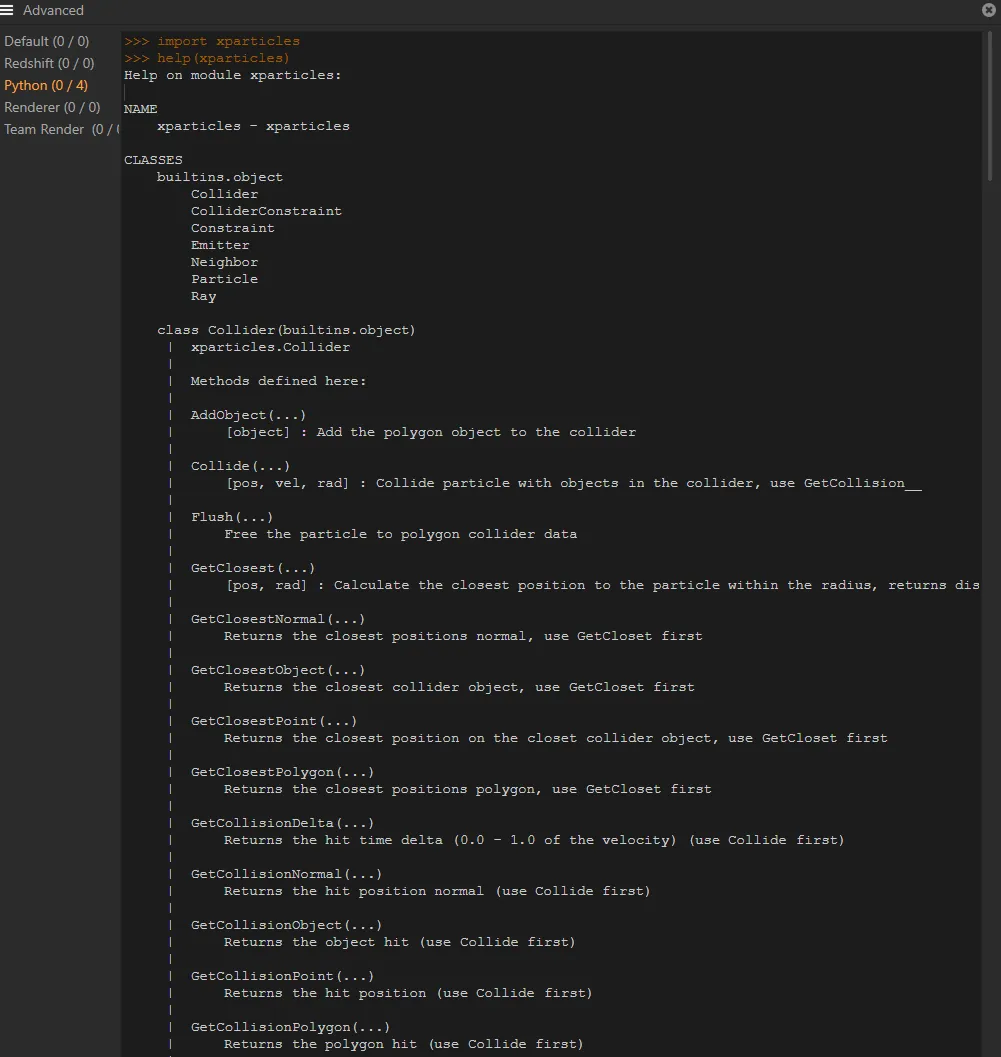
A list of classes and functions within them (in Cinema 4D) that can be used to modify particles.
Open Editor
Section titled “Open Editor”This button opens the Cinema 4D script editor, which provides a better coding environment for writing your scripts.
When you finish with the editor, simply close it and the Script field in the modifier will be updated automatically.
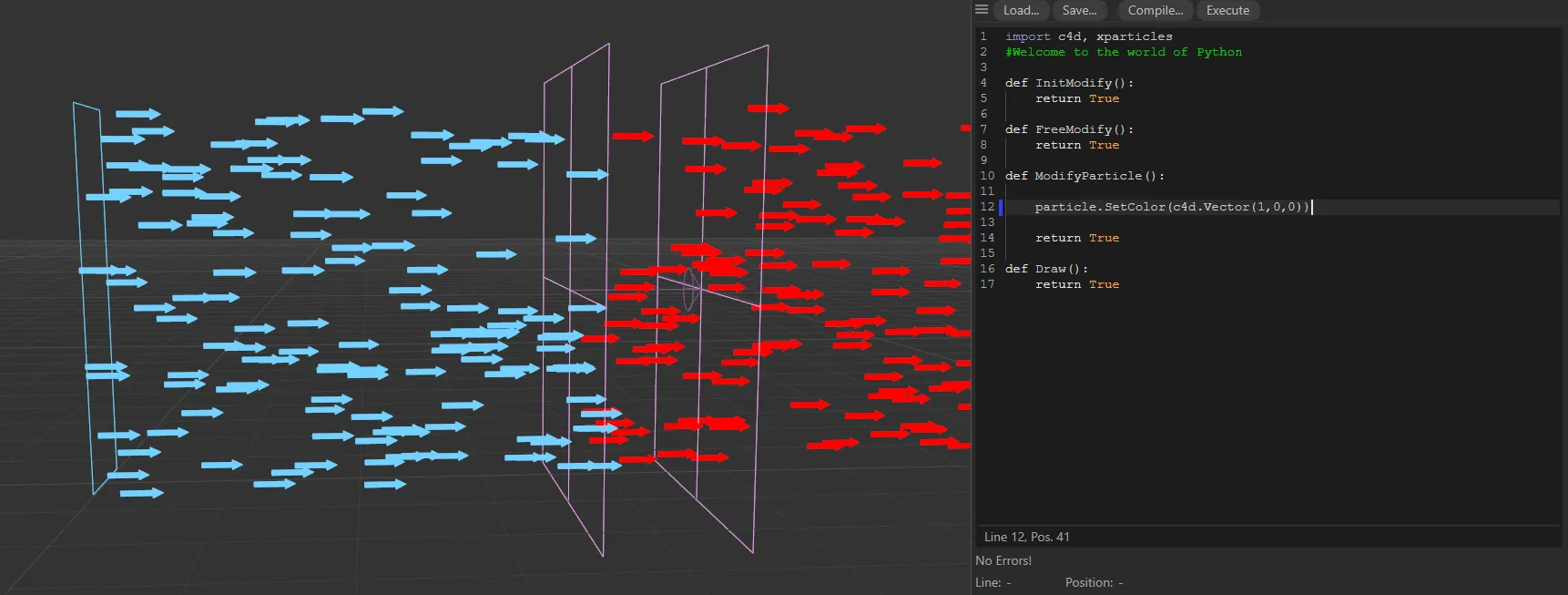
In this scene, each particle’s color is set to the vector (1,0,0), which is red. The particles that enter xpPython’s Linear field now turn from blue to red.
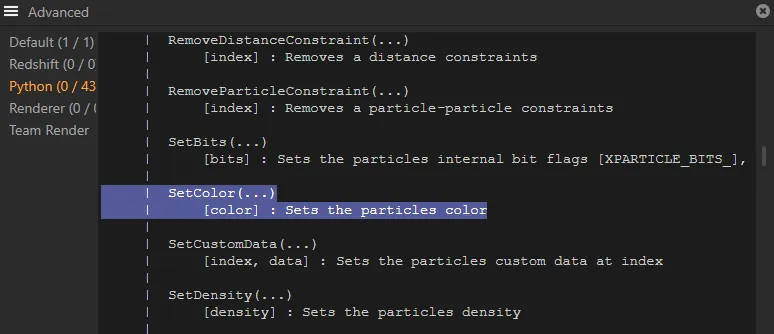
The corresponding code, which has been used.
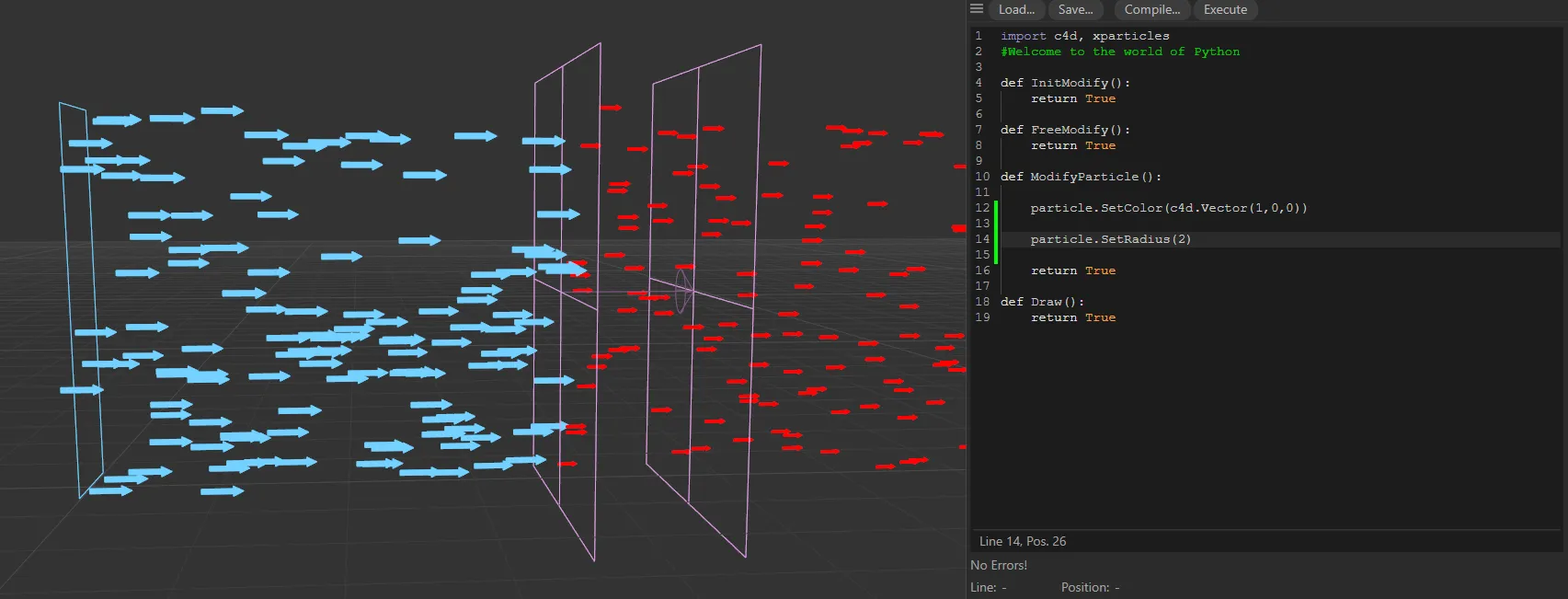
Here, a change has also been added to each particle’s radius, from 5cm to 2cm.
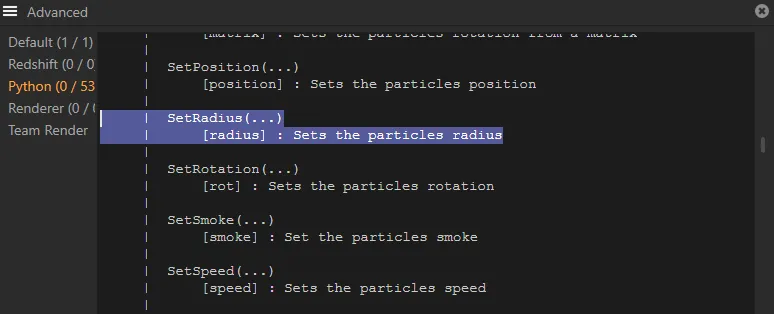
The corresponding code, which has been used.
Groups Affected tab
Section titled “Groups Affected tab”Groups
Section titled “Groups”To specify the group, drag and drop the desired Group object into this field.
This setting is useful if you want to ensure that the spawned particles are, or are not, affected by xpPython.
Fields tab
Section titled “Fields tab”You can use the Fields options to control where xpPython operates.
Copyright © 2026 INSYDIUM LTD. All rights reserved.