

nxFalloff
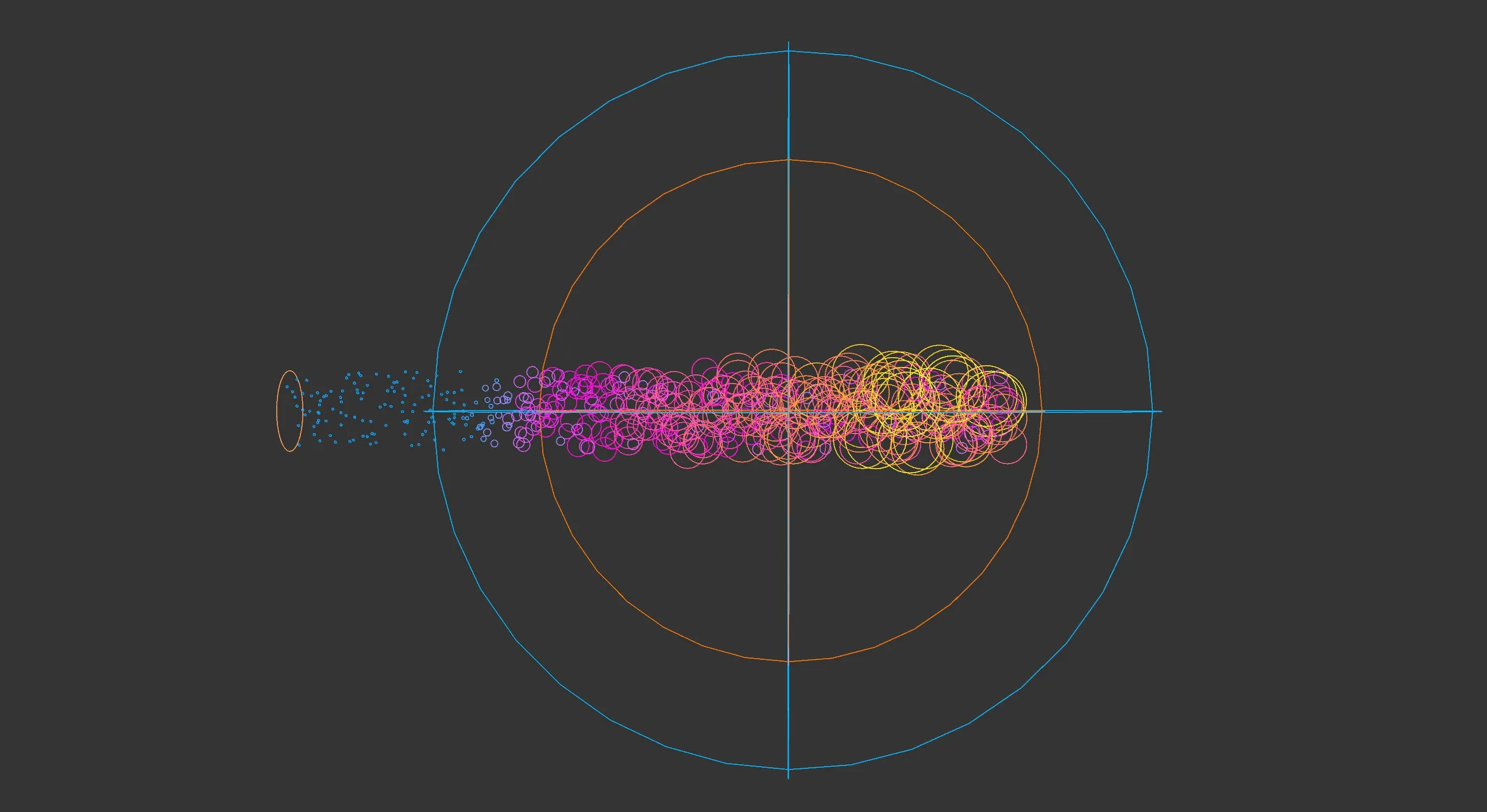
nxFalloff is a standalone object that defines a GPU-compatible spatial falloff region.
Once added to the scene, an nxFalloff object can be dragged into the falloff slot of any supporting modifier, allowing a single falloff shape to drive multiple effects simultaneously.
Object Properties
Section titled “Object Properties”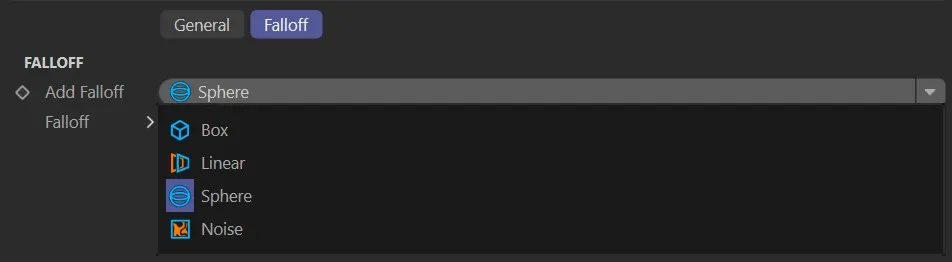
nxFalloff Object tab.
Selects the shape of the falloff.
The available options are Box, Linear, Sphere and Noise.
Box mode
Section titled “Box mode”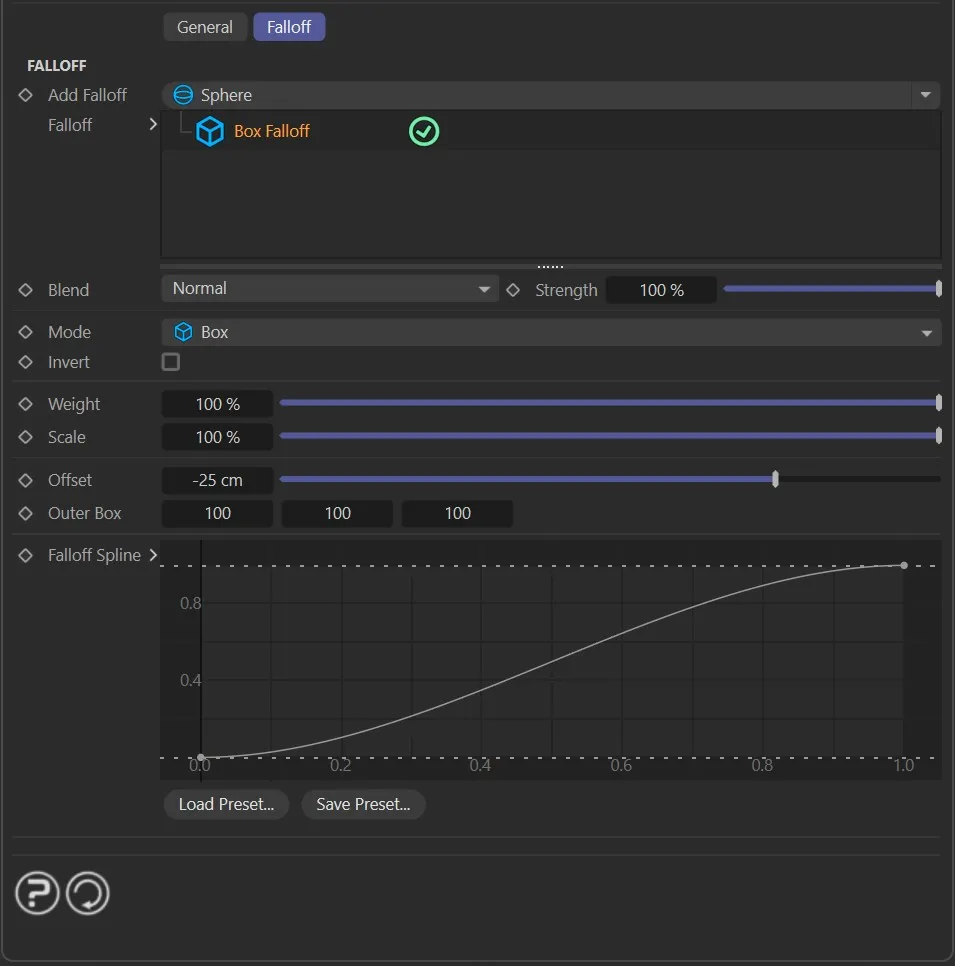
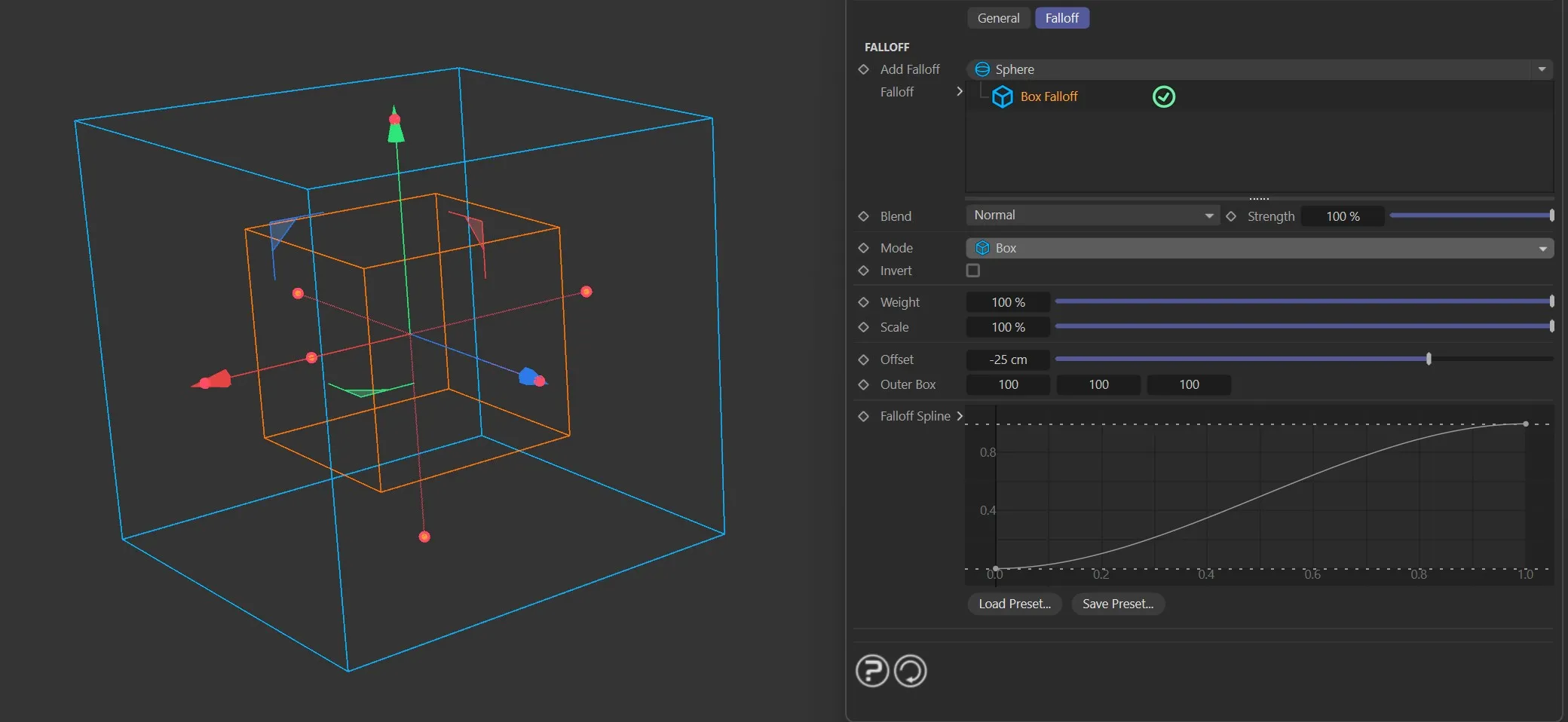
A rectangular falloff region.
Offset
Section titled “Offset”Shrinks the inner hard zone inward from the object’s surface.
Outer Size
Section titled “Outer Size”Sets the full X/Y/Z extent of the box.
Linear mode
Section titled “Linear mode”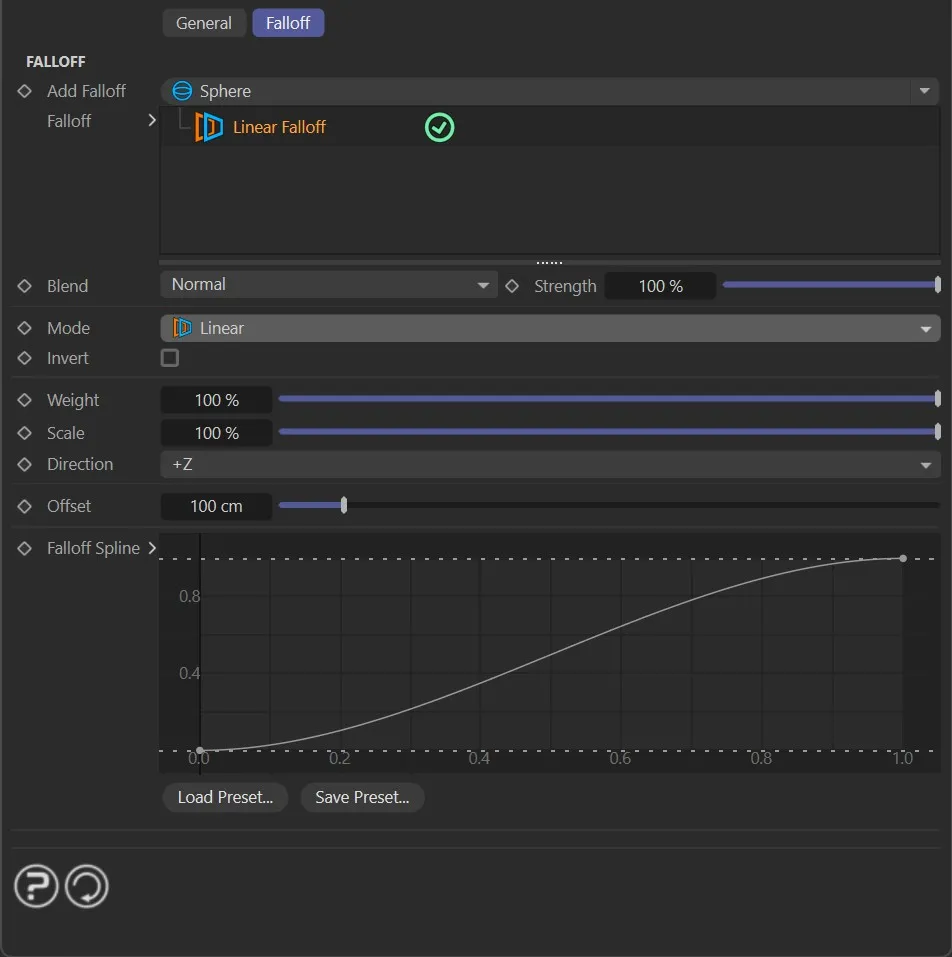
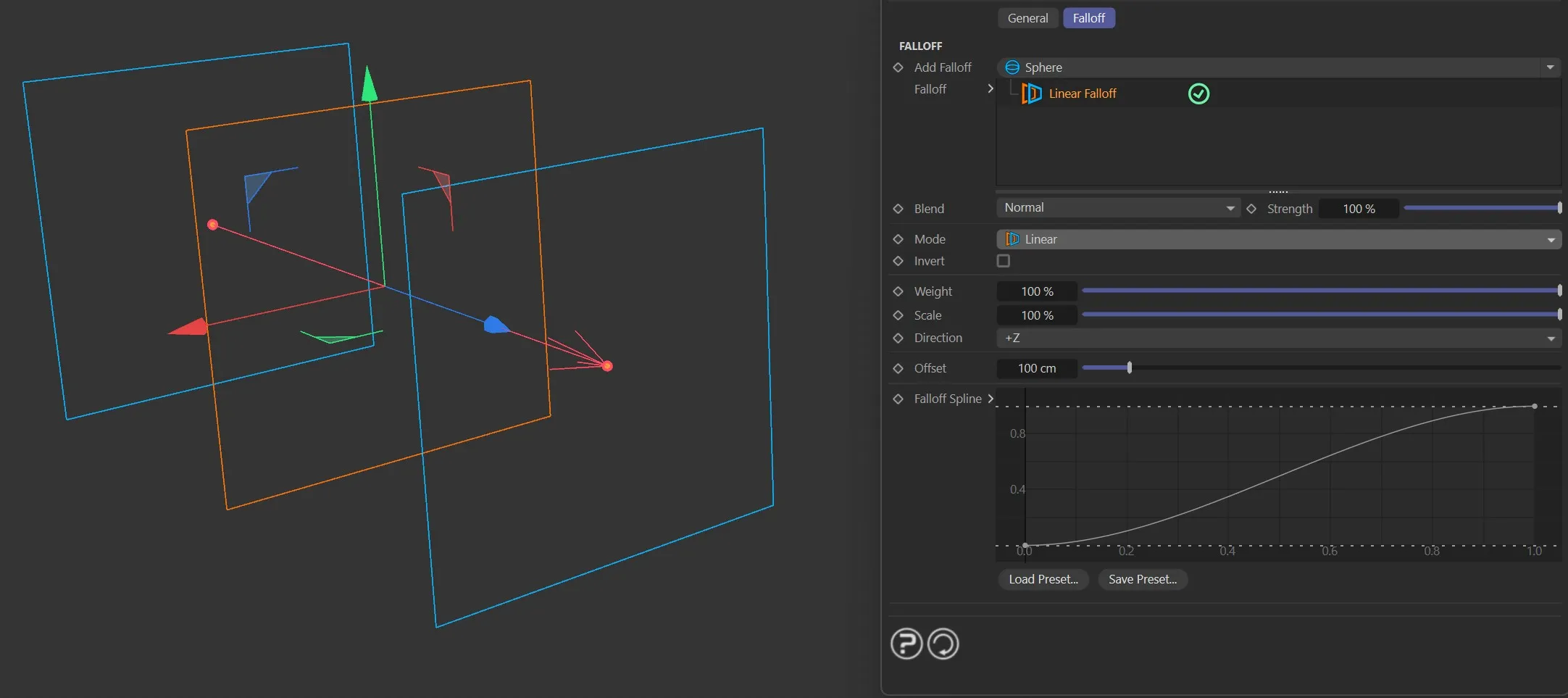
A directional falloff that fades along a single axis.
Size Offset
Section titled “Size Offset”Sets the length of the falloff from the object origin.
Direction
Section titled “Direction”Selects the axis of the falloff.
Set as Y+, by default.
The other options are: X+, X−, Y−, Z+ and Z−.
Sphere mode
Section titled “Sphere mode”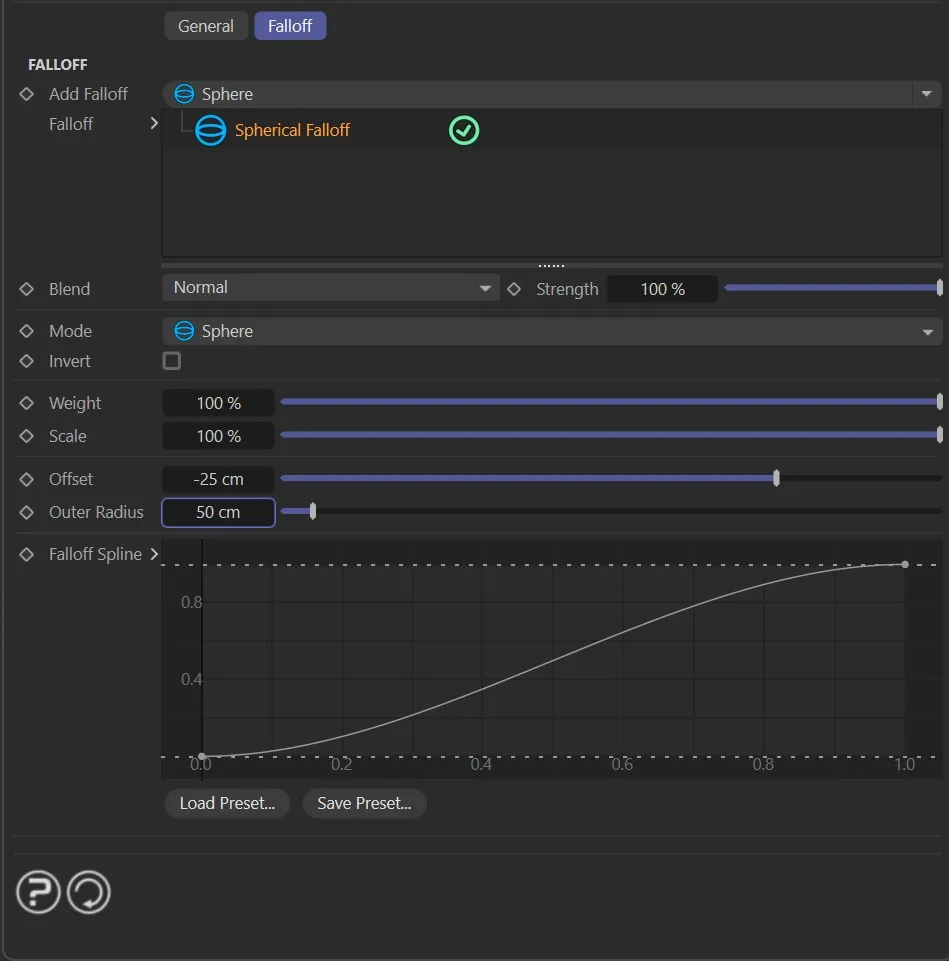
A radial falloff that fades outward from the object center.
Radius Offset
Section titled “Radius Offset”Shifts the inner boundary inward.
Negative values extend it outward.
Outer Radius
Section titled “Outer Radius”Sets the full radius of the sphere.
Noise mode
Section titled “Noise mode”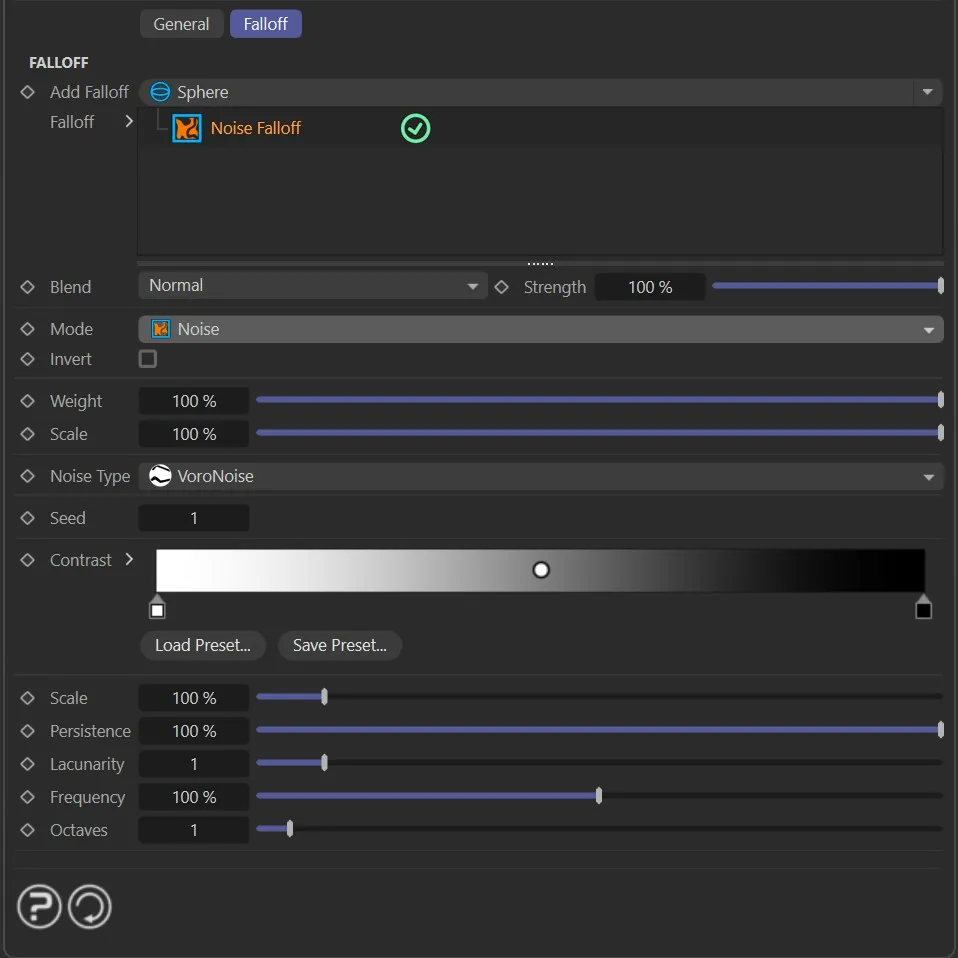
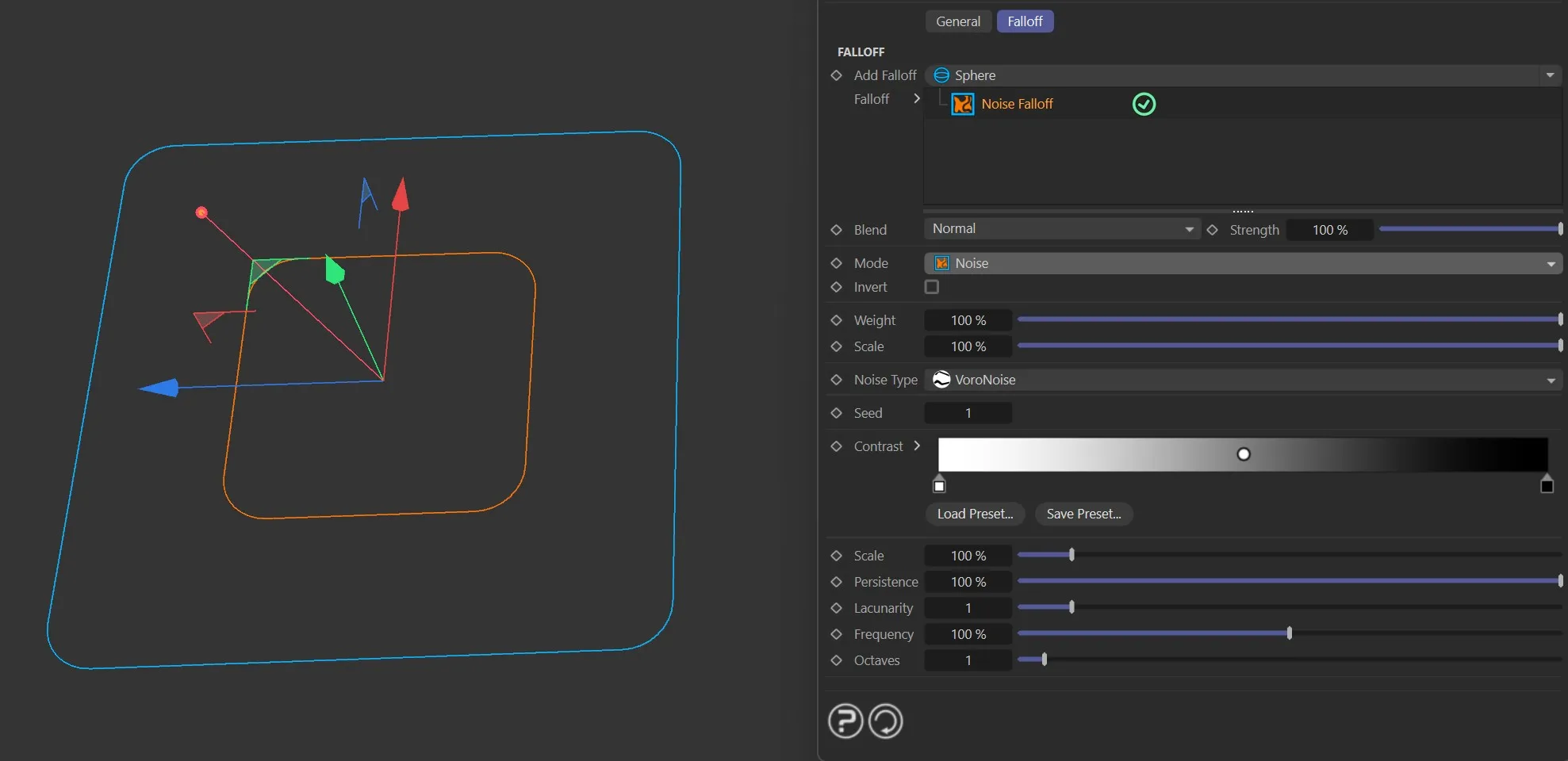
A procedural 3D noise field used as the falloff shape.
Noise Type
Section titled “Noise Type”Set as Simplex, by default.
The other options are: Curl, Turbulence, Wavy Turbulence, Voronoise, FBM and Cubic.
Randomizes the noise pattern while keeping all other settings the same.
Contrast
Section titled “Contrast”A gradient that remaps the noise values.
The size of the noise features.
Persistence
Section titled “Persistence”How the strength changes across octaves.
Lacunarity
Section titled “Lacunarity”How the frequency changes across octaves.
Frequency
Section titled “Frequency”The rate at which the noise evolves over time.
Octaves
Section titled “Octaves”The number of noise layers to combine.
Common Parameters
Section titled “Common Parameters”These parameters are available in all modes.
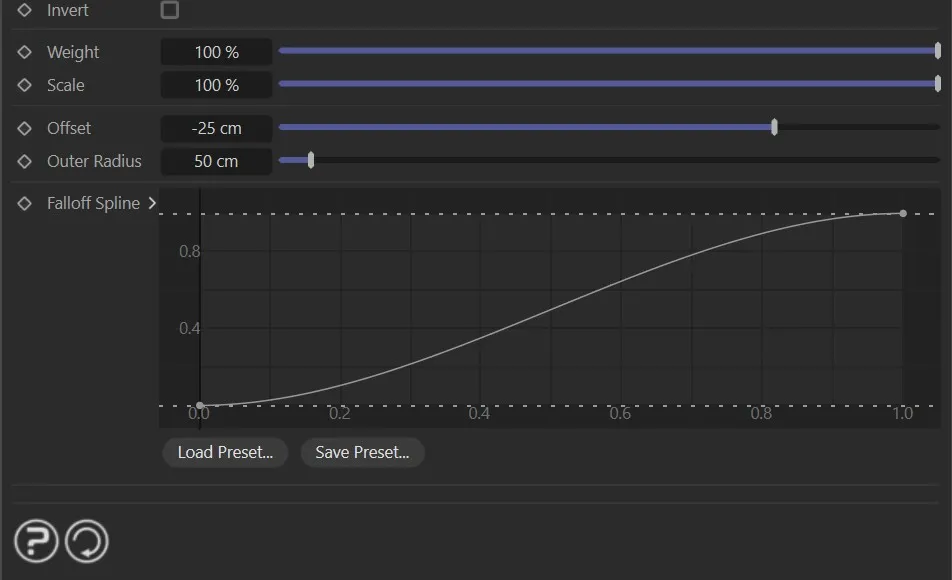
Invert
Section titled “Invert”Flips the falloff so that inside becomes outside.
Weight
Section titled “Weight”The overall output strength of the falloff (0 to 100%).
Uniformly scales the falloff shape.
Spline
Section titled “Spline”A curve that remaps the falloff profile, allowing hard edges, ease-in/out and other custom shapes.
Blend Mode
Section titled “Blend Mode”Controls how this nxFalloff combines with others in the same slot.
The available blend modes are Normal, Add, Subtract, Multiply, Difference, Screen, Overlay, Min and Max.
Blend Strength
Section titled “Blend Strength”The strength of the blend between this nxFalloff and others in the same slot.
Copyright © 2026 INSYDIUM LTD. All Rights Reserved.