

tfErosionThermalWeathering
tfErosionThermalWeathering simulates the realistic erosion of terrains.
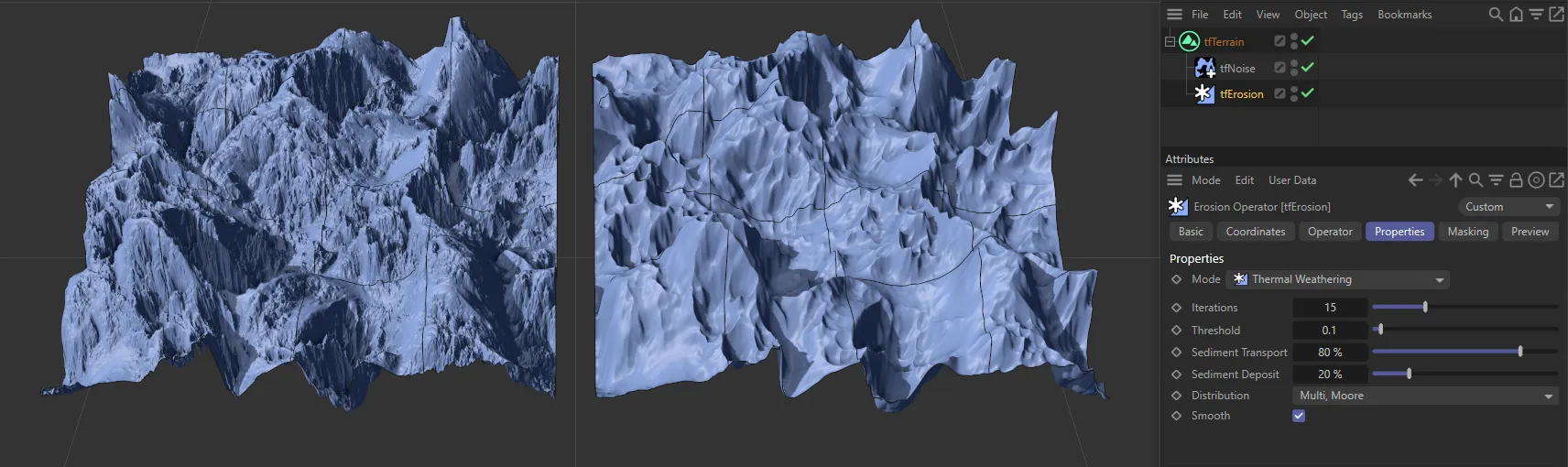
The terrain on the right is affected by the tfThermalWeathering, displaying a much smoother surface.
Properties
Section titled “Properties”This is set to Thermal Weathering, by default.
The other Modes settings are: Hydraulic (2D Particles), Hydraulic (X-Particles), Coastal and Snow.
These other modes are dealt with in more detail in their own dedicated pages.
Thermal Weathering
Section titled “Thermal Weathering”This mode simulates the natural phenomenon of rocks and landscapes changing with heat, causing crumbling and cracking and the displacement of sediment downhill, causing further erosion through abrasion.
Iterations
Section titled “Iterations”The erosion simulation is run multiple times on the terrain.
Each run will erode the terrain a little more. This is set to five times, by default.
This parameter is the most important one, regarding erosion strength and calculation time.
Larger values will erode more but take longer to calculate.
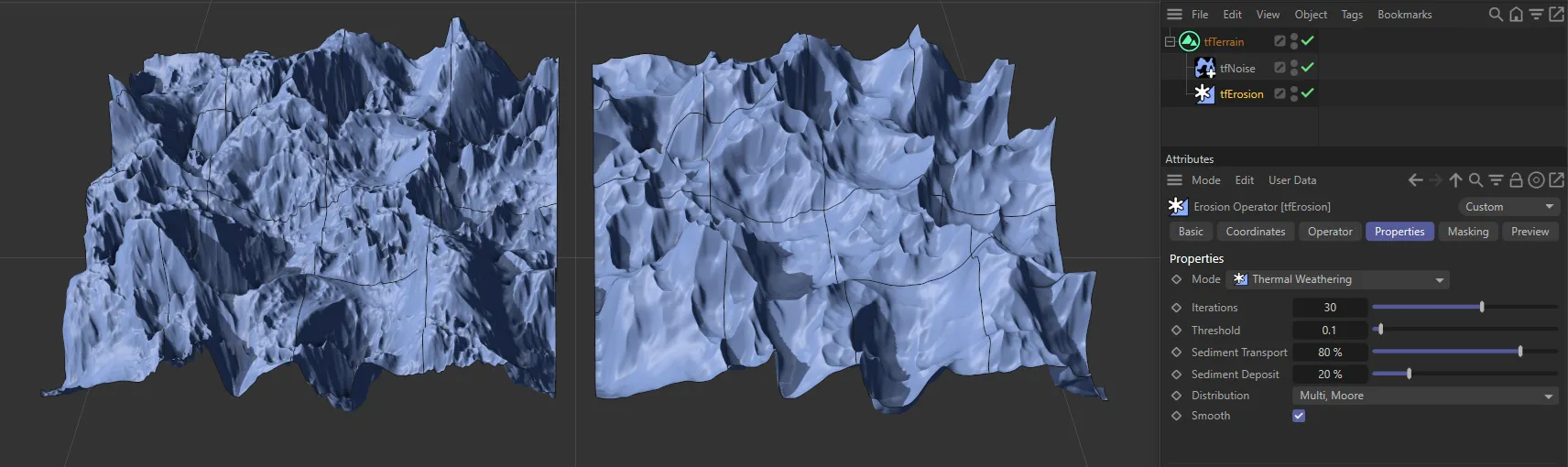
Iterations set at the default 5 on the left, compared to 30 times, on the right-hand terrain.
Threshold
Section titled “Threshold”Dictates at what slope angle the erosion will take place.
Smaller values will erode the terrain more equally, while larger values will only affect steeper slopes.
Sediment Transport
Section titled “Sediment Transport”This value defines the amount of movement of rock downhill.
Larger values will mean that more sediment has moved downhill, leaving less on mountain tops.
Sediment Deposit
Section titled “Sediment Deposit”Some of the sediment disappears while being transported downhill, while the remaining sediment is deposited on the lower ground.
This parameter controls how much of the sediment disappears.
While a value of 100% keeps all sediment and results in very soft results, a value of 0 (zero) % deposits none of the sediment, making mountains a lot thinner and filling no valleys.
Distribution
Section titled “Distribution”By default, this is set to Multi, Moore.
The other three possibilities are: Multi, Neumann, Single, Moore and Single, Neumann.
Multi, Moore
Section titled “Multi, Moore”Taking slightly longer to calculate, Multi-Moore searches North, South, East and West, as well as North-East, North-West, South-East and South-West, to deposit sediment taken from higher points to multiple-points downhill, producing outstanding results.
Multi, Neumann
Section titled “Multi, Neumann”Similar to Multi, Moore, but quicker as Multi, Neumann only searches the four points of North, South, East and West.
Single, Moore
Section titled “Single, Moore”Single-Moore searches North, South, East and West, as well as North-East, North-West, South-East and South-West, to deposit sediment taken from higher points to the lowest single point downhill.
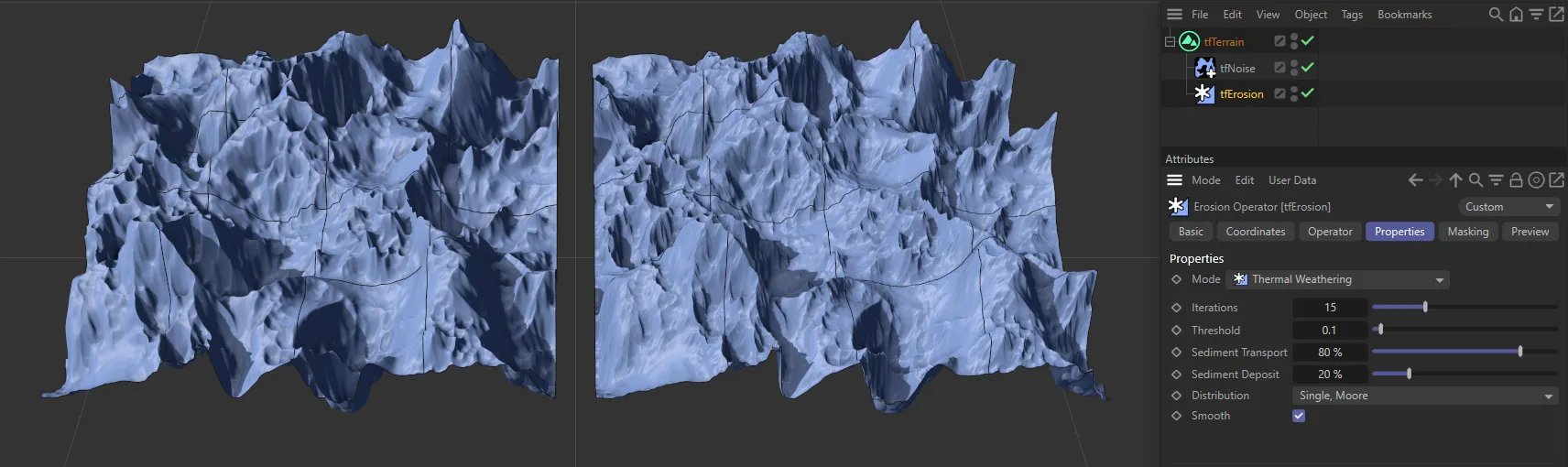
Distribution set as Single, Moore on the right*.*
Single, Neumann
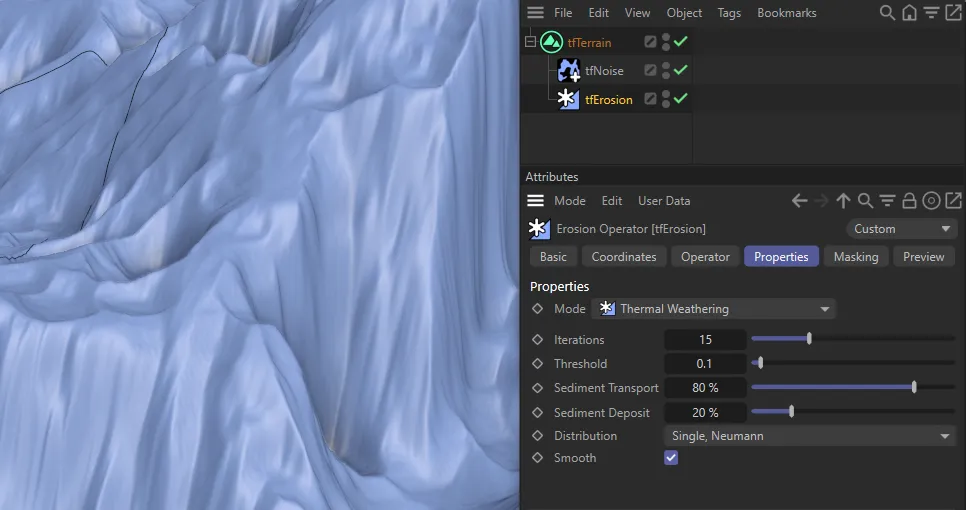
Section titled “Single, Neumann”Similar to Single, Moore except, again, only searching North, South, East and West.
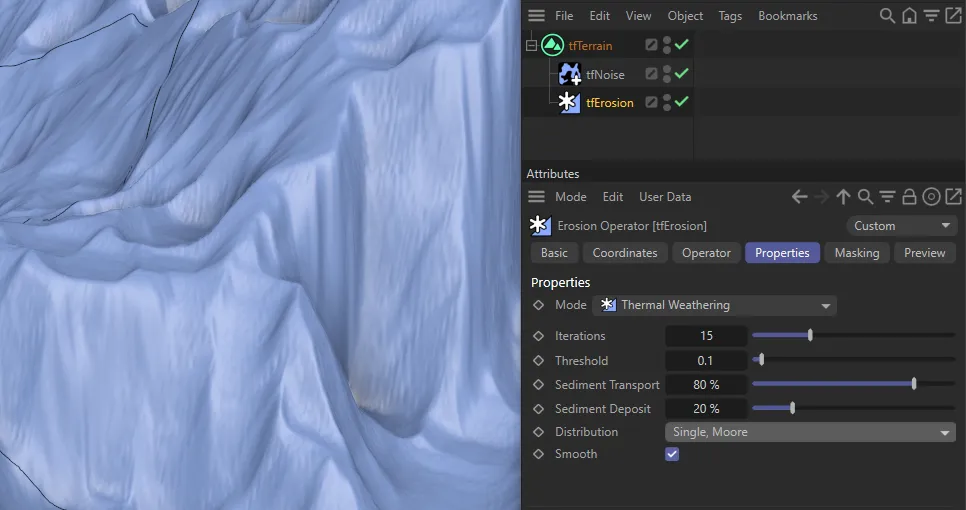
A contrast between Single, Moore (on the left) and Single, Neumann (on the right).
Smooth
Section titled “Smooth”When enabled, this smoothens out artifacts in the landscape.
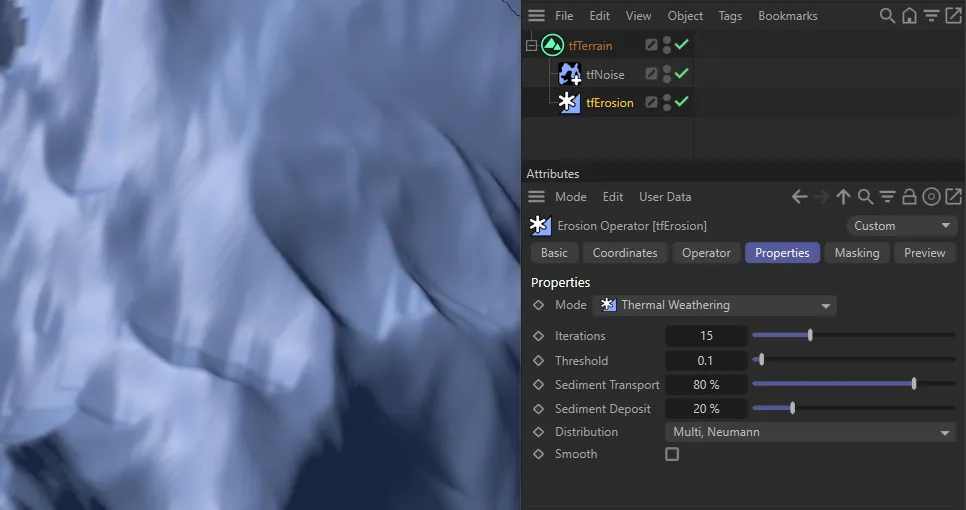
Smooth disabled.
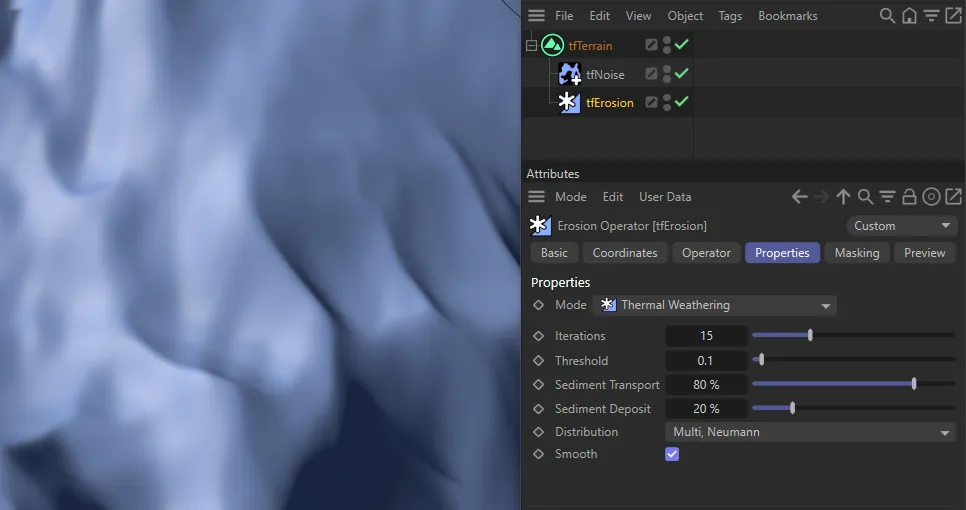
Smooth enabled.
Copyright © 2026 INSYDIUM LTD. All rights reserved.