

nxUpres
nxUpres interpolates the properties of source particles to destination particles. By using a low-particle count source, and a high count destination, this creates a form of ‘upscaling’ or ‘upresing’.
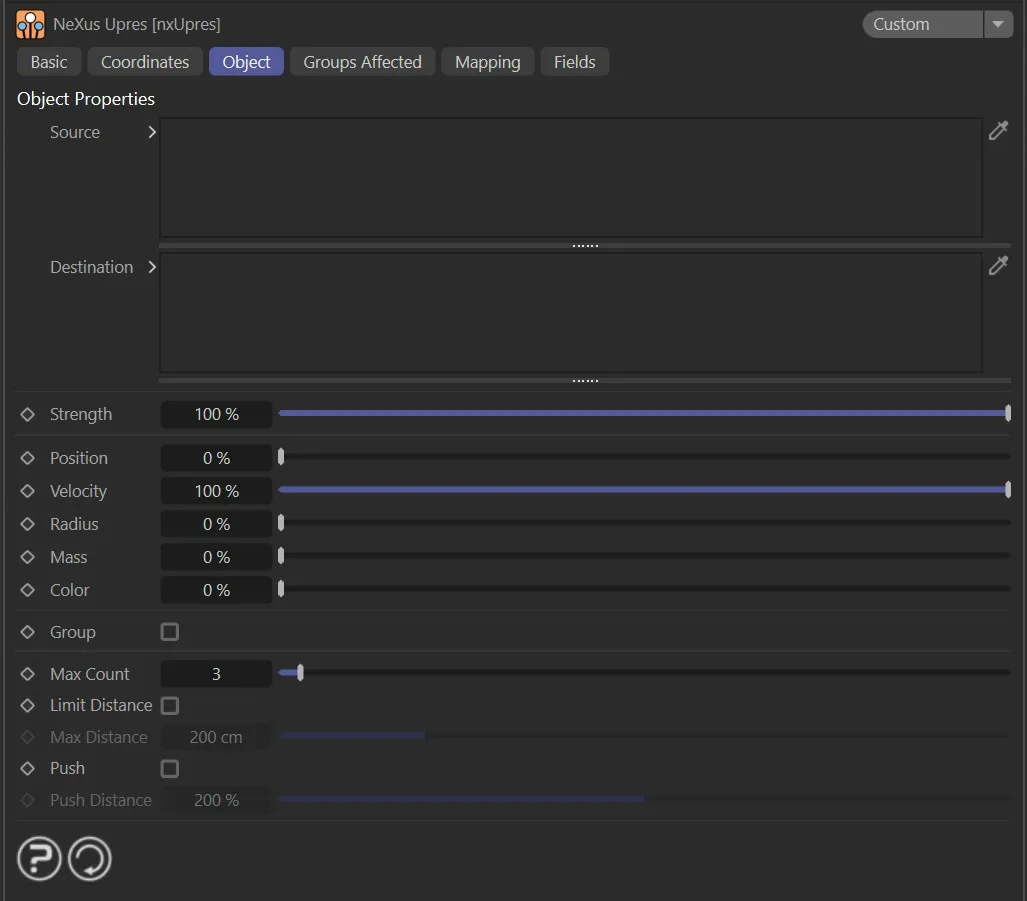
nxUpres UI settings.
Source
Section titled “Source”The source emitters that will be used to transfer particle properties to the destination emitters’ particles for the upres.
These are generally a lower count source (low resolution image).
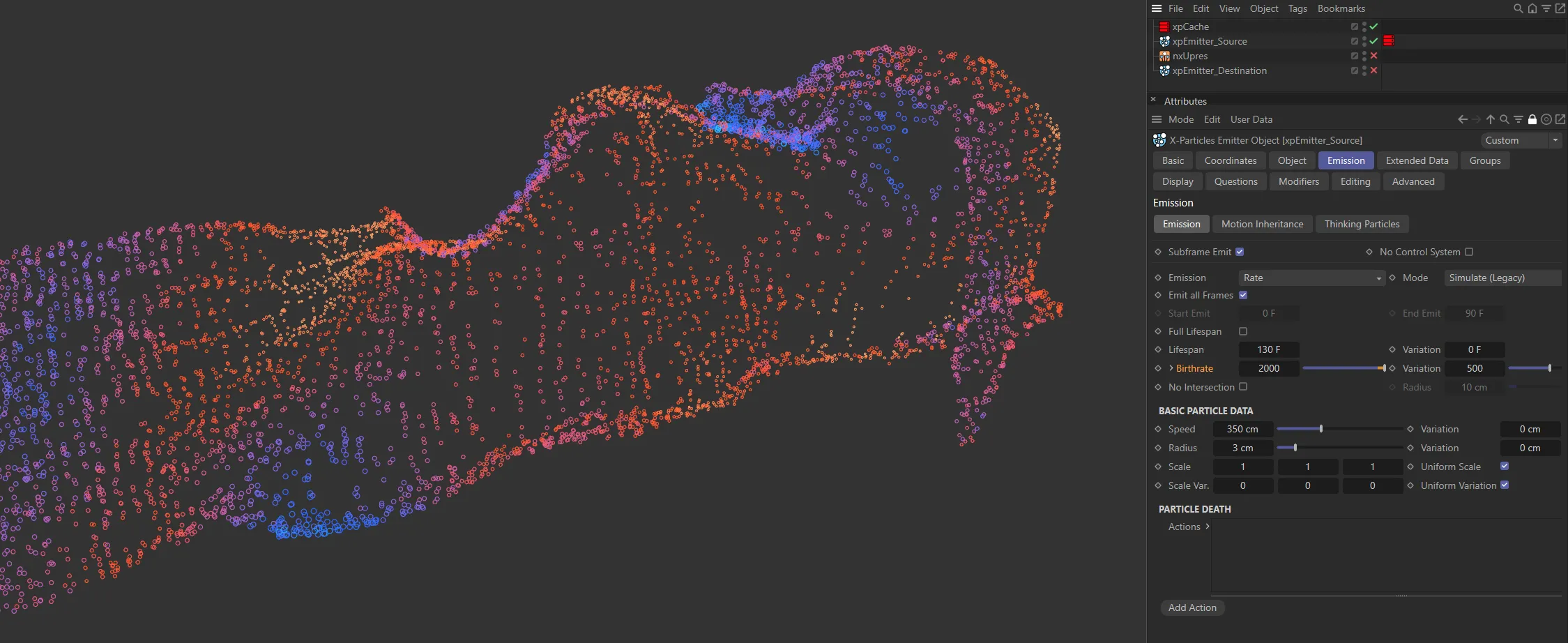
These source particles have a Birthrate of 2000 (from a cached scene).
Destination
Section titled “Destination”The destination particles to map the interpolated/upres/upscaled properties onto.
Generally, these are higher count particles (the high resolution output).
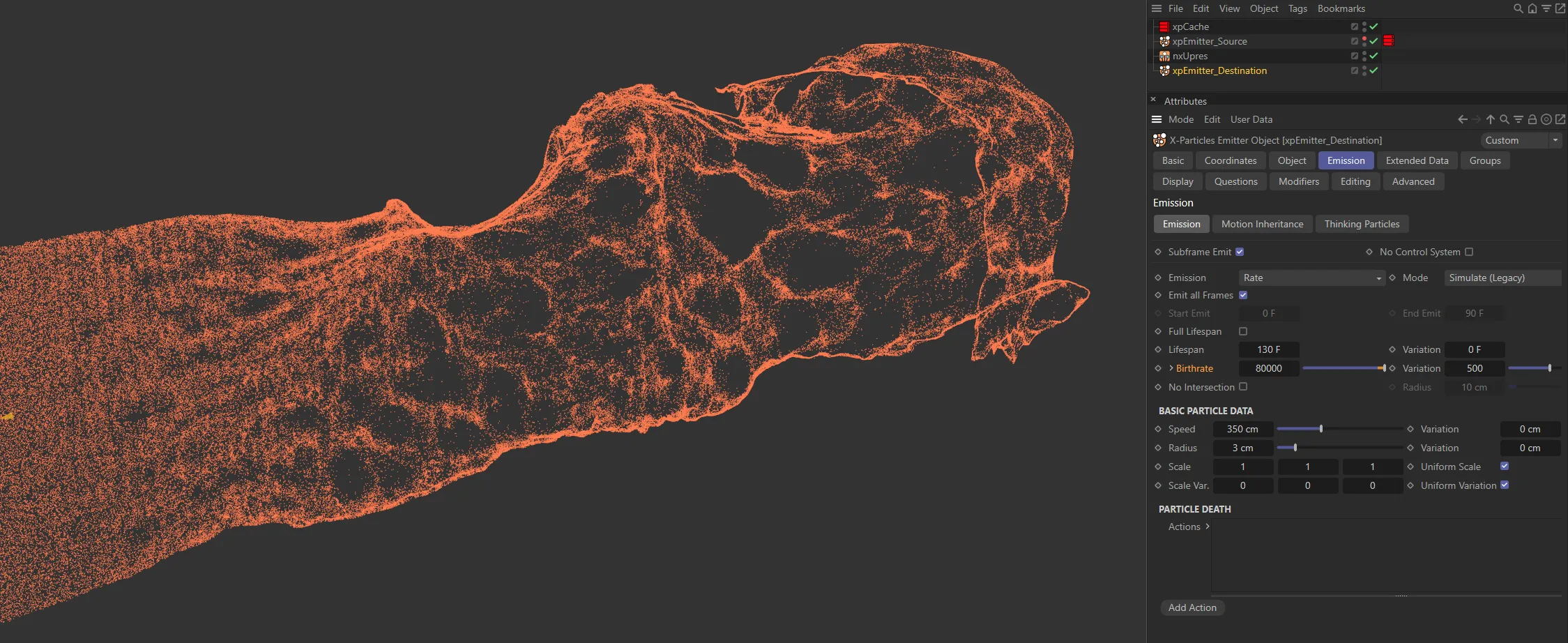
Here are the destination particles, which have been ‘upresed’; the Birthrate is 80000, which results in a much higher resolution simulation, while retaining the effect from the base cache.
Position, Radius, Color, Velocity, Mass, Group
Section titled “Position, Radius, Color, Velocity, Mass, Group”Each property has a slider controlling how strongly that property is interpolated from the source particles onto the destination particles.
A value of 0 applies no influence; a value of 100% fully maps the source property onto the destination.
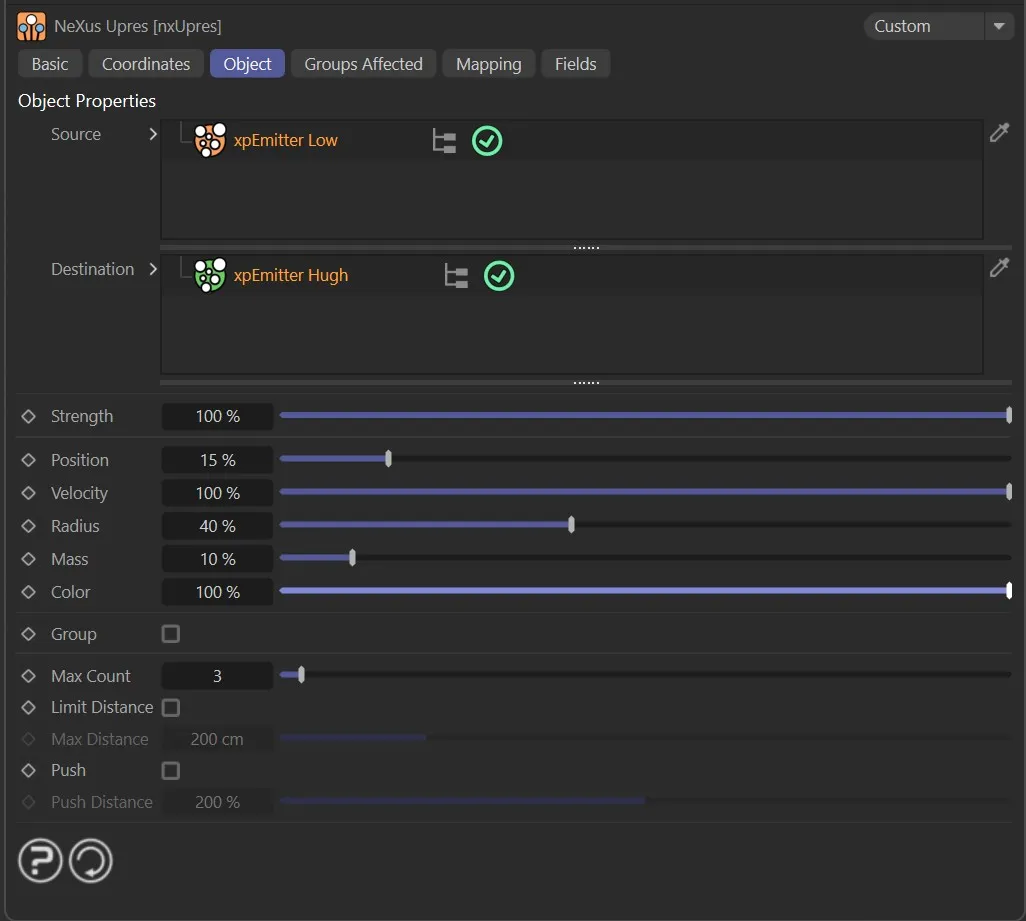
With Position, Radius, Color and Velocity set to full strength, the destination particles are inheriting those properties from the xpEmitter_Source settings.
Strength
Section titled “Strength”Set at 100%, by default, this is how strong the result onto the destination should be.
At 100%, it will completely take over the destination particles’ properties, that are enabled (selected).
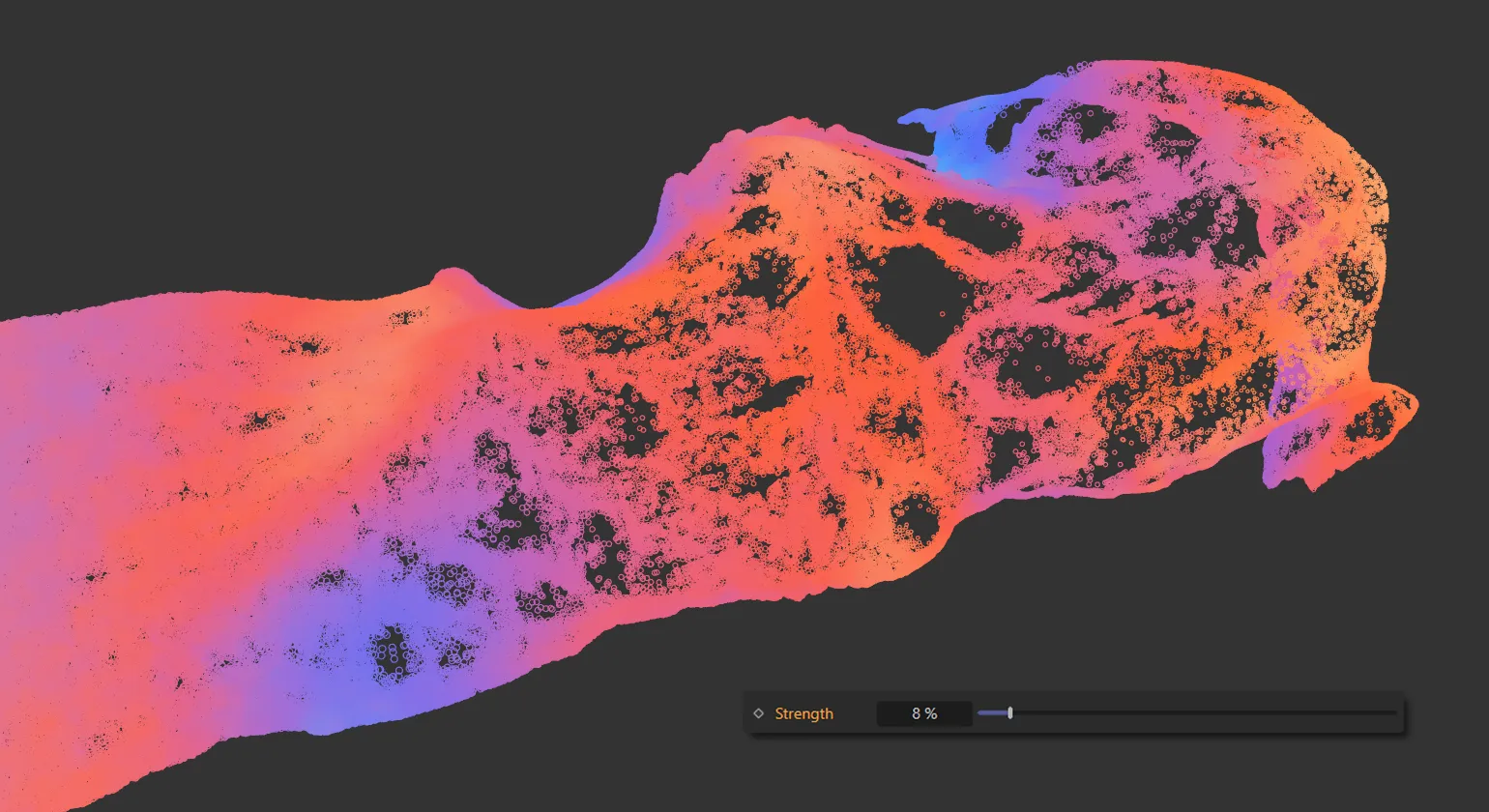
A Strength value of 8% on the destination particles.
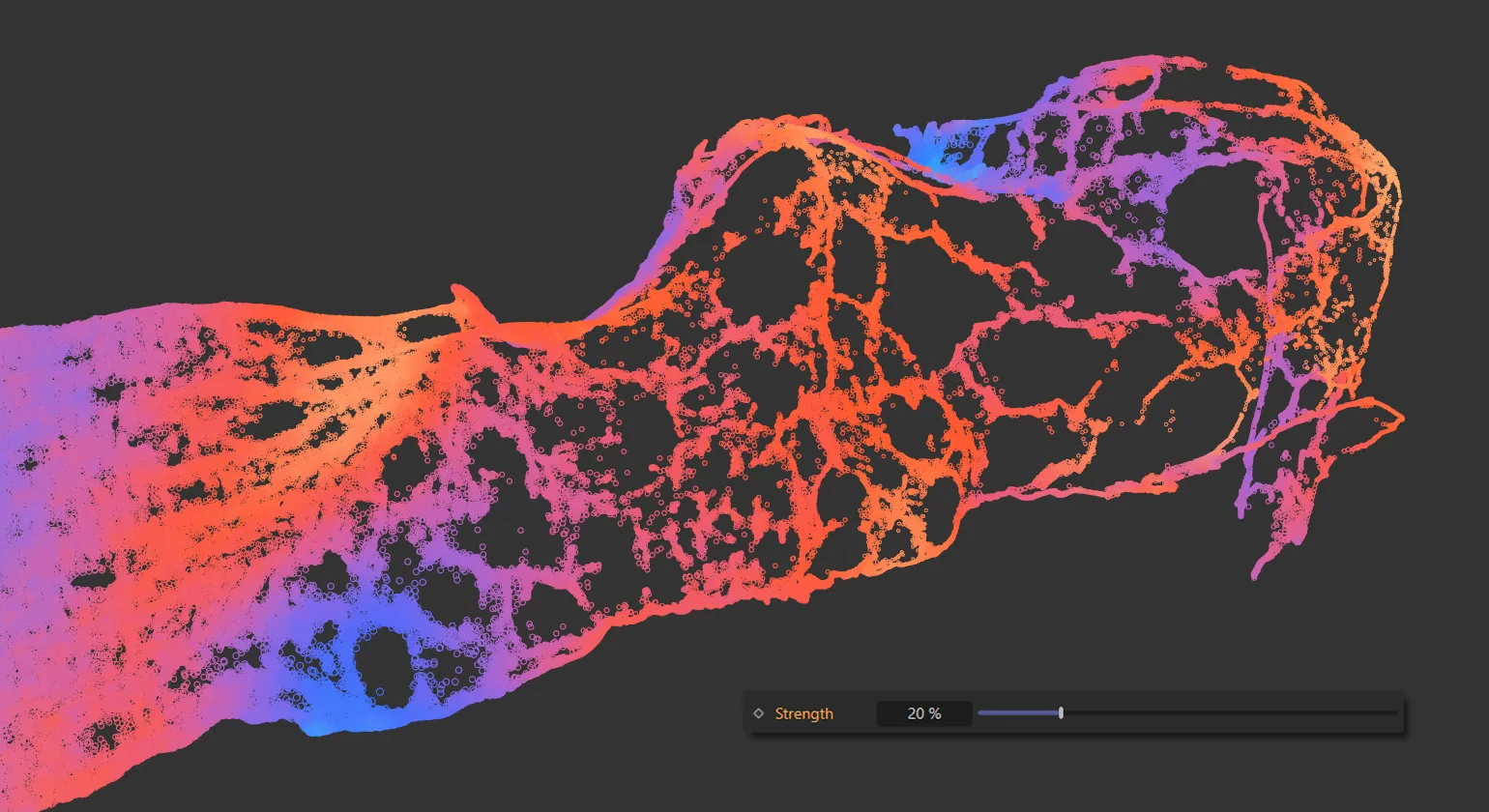
Strength raised to 20%.
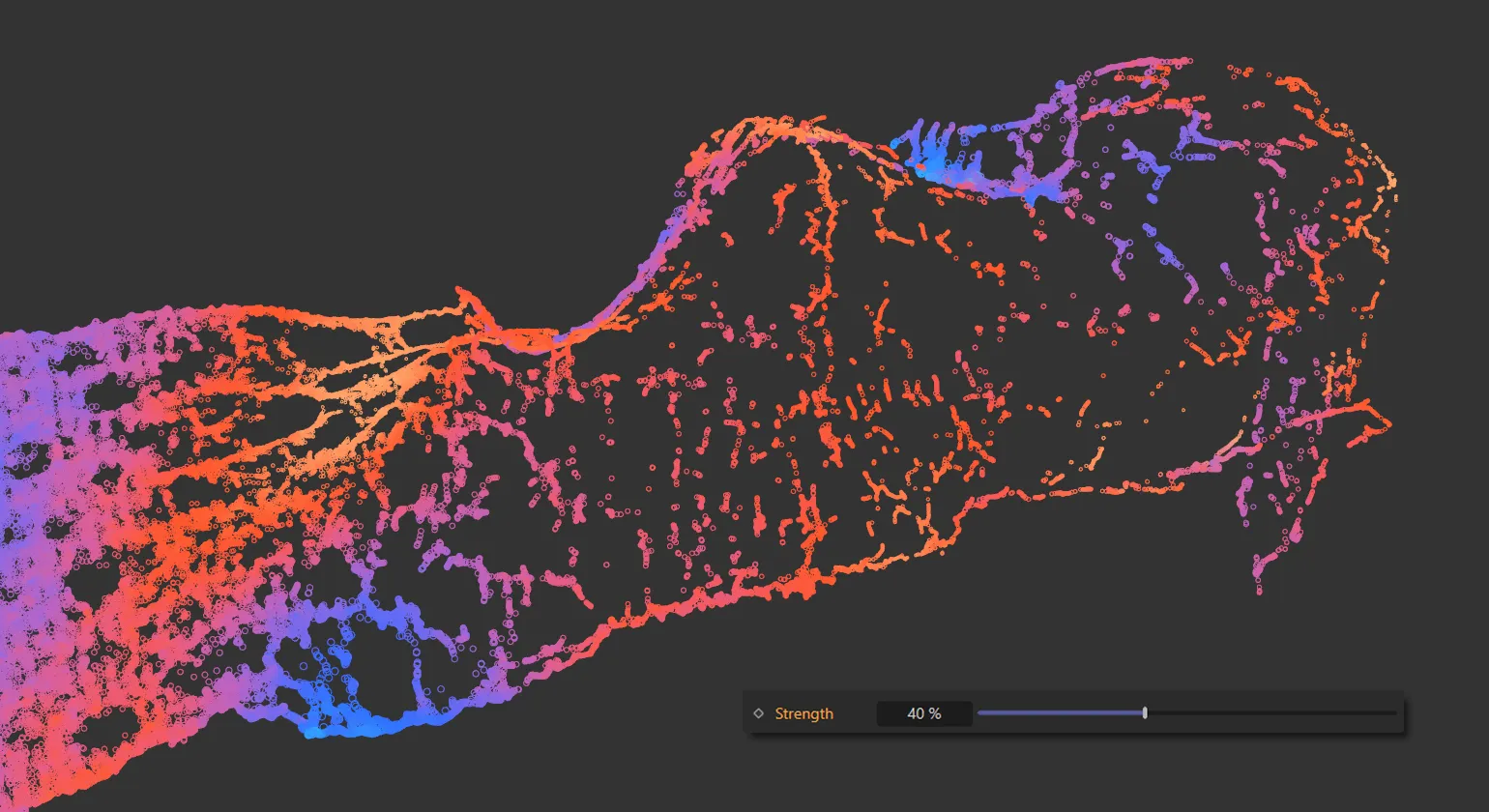
Finally, here the Strength has been increased to 40%.
Max Count
Section titled “Max Count”The ‘upres’ needs source particles, these are found by taking the closest Max Count setting to a destination particle.
This is the maximum number of source particles used for a single destination particle to map (upres) the property.
The higher the count, the slower the result and the more blurred the result (if a destination pixel is interpolated from many sources it will become a more diffuse average of the source).
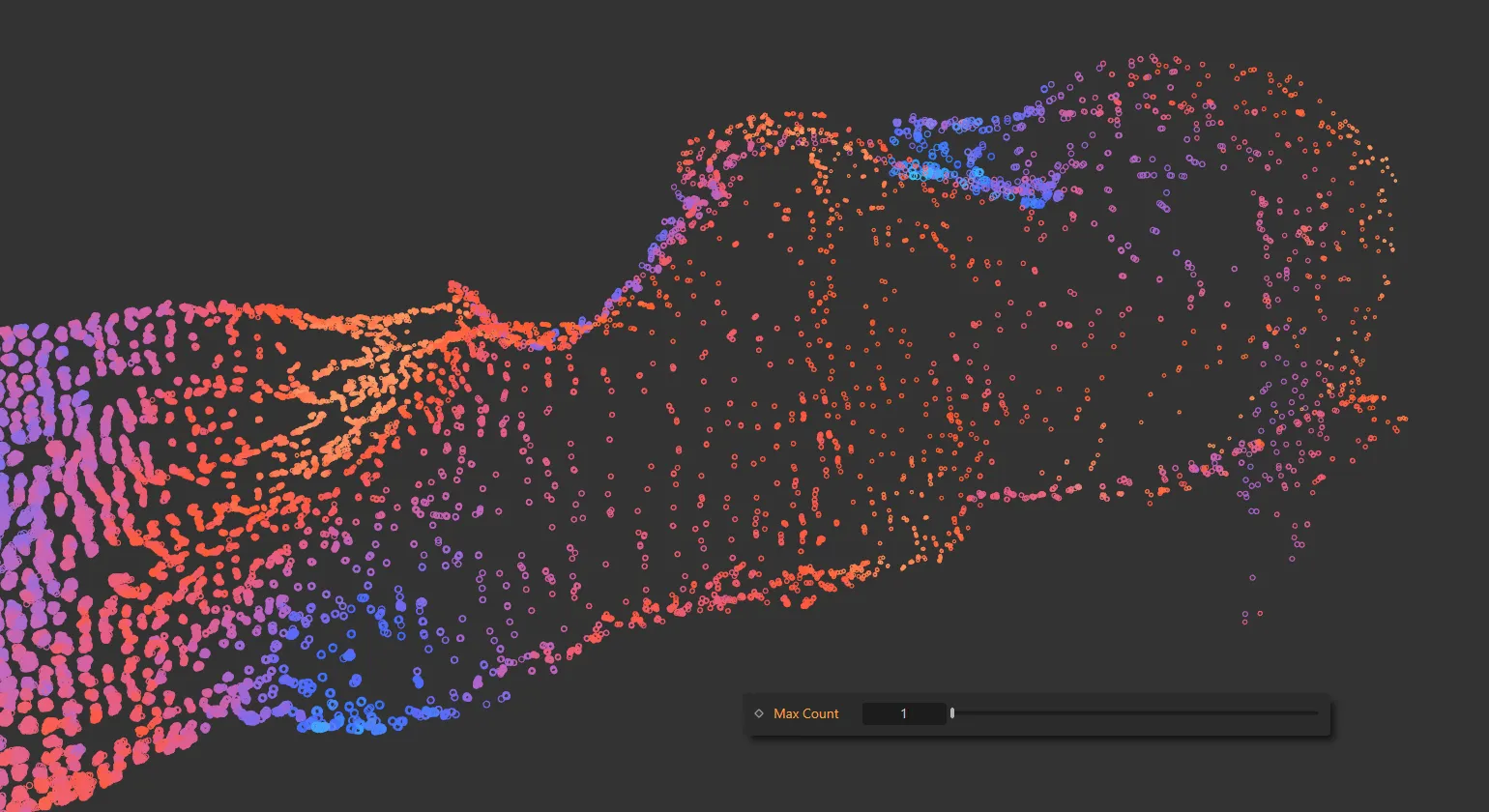
The Max Count on the destination particles is 1.
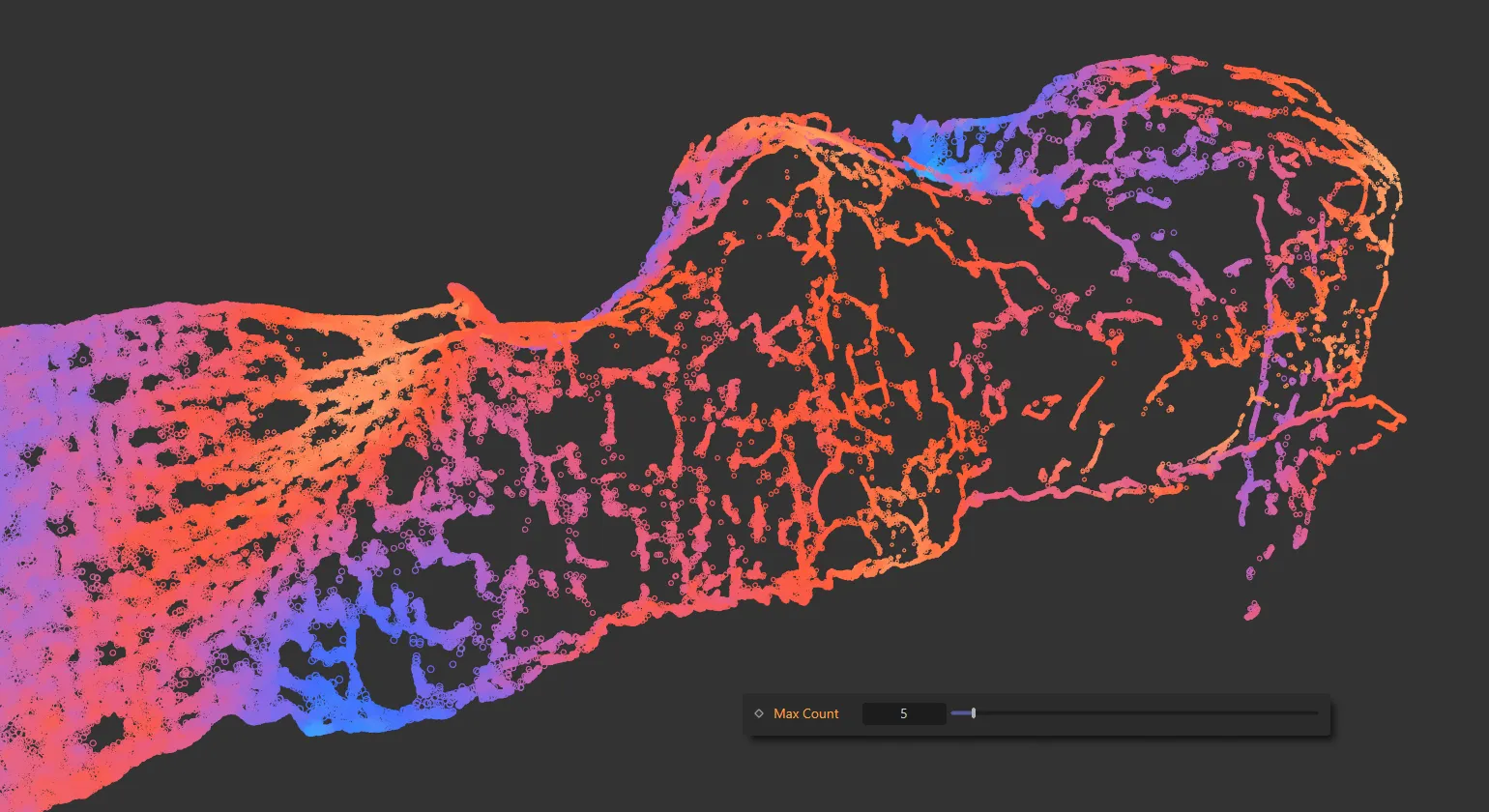
Max Count increased to 5.
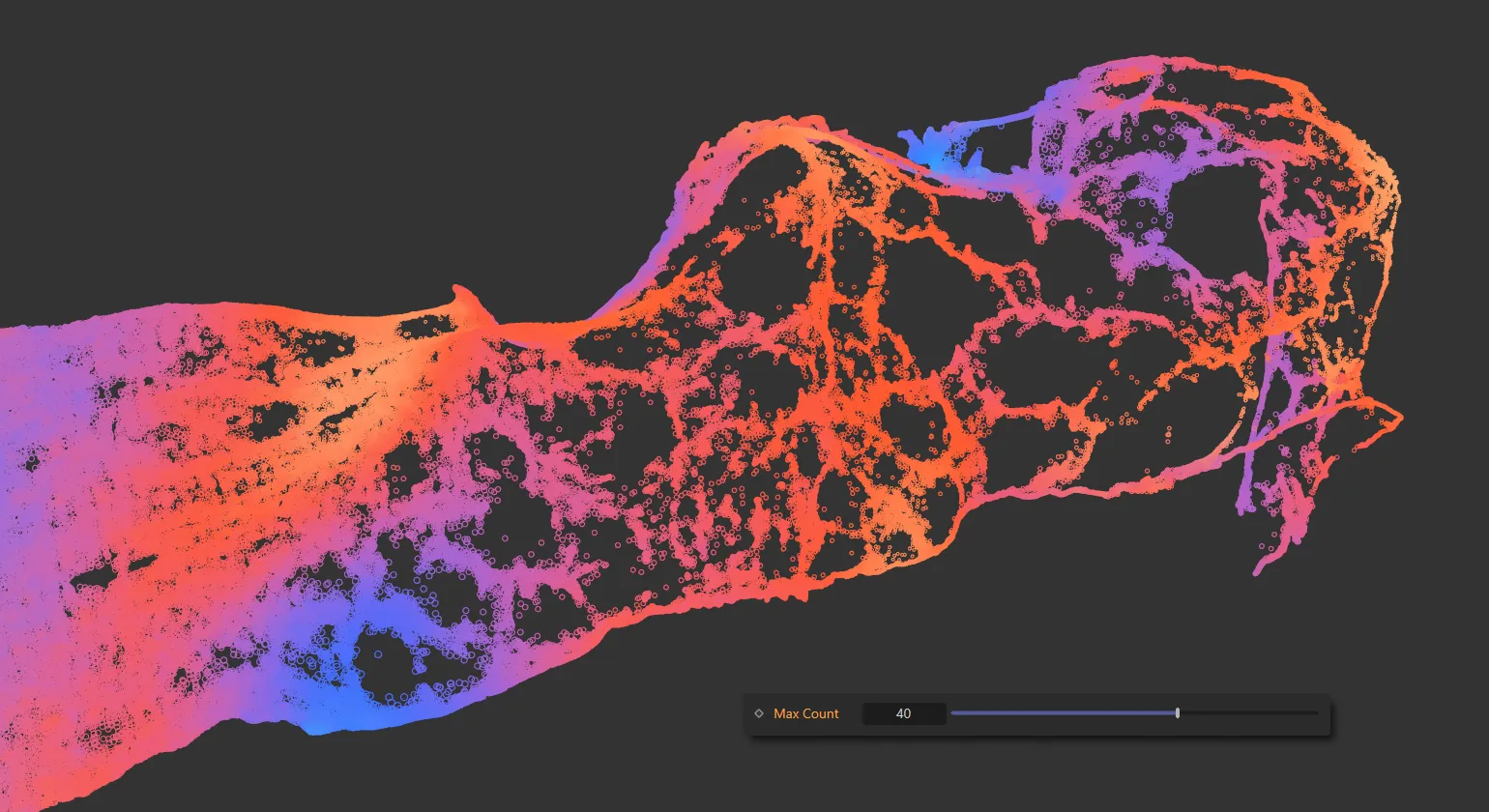
In this final image, the Max Count is 40.
Limit Distance
Section titled “Limit Distance”Limits how far away from the source particle the destination particles can be when searching for the Max Count.
When enabled, the Max Distance parameter will become available.
Max Distance
Section titled “Max Distance”The maximum distance set that the destination particles can be, when Limit Distance is enabled.
As the motion from the source particles can cause destination particle to move along very similar path, they may collapse in towards the flow of the sources.
Enabling this parameter helps to maintain some spacing between the destination particles and may help to sustain some volume.
Push Distance
Section titled “Push Distance”The spacing distance set between the destination particles, when Push is enabled.
Groups Affected tab
Section titled “Groups Affected tab”Groups
Section titled “Groups”To specify the group, drag and drop the desired Group object into this field.
This setting is useful if you want to ensure that the spawned particles are, or are not, affected by nxUpres.
Mapping tab
Section titled “Mapping tab”The modifier’s settings can be mapped to particle data.
Use the dedicated manual page, below, for instructions on how this works.
Fields tab
Section titled “Fields tab”You can use the Fields options to control where nxUpres operates.
Copyright © 2026 INSYDIUM LTD. All Rights Reserved.