
xpExplosiaFX Collider
If you want the simulation to collide with other objects, those objects must have the xpExplosiaFX Collider tag attached to them.
A standard X-Particles Collider tag will not work.
Tag Properties
Section titled “Tag Properties”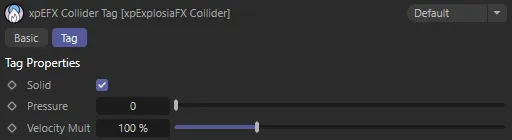
xpExplosiaFX Collider tag menu settings.
Check this box if the collision object is a closed volume.
If using a thin surface such as a Plane object, uncheck it.
Pressure
Section titled “Pressure”Pressure will, in effect, push the fluid away from the collider object (sometimes this has to be of very high value).
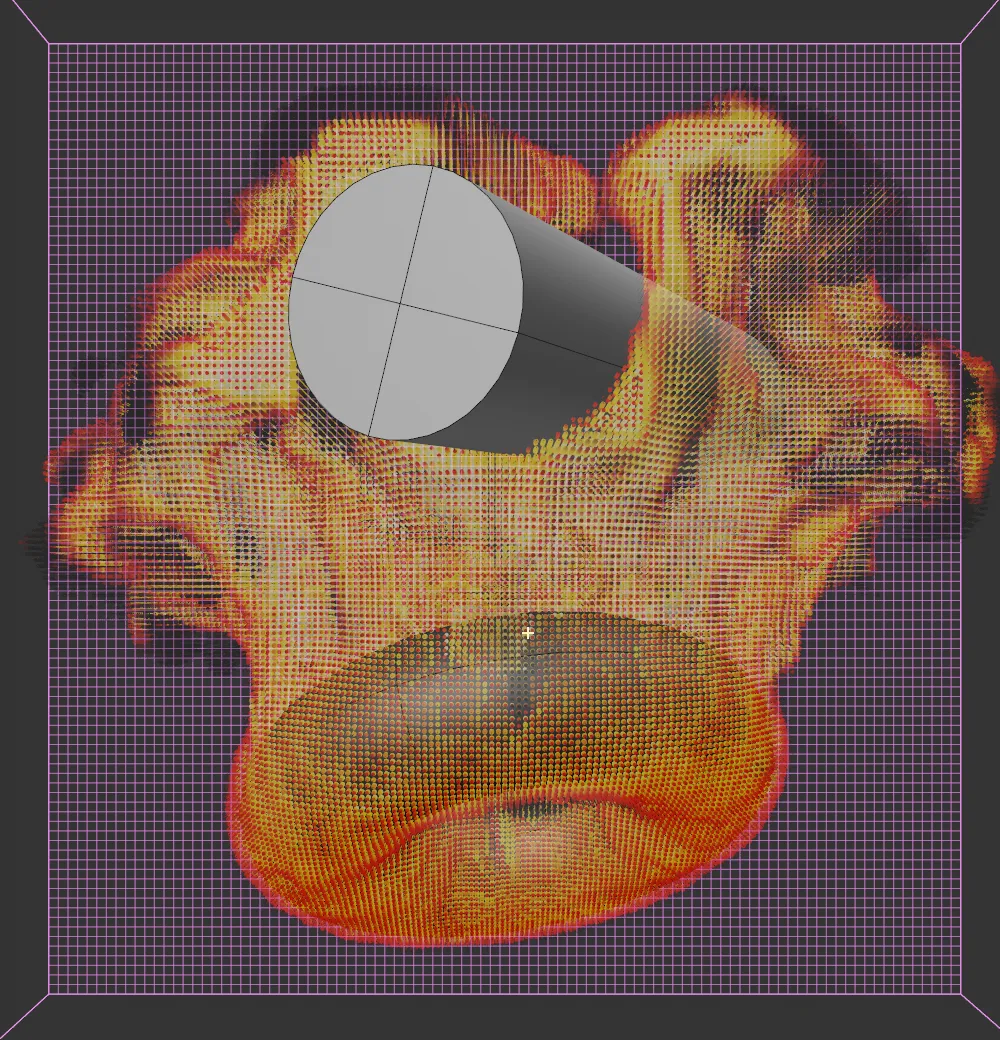
Pressure set at 0 (zero).
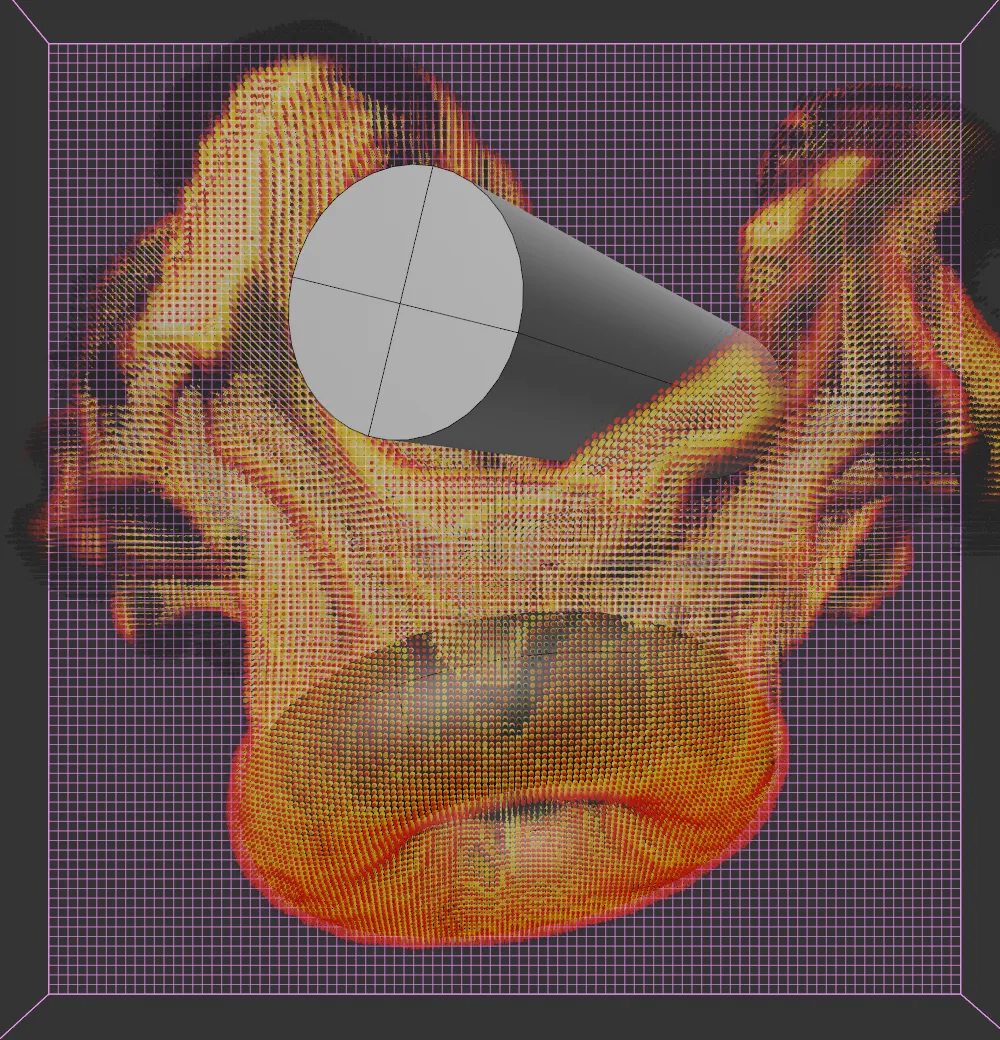
Pressure raised to 50.
Velocity Mult
Section titled “Velocity Mult”Velocity multiplication increases the velocity of the collision object, when it is moving, and passes that in to the solver.
Copyright © 2026 INSYDIUM LTD. All rights reserved.