
Wave driver
The Wave driver changes an objects parameters using periodic waveform functions.
Object Properties
Section titled “Object Properties”
The effect of the Wave driver on a Cube, in conjunction with the Position parameter.
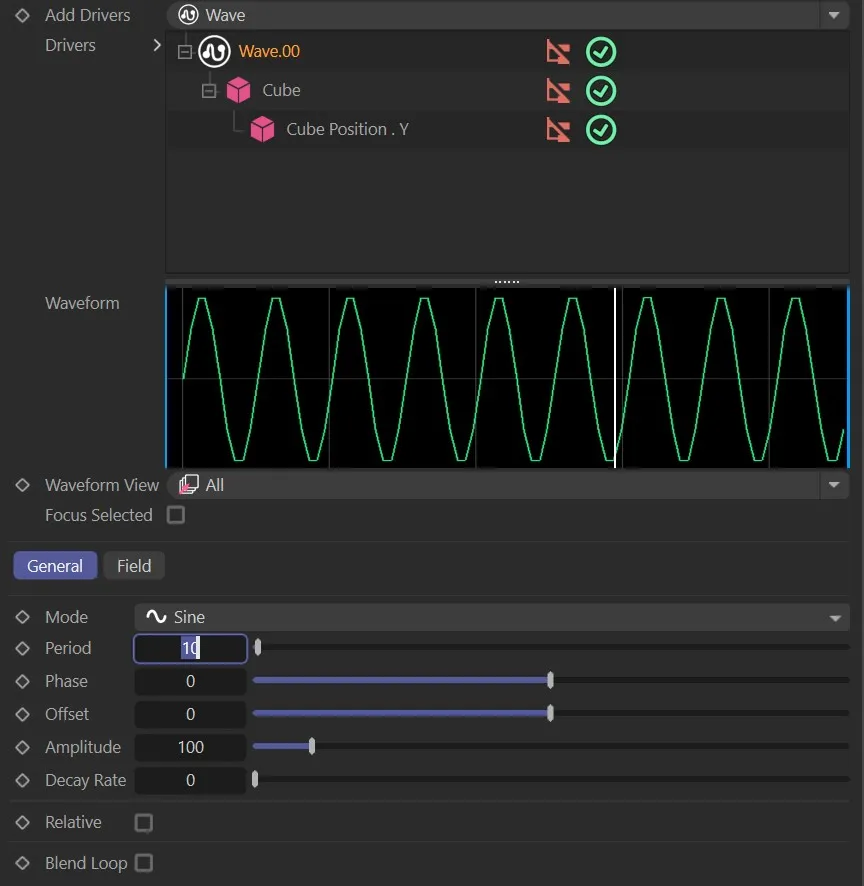
Illustration of the Waveform graph.
There are six wave types to choose from. Sine, Gaussian, Triangle, Ramp, Square and Pulse.
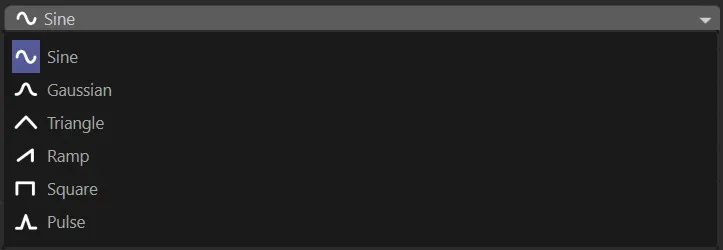
The six wave types in the Mode drop-down menu.
Adds a Sine wave function.
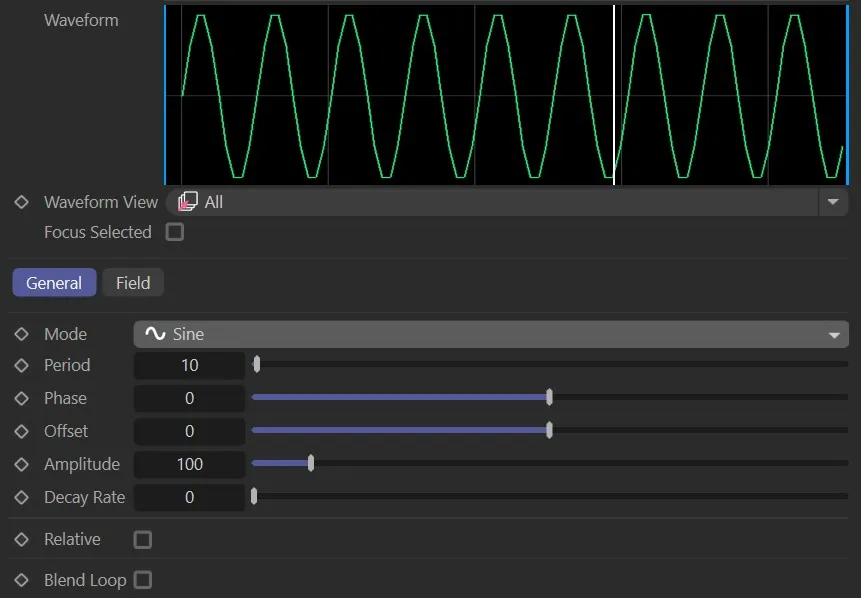
With Mode set to Sine.
Gaussian
Section titled “Gaussian”Adds a Gaussian wave function.
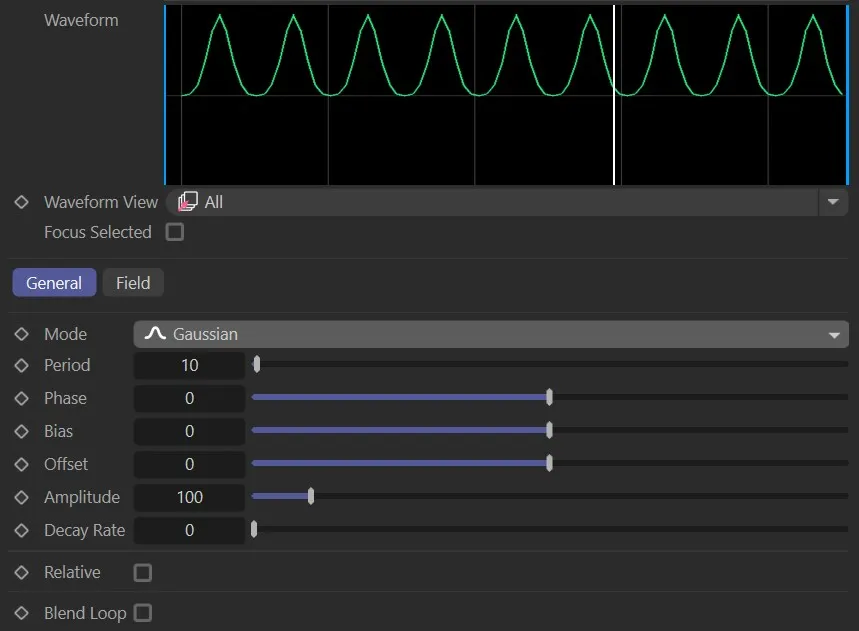
Mode set to Gaussian.
Triangle
Section titled “Triangle”Adds a Triangle wave function.
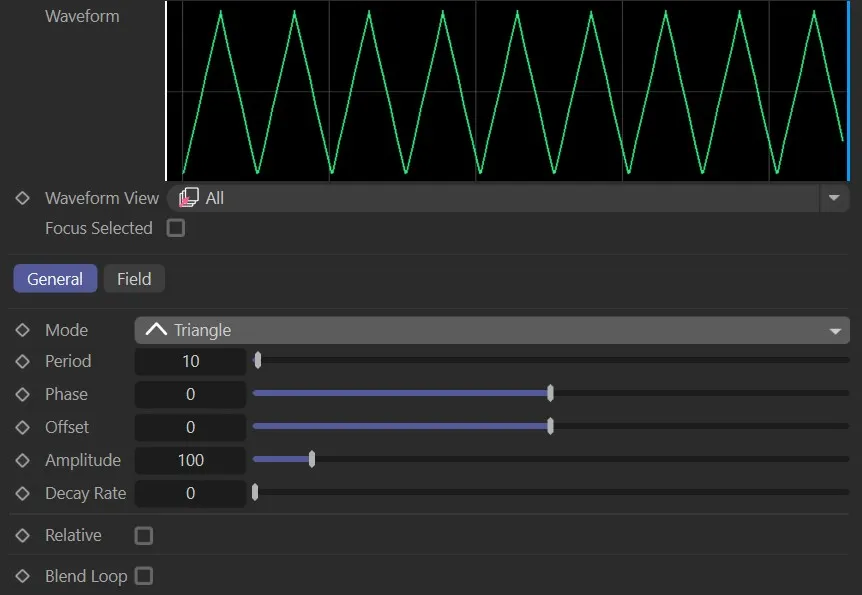
Mode set to Triangle.
Adds a Ramp wave function.
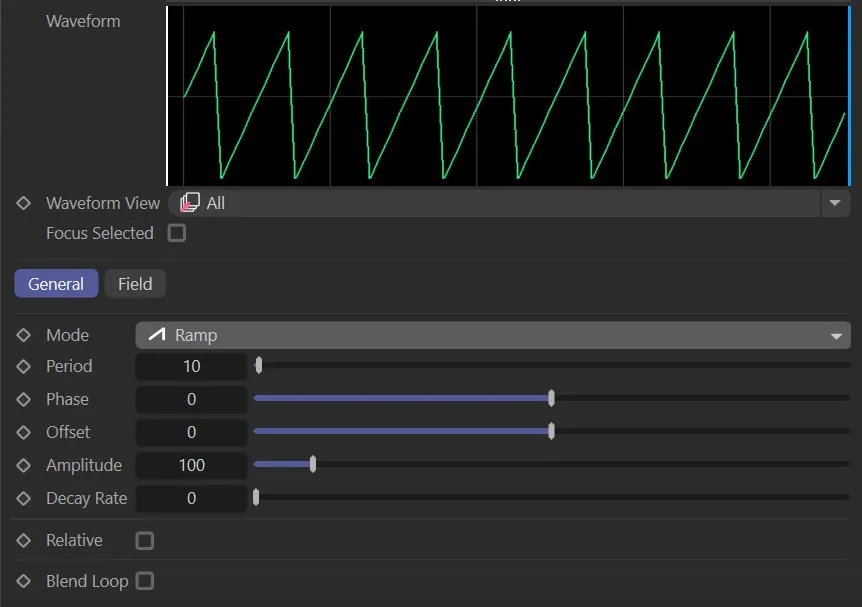
Mode set to Ramp.
Square
Section titled “Square”Adds a Square wave function.
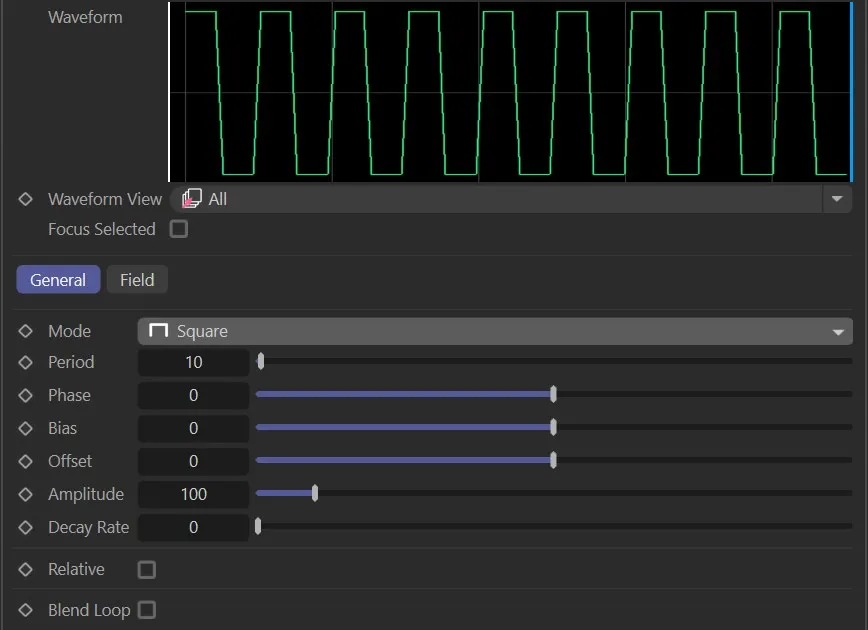
Mode set to Square.
Adds a Pulse wave function.
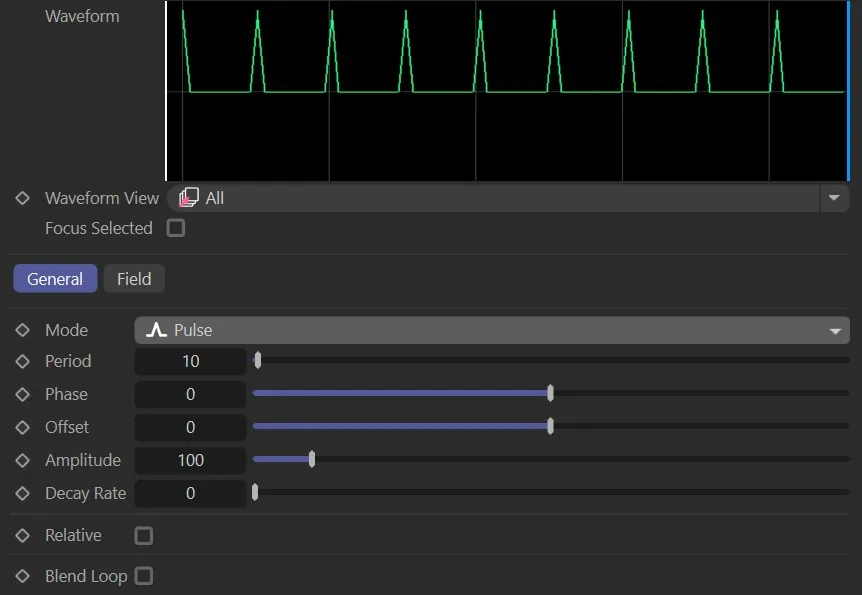
Mode set to Pulse.
Period
Section titled “Period”The period (count) of the waves.
Animation to show the effect of the Period parameter.
Offsets the ‘phase’ of the waves.
Here, the Phase parameter slider effect is illustrated.
Offset
Section titled “Offset”Offsets the base of the wave.
In this animation, the Offset slider is manipulated, with the effect shown on the Cube.
Amplitude
Section titled “Amplitude”Increases the amplitude of the wave.
Animation to demonstrate the effect of the Amplitude slider.
Decay Rate
Section titled “Decay Rate”Lessons the value of each consecutive wave.
Here, the Decay Rate slider is increased and decreased, with the resulting effect on the waves.
Relative
Section titled “Relative”The effect of the wave is added to the original value the parameter had before it was placed under a driver.
Additional option
Section titled “Additional option”Found in modes Gaussian and Square.
Bias of the waveform.
Animation to demonstrate the Bias setting.
Copyright © 2026 INSYDIUM LTD. All rights reserved.