
Value driver
This driver sets the driven parameter to precisely match the specified value in the Value option.
Object Properties
Section titled “Object Properties”
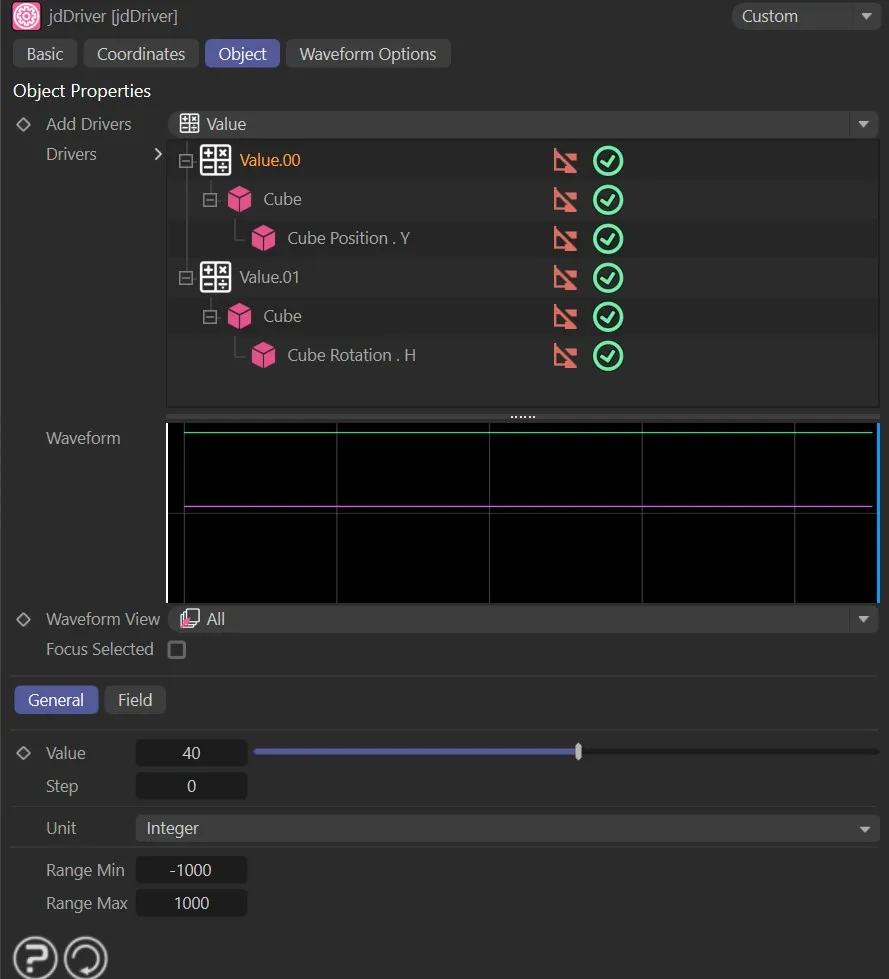
The Value driver settings.
The value which is used to drive the parameter.
Animation to demonstrate the effect of the Value parameter.
Offers finer control of the Value steps.
Set as Integer, by default, this is the unit of the value.
The other options are: Percent, Meter, Float, Integer and Degree.
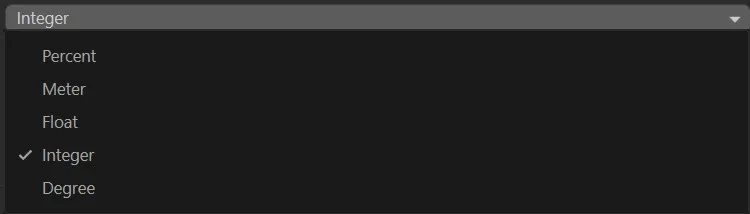
The Unit drop-down menu options.
Range Min
Section titled “Range Min”The minimum value that is to be shown on the value slider.
Range Max
Section titled “Range Max”The maximum value that is to be shown on the value slider.
Copyright © 2026 INSYDIUM LTD. All rights reserved.