
Color driver
The Color driver changes a color value based on various different color modes and applications.
Object Properties
Section titled “Object Properties”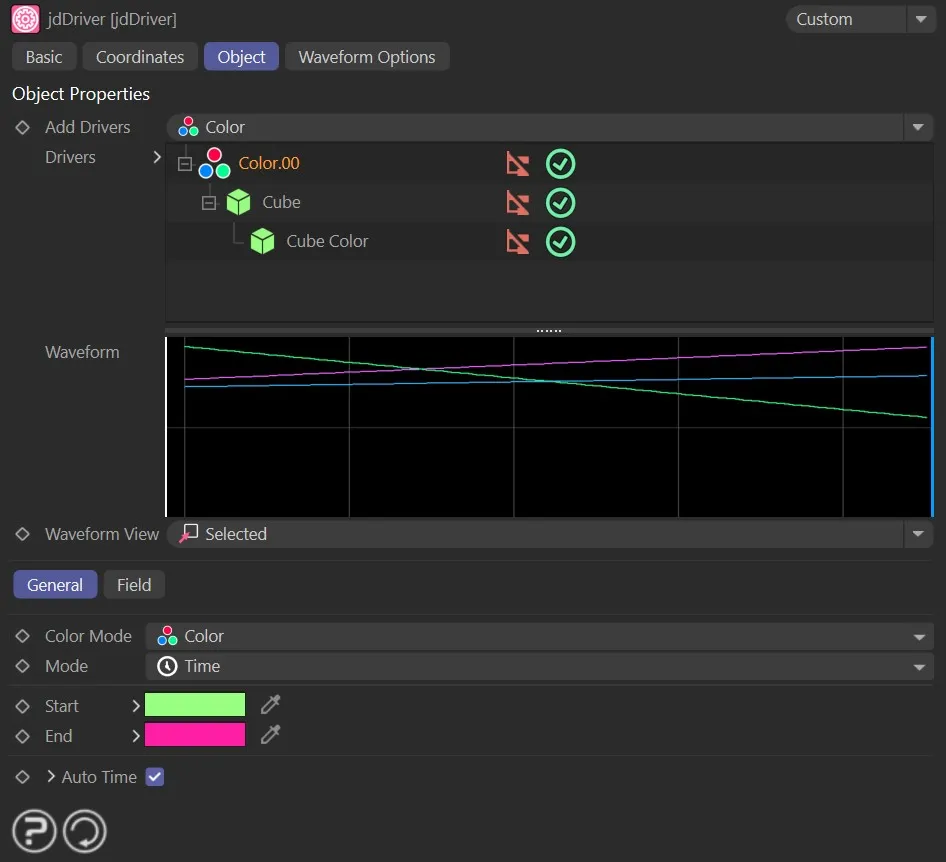
The Color driver settings.
Color Mode
Section titled “Color Mode”This driver has two Color Mode settings: Color and Gradient.
The user can toggle between the Color and Gradient color modes.

The Color driver settings in Color mode.
Color mode
Section titled “Color mode”This modifies the color based on a Start color and an End color.
The results vary based on the specific mode that is chosen.
Selection between different applications of the color driver, using: Time, Cycle and Random.
The color will change over a time setting.
The Color driver in Time mode.
The color will change based on the cycle determined by a Waveform setting over the Timeline set.
The Color driver in Cycle mode set to “Cycle” 4 times.
Random
Section titled “Random”The color will change randomly between the color swatches selected, determined by the Speed setting.
The Color driver in Random mode set to Speed 10.
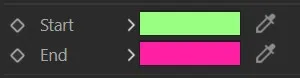
The default Start and End colors.
The initial color value for the driver to use.
The end color for the driver to use.
Gradient mode
Section titled “Gradient mode”The modification of the color is driven by a user-created gradient.
The default is displayed below; the colors and the node locations can be fully customized, as well as the addition or subtraction of nodes.
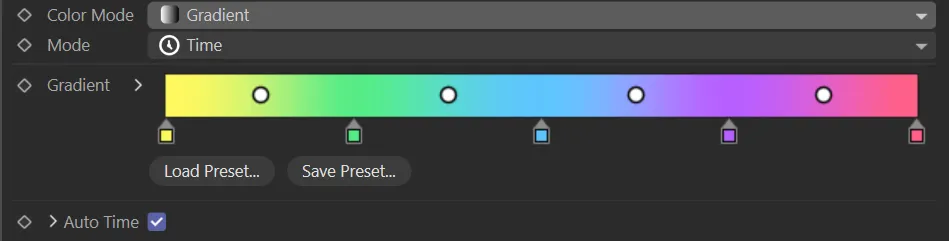
The Color driver settings in Gradient mode.
Selection between different applications of the color driver, using: Time, Cycle and Random.

The Color driver Modes.
Gradient
Section titled “Gradient”A visual, editable field for selection and customization of the gradient that is to be used for this driver.
Auto Time
Section titled “Auto Time”When enabled, the end frame and loop time will automatically match the length of the timeline.
This parameter only becomes available in the Random mode setting.
The higher the Speed value, the faster the color will ‘randomly’ change, according to the Waveform selected.
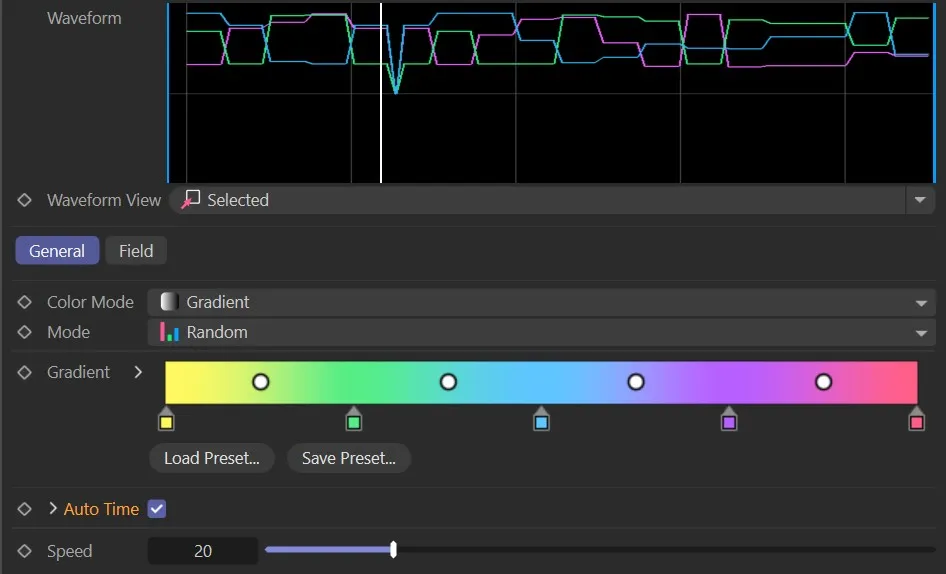
The Color driver Gradient speed.
Copyright © 2026 INSYDIUM LTD. All rights reserved.