

nxVorticity
nxVorticity amplifies the natural swirling motion already present in your NeXus particles, building rolling currents and eddies into a flow.
It looks at the velocities of nearby particles and reinforces the small rotations between them, so fine detail that would otherwise fade builds into visible swirls. It is most useful on dense, fluid-like flows, such as an nxFluids liquid, where it keeps the surface alive with rolling eddies instead of letting it settle flat.
Add it from Add ▸ INSYDIUM NeXus ▸ Modifiers ▸ nxVorticity. It arrives as an empty. nxVorticity has no direction of its own, so you do not need to aim the empty. All of its settings live in Properties ▸ Physics.
A body of liquid poured around Suzanne. nxVorticity amplifies the swirl in the flow, keeping the surface churning with rolling eddies instead of settling flat.
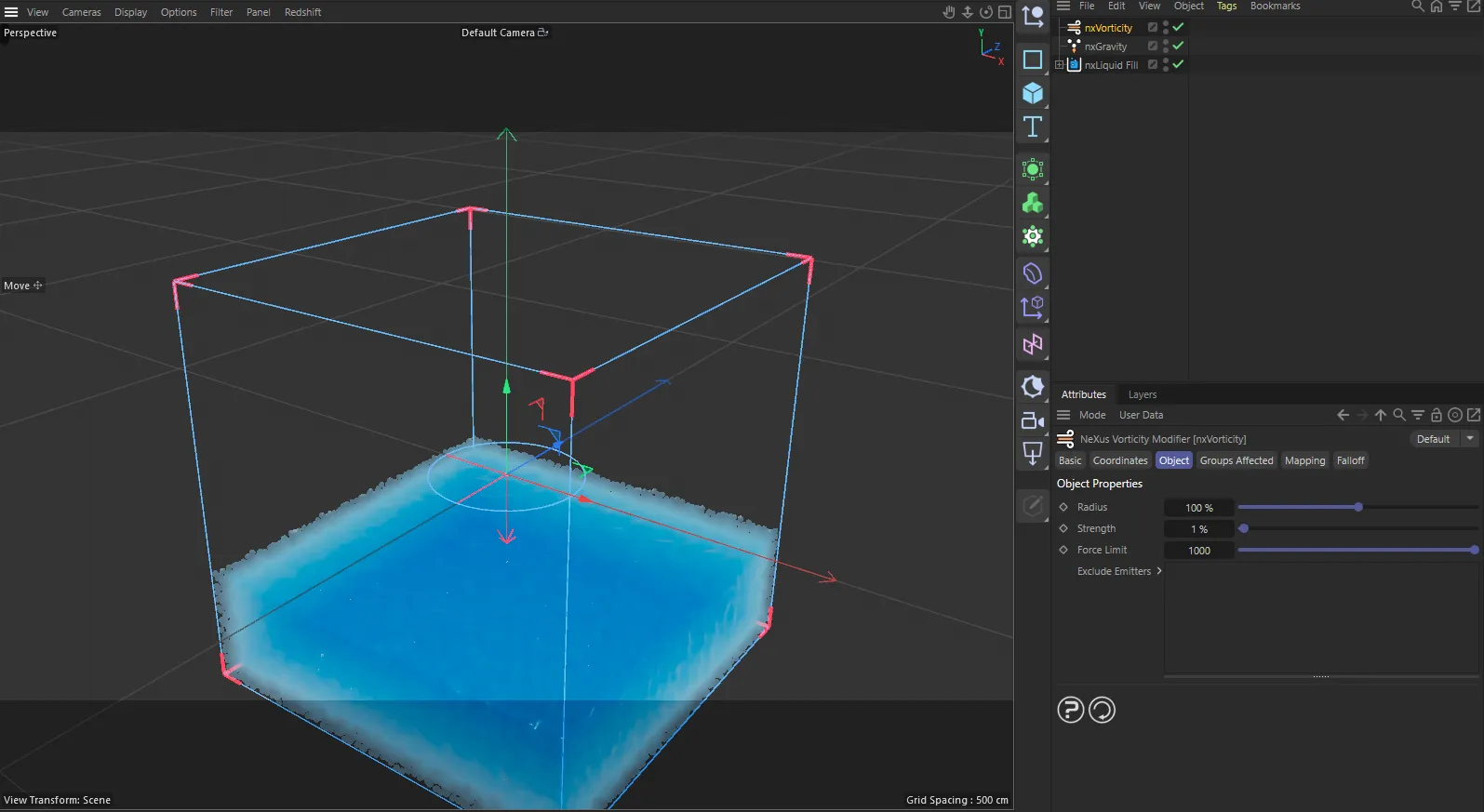
nxVorticity in Cinema 4D. Its settings sit in the Attribute Manager.
Object Properties
Section titled “Object Properties”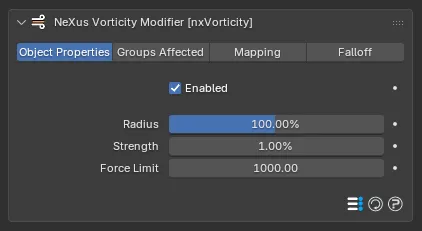
The nxVorticity panel in Properties ▸ Physics, on the Object Properties tab.
Enabled
Section titled “Enabled”Turns nxVorticity on or off. Disable it to switch off its force without deleting it.
Radius
Section titled “Radius”Sets how far each particle looks for neighbors when working out the swirl. The velocities of every particle inside this radius feed the vorticity force. Defaults to 100%.
At lower values the simulation is quicker and you get many small, separate pockets of swirling. Above 100% the swirls become larger and smoother.
100%
300%
The Radius is 100%, on the left, and 300%, on the right, at a matching Strength. The smaller radius breaks the surface into many small, tight swirls. The larger one gathers them into broader, smoother motion.
Strength
Section titled “Strength”Sets how strongly nxVorticity reinforces the swirling. Defaults to 1%. Raise it for more pronounced eddies.
Because the force builds up over time, high values can run away. Use Force Limit to keep it in check.
0%
8%
Only the Strength changes here. At 0% the pour’s ripples spread and fade, leaving a calm surface. At 8% nxVorticity keeps the whole pool churning, rolling the surface into restless swirling eddies.
Force Limit
Section titled “Force Limit”Caps the force the effect can build up, clamping the result of Strength so the swirling stays under control. Defaults to 1000.
Groups Affected
Section titled “Groups Affected”Use the Groups Affected tab to restrict nxVorticity to particles in specific nxGroup groups, rather than affecting every particle.
Mapping
Section titled “Mapping”Use the Mapping tab to drive nxVorticity’s settings from particle data instead of fixed values, so a particle’s own attributes can change the vorticity it feels. See Mapping for how this works.
Falloff
Section titled “Falloff”Use the Falloff tab to limit where nxVorticity acts. Add one or more nxFalloff objects to the list and blend them, so the swirling only affects particles inside the falloff region.
Copyright © 2026 INSYDIUM LTD. All Rights Reserved.